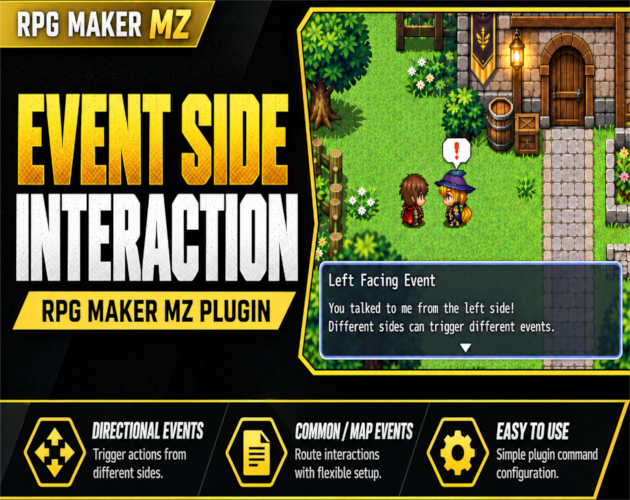
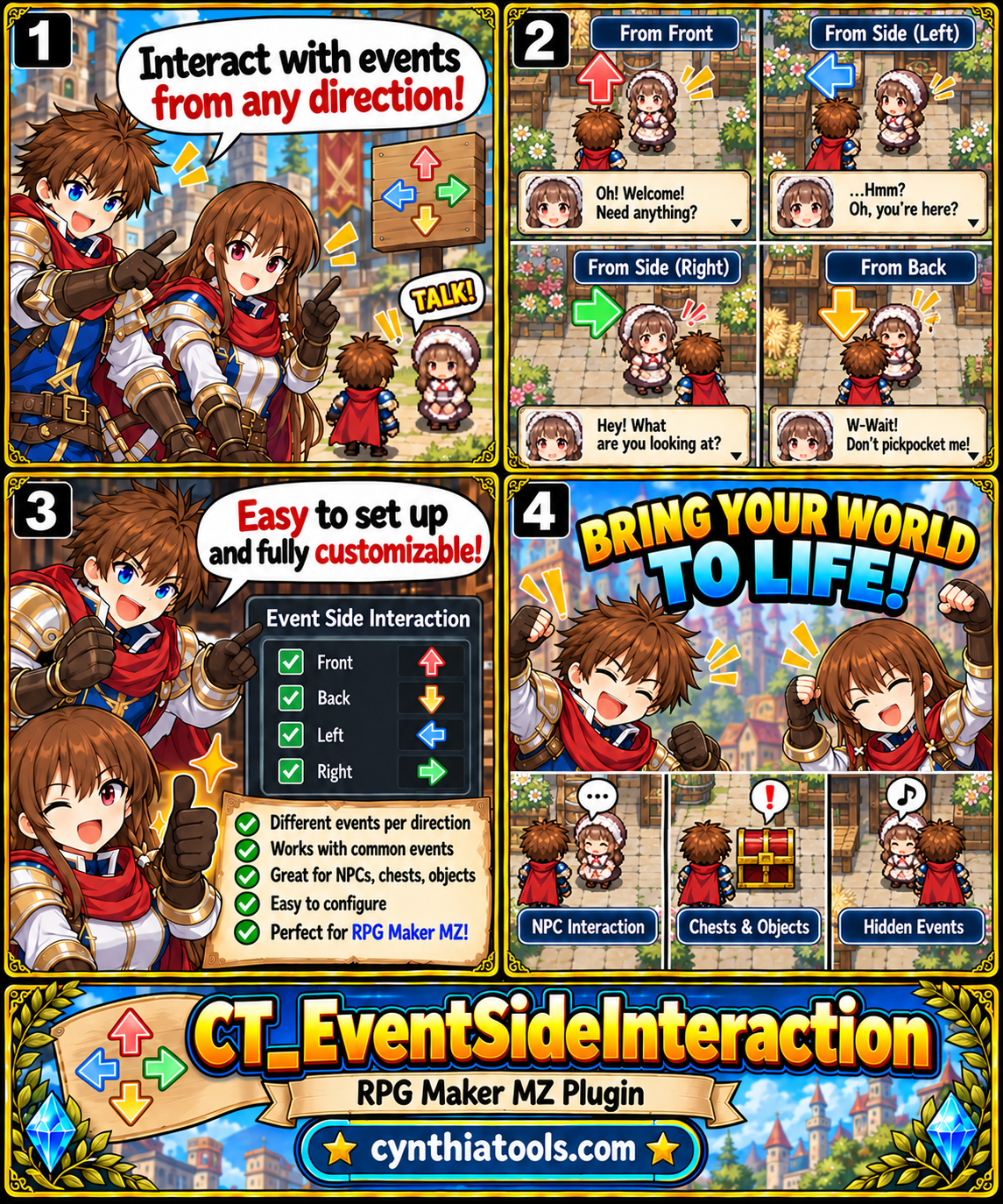
CT Event Side Interaction is an RPG Maker MZ plugin that lets one map event react differently depending on whether the player interacts from the Front, Back, Left, or Right.
Instead of building large conditional-branch setups, you can route each side directly to a Common Event, another Map Event on the current map, or no action at all. It is useful for directional NPC dialogue, interactive objects, puzzles, shops and counters, stealth mechanics, hidden interactions, and other position-sensitive event logic.
Key Features
- Detect Front, Back, Left, and Right interaction relative to the event's facing direction
- Assign a different action to every side
- Route to Common Events
- Route to Map Events on the current map
- Set any side to None when no action is needed
- Preserve the event's facing direction from the start of interaction
- Use the target Map Event's current active page
- Work naturally with switches, variables, Self Switches, and normal event page conditions
- Support keyboard and gamepad Action Button interaction
- Support mouse/touch interaction while the player is cardinally adjacent
- Block routing a dispatcher event back into itself to prevent loops
- No external dependencies
- Simple Plugin Command setup
How It Works
Place the Directional Interaction Plugin Command on the active page of the map event that should act as the dispatcher.
Configure an action for each side:
Front → Common Event, Map Event, or None
Back → Common Event, Map Event, or None
Left → Common Event, Map Event, or None
Right → Common Event, Map Event, or None
When the player interacts with the event, the plugin checks the player's position relative to the direction the event was facing when interaction began, then runs only the action assigned to that side.
Example
An NPC could be configured like this:
Front → Map Event #10
Back → Common Event #5
Left → Map Event #11
Right → Common Event #8
Approaching the same NPC from a different side can therefore trigger a completely different interaction.
Direction Is Relative to the Event
Front, Back, Left, and Right are not fixed map directions.
They rotate with the event's facing direction. If the event turns around, its Front changes with it.
RPG Maker MZ normally turns an Action Button event toward the player when interaction starts. CT Event Side Interaction uses the event's facing direction from the start of the interaction, before that temporary turn changes the visible facing.
Dynamic Map Event Pages
When a side routes to another Map Event, the target event uses its current active page.
This means normal RPG Maker MZ page logic continues to work with:
- Switches
- Variables
- Self Switches
- Event page conditions
For example, if a target event activates Self Switch A and changes from Page 1 to Page 2, the next routed interaction naturally uses Page 2.
Mouse, Touch, Keyboard & Gamepad
Normal keyboard and gamepad Action Button interaction works as usual.
Mouse/touch interaction is also supported when the player is standing on a cardinally adjacent tile. Clicking a configured Action Button event can start it directly.
Great For
- Directional NPC conversations
- Different dialogue based on approach direction
- Interactive furniture and objects
- Puzzle mechanics
- Hidden interactions
- Shops and counters
- Doors and machinery
- Stealth mechanics
- Position-sensitive event logic
- More immersive RPG Maker MZ maps
Get CT Event Side Interaction
itch.io: https://cynthiatool.itch.io/ct-event-side-interaction-directional-event-interaction-for-rpg-maker-mz
More RPG Maker MZ plugins and tools: https://cynthiatools.com/
Compatibility: RPG Maker MZ
Built with AI assistance. Shaped, tested, and supported by a real maker.
 Tools
Tools