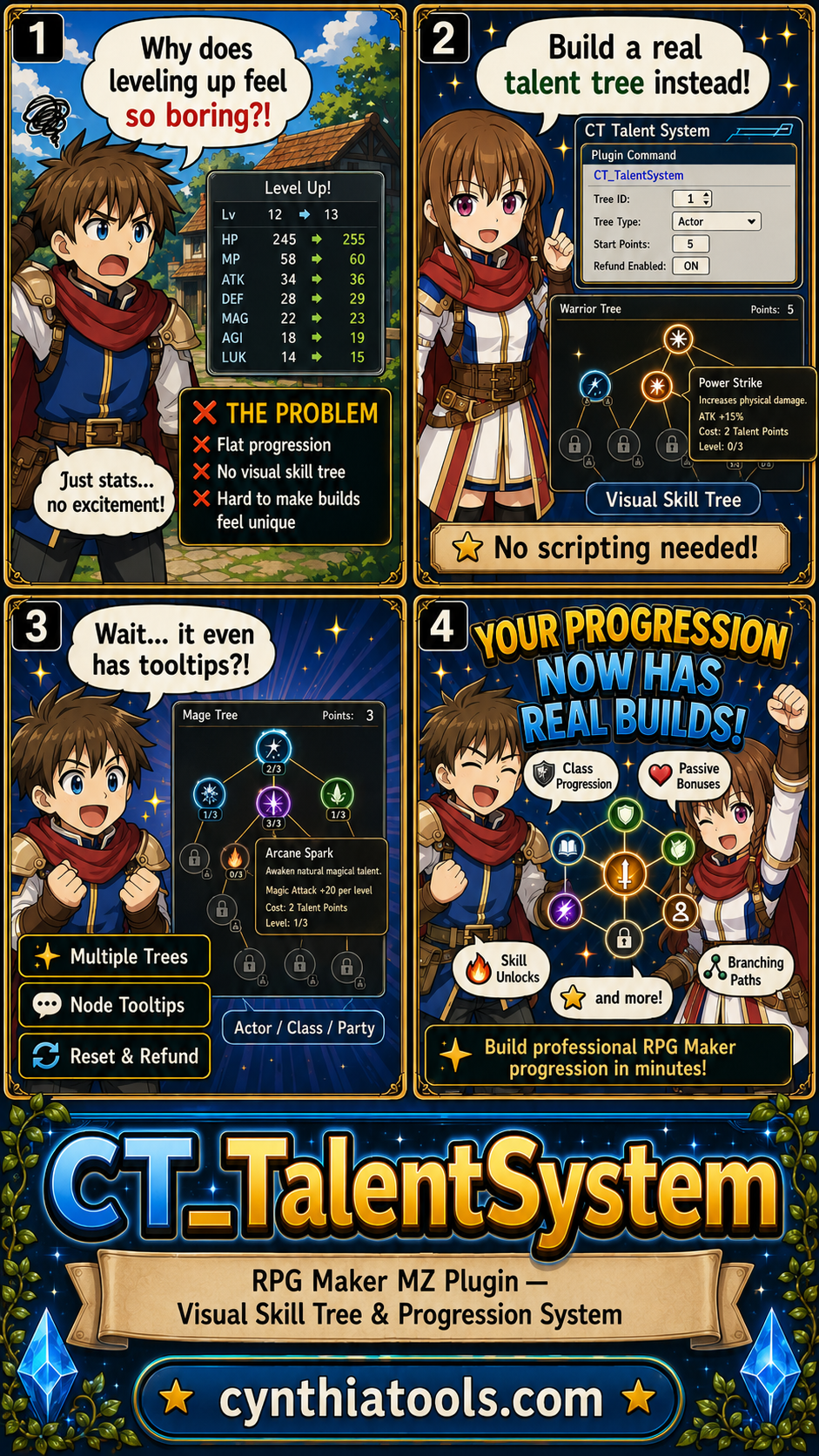
CT Talent System is an RPG Maker MZ talent tree and skill tree plugin with a dedicated visual editor for building branching progression systems without managing huge walls of plugin parameters.
Create visual talent trees with connected nodes, prerequisites, multiple levels, custom costs, rewards, themes, icons, reset rules, and progression tied to actors, classes, or the whole party.
Visual Talent Tree Editor
Build and maintain talent trees in a dedicated editor instead of configuring large node systems by hand.
You can:
- Add and position talent nodes
- Connect nodes into branching paths
- Set prerequisites
- Configure multiple talent levels
- Set custom costs
- Assign rewards
- Customize node visuals
- Validate the tree before testing
Multiple Progression Styles
CT Talent System can be used for:
- Traditional skill trees
- Passive talent trees
- Class mastery
- Character specialization
- Weapon progression
- Research trees
- Roguelite upgrade trees
- Faction progression
- Other node-based progression systems
If your progression can be represented as nodes, requirements, costs, and rewards, the system can be used to build it visually.
Actor, Class, and Party Progression
Talent progression can be designed around individual actors, character classes, or party-wide progression.
Branching Prerequisites and Multi-Level Talents
Build trees with locked paths, prerequisite connections, multiple node levels, different costs, and progressive upgrades.
Talent Costs and Rewards
The supplied product information includes support for:
- Talent Points
- RPG Maker variable currencies
- Purchase rules
- Buy Max behavior
- Stat rewards
- Skill rewards
- Switch rewards
- Variable rewards
- Other progression rewards
Talent Reset and Refund Rules
Control whether resets are allowed and how much is refunded when a player respecs a tree.
Visual Themes and Node Styling
Customize node shapes, borders, colors, glow effects, connection styling, icons, artwork, themes, and audio settings. The built-in Visual Library includes search, categories, color presets, and instant preview.
In-Game Talent Tree
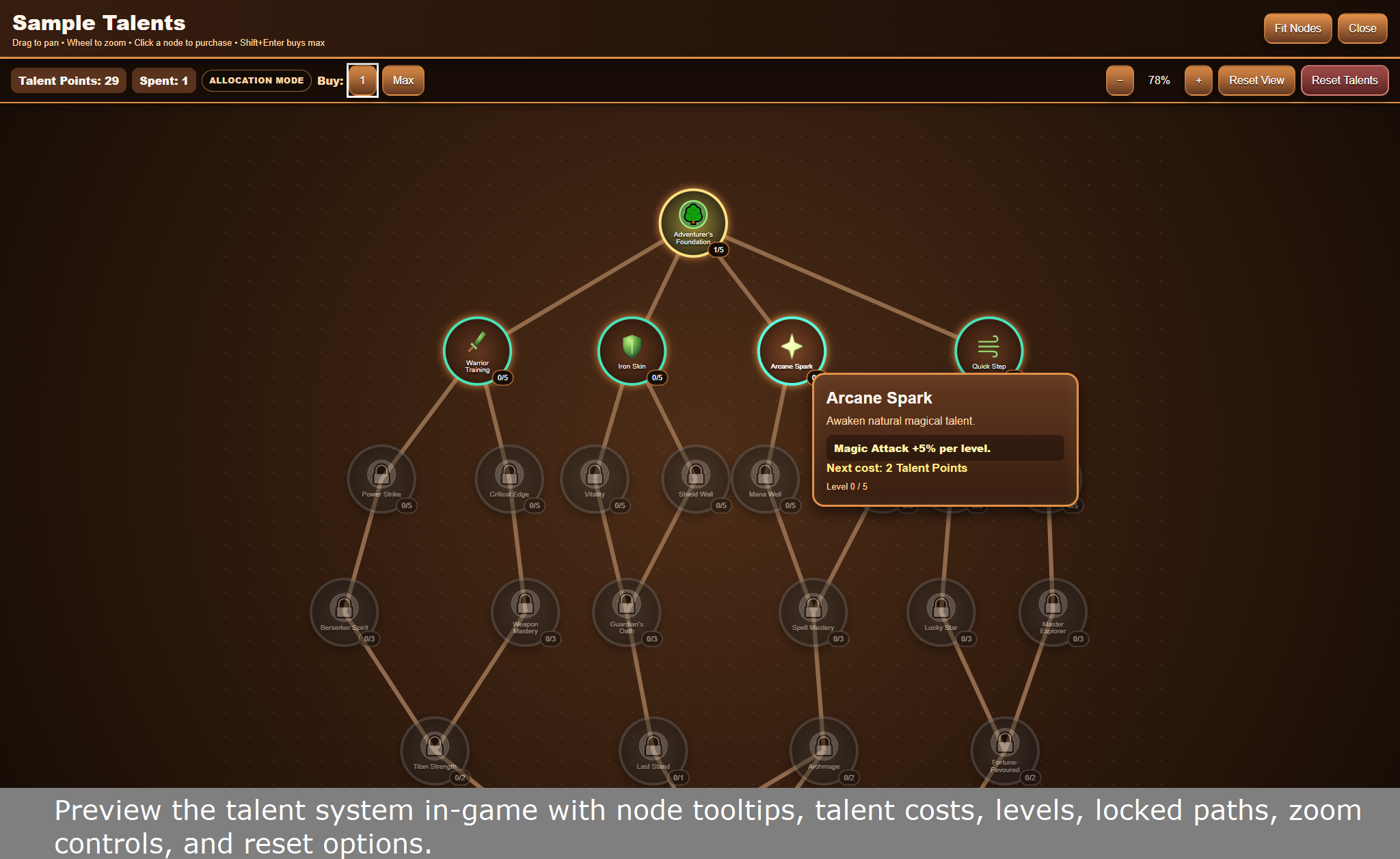
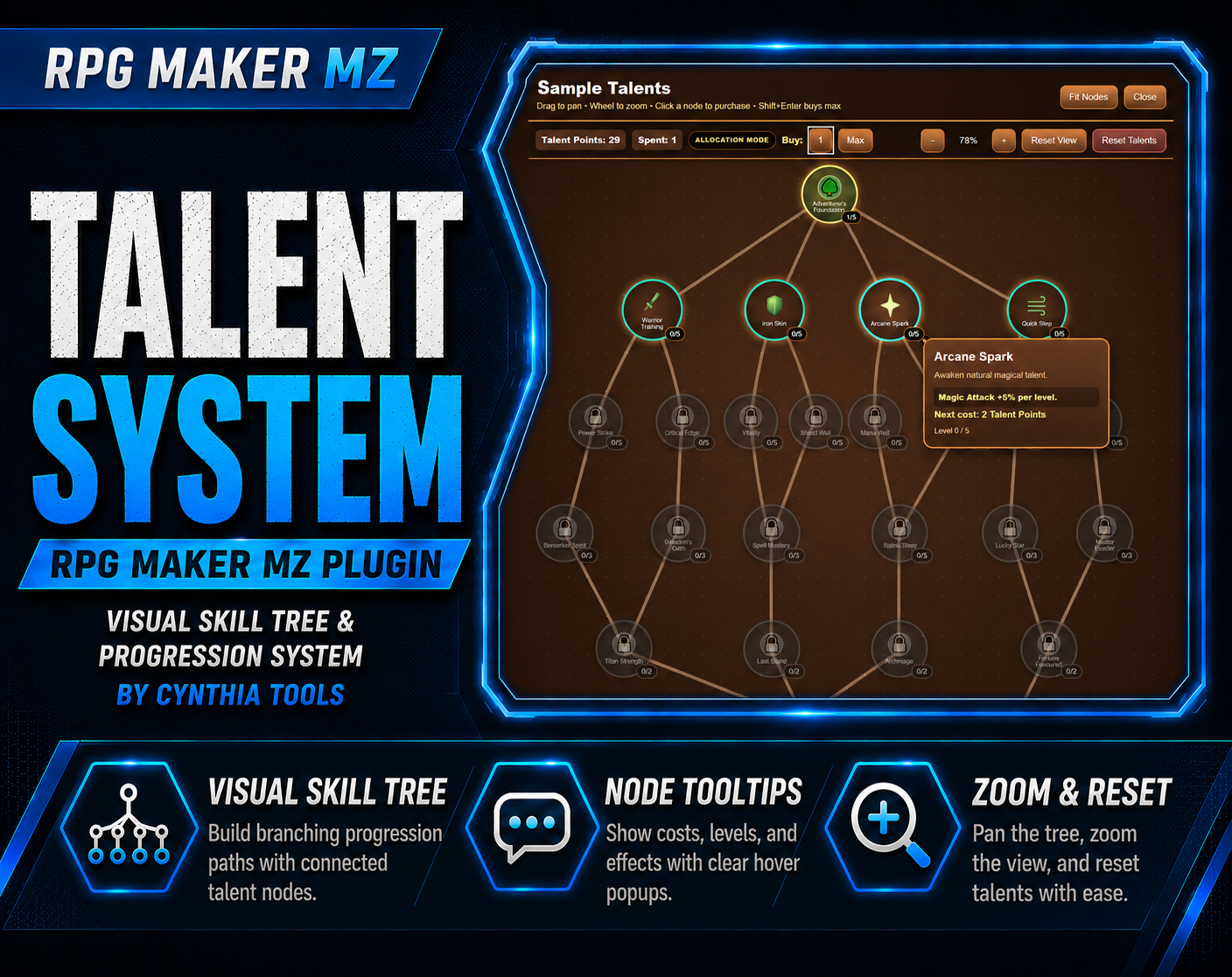
Players can view node tooltips, talent costs, talent levels, locked paths, zoom controls, and reset options. The system can also be accessed from the RPG Maker MZ main menu.
Plugin Commands and Script API
Use Plugin Commands to open talent trees, select characters, manage Talent Points, and reset talent trees. A Script API is also included for advanced integration.
Basic Workflow
- Create or select a talent tree in the visual editor.
- Add and position nodes.
- Connect nodes and configure prerequisites.
- Set levels, costs, and rewards.
- Customize icons, artwork, themes, and audio.
- Configure Talent Points, variable currencies, reset permissions, and refunds.
- Run the built-in validation tools.
- Test the tree in RPG Maker MZ.
- Open it through menu integration or Plugin Commands.
Quick Answer
If you are searching for an RPG Maker MZ talent tree plugin, skill tree editor, or visual character progression system, CT Talent System provides branching nodes, prerequisites, multi-level talents, costs, rewards, themes, resets, and actor/class/party progression in a visual workflow.
Related Cynthia Tools
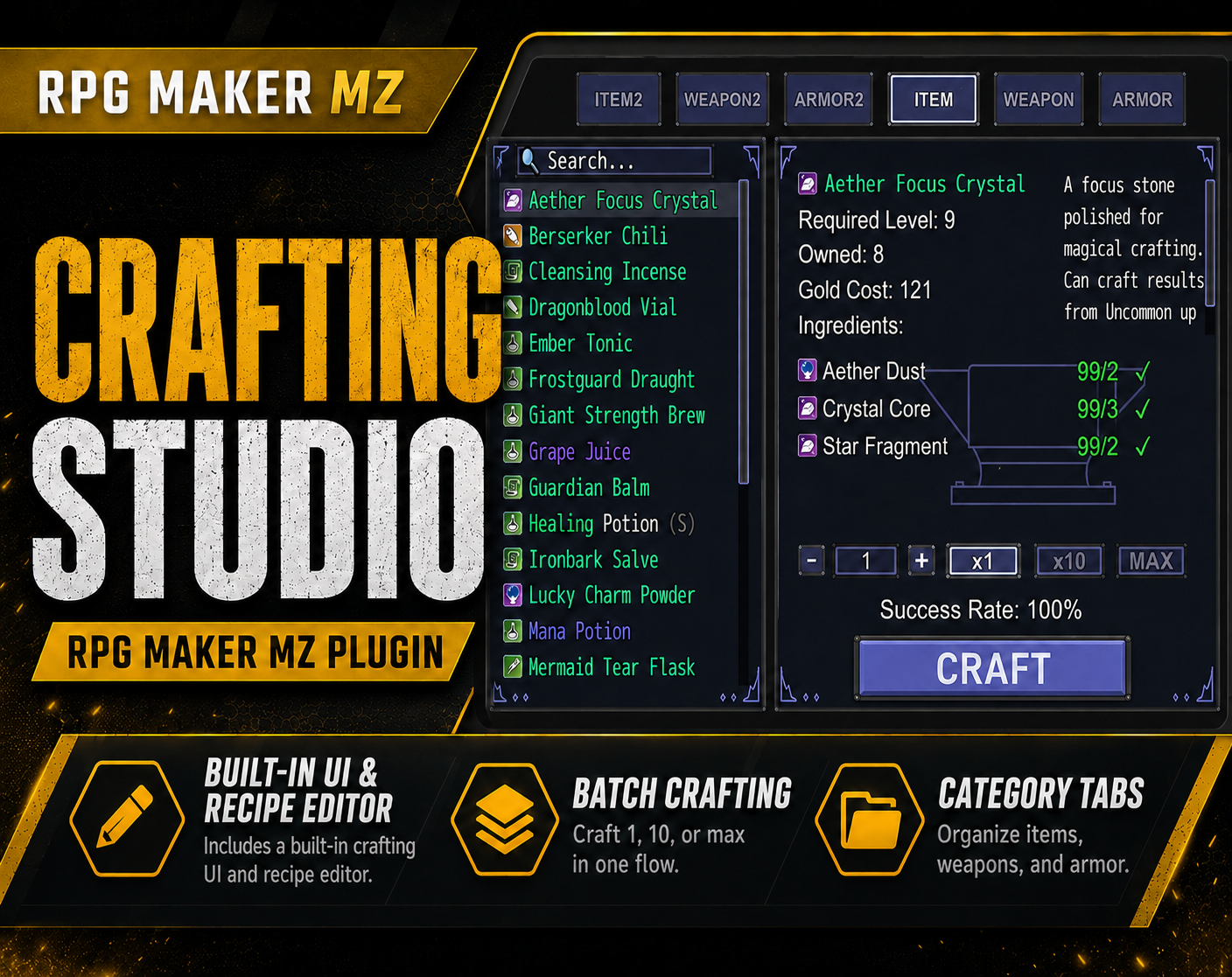
- CT Crafting Studio — visual crafting system and recipe editor
- CT DevModeManager — in-game developer dashboard
- CT Enemy Auto Level Scaling — dynamic enemy levels and stats
- CT Cooldown System — skill and item cooldowns
CT Talent System on itch.io: https://cynthiatool.itch.io/rpg-maker-mz-plugin-talent-system
Built with AI assistance. Shaped, tested, and supported by a real maker.
 Tools
Tools