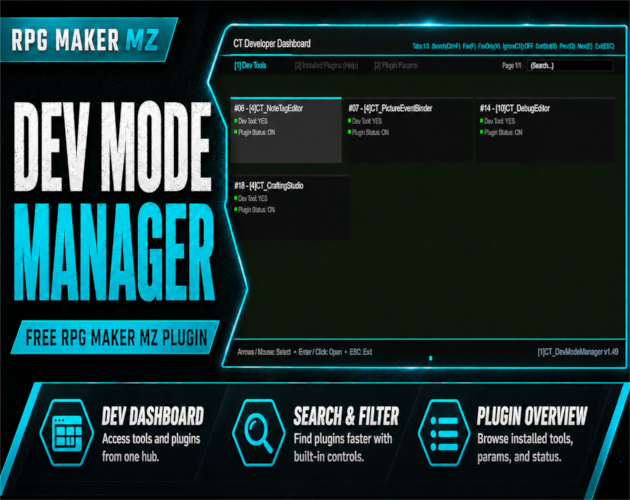
CT DevModeManager is a free RPG Maker MZ developer dashboard plugin that gives plugin developers and advanced RPG Maker users a central in-game interface for browsing installed plugins, inspecting parameters, reading plugin help, searching and filtering plugin entries, and launching registered developer tools.
Instead of repeatedly leaving a playtest to inspect plugin files or jump between separate development utilities, CT DevModeManager provides a fullscreen developer interface that can act as a central hub for compatible Cynthia Tools editors, debug panels, and other registered tools.
In-Game Developer Dashboard for RPG Maker MZ
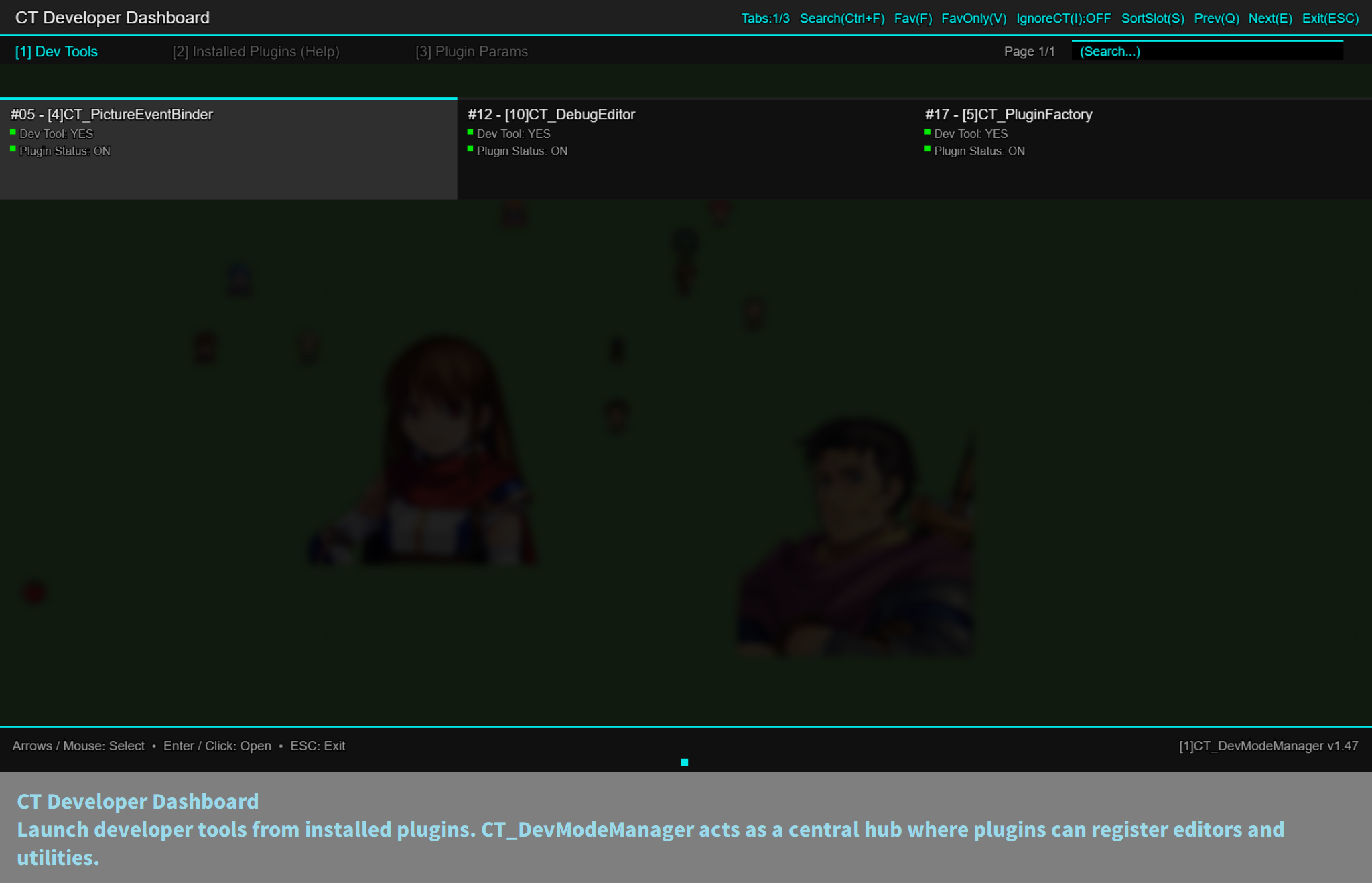
Open the CT Developer Dashboard with a configurable activation key.
Inside the dashboard you can:
- Browse installed plugins
- View plugin help documentation
- Inspect plugin parameters
- Launch registered developer tools
- Search plugins
- Mark favorites
- Filter plugin lists
- Change sorting modes
- Navigate with keyboard or mouse
This makes CT DevModeManager useful as a central RPG Maker MZ development hub during playtesting.
Dev Tools Tab
Compatible plugins can register their own tools through the DMM public API.
Registered tools appear inside:
Dev Dashboard → Dev Tools
Examples listed by the product include:
- Crafting editors
- Quest editors
- Dialogue editors
- Debug panels
- Plugin configuration tools
CT DevModeManager therefore acts as a launcher and shared home for developer tools that integrate with it.
Plugin Help Viewer
Read plugin documentation directly inside the game.
The Plugin Help Viewer:
- Extracts `@help` text from plugin files
- Displays documentation in a fullscreen viewer
- Supports scrollable help content
- Reduces the need to manually open plugin files just to read their help section
Plugin Parameters Viewer
Inspect plugin parameters from a clean fullscreen viewer.
This can be useful when checking configuration during development because the dashboard presents plugin parameters in a readable, scrollable format without requiring you to leave the game.
Search, Favorites, Filters, and Sorting
When a project contains many plugins, the dashboard includes organization tools to help find entries faster.
Available controls include:
- Ctrl + F — search plugins
- F — toggle favorite
- V — favorites-only filter
- S — change sorting mode
- Q / E — change pages
- Arrow Keys — move selection
- Enter — open an item
- ESC — close the dashboard
Mouse navigation is also supported.
Configurable Activation Key
The activation key can be configured through the plugin parameters.
Examples listed by the product include:
- Enter
- Ctrl + Enter
- Alt + D
- F10
- F11
- F12
This lets developers choose a shortcut that fits their own playtesting workflow.
Works Across Development Scenes
The product is designed with scene-safe overlays, input protection, and anti-spam input locks.
Its documented scene support includes:
- Map
- Battle
- Menu-related workflows
The dashboard is intended to provide a stable developer interface while the game is running.
Screen Size Profiles
CT DevModeManager supports multiple screen profiles:
- 1920×1080 — default
- 1280×720
- 816×624
The UI scales according to the selected profile.
How to Use CT DevModeManager
- Add CT DevModeManager to your RPG Maker MZ project.
- Enable it in Plugin Manager.
- Configure the activation key you want to use.
- Start a playtest.
- Press the configured shortcut to open the CT Developer Dashboard.
- Browse plugins, search entries, inspect parameters, read plugin help, or open registered Dev Tools.
- Use the dashboard as the central launcher for compatible development tools.
Best For
CT DevModeManager is especially useful for:
- RPG Maker MZ plugin developers
- Advanced RPG Maker MZ users
- Projects with many installed plugins
- Developers who frequently inspect plugin parameters or help documentation
- Cynthia Tools users running editors or debug utilities that register with DevModeManager
- Playtesting workflows that benefit from an in-game developer hub
Requirements
- RPG Maker MZ
- No external libraries required
License
The product page states that CT DevModeManager is free for commercial and non-commercial RPG Maker projects.
You may include the plugin inside finished games.
You may not:
- Redistribute the plugin by itself
- Resell it
- Include it in plugin packs or toolkits
See the plugin file and official Terms of Use for the full license conditions.
Related Cynthia Tools
CT DevModeManager is particularly useful with Cynthia Tools products that integrate development editors or utilities into the dashboard, including:
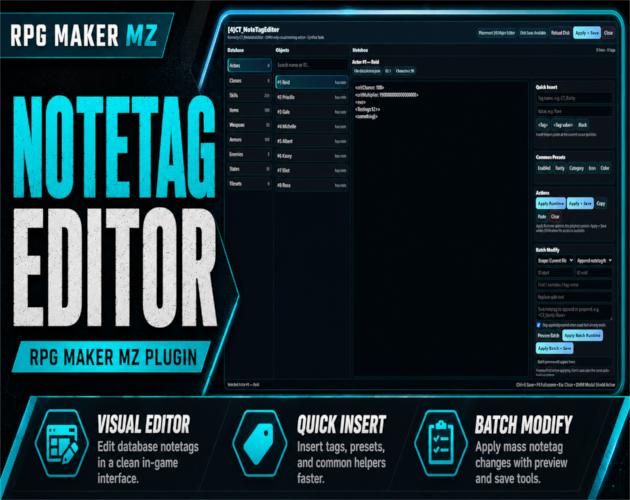
- CT NoteTagEditor — visual notetag editor
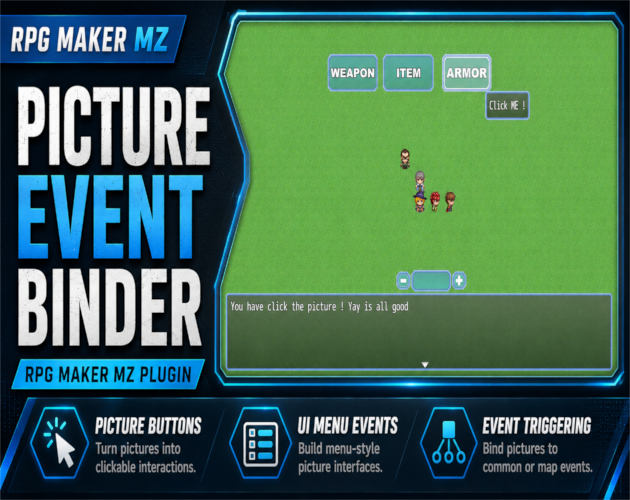
- CT Picture Event Binder — clickable picture UI and picture-placement workflow
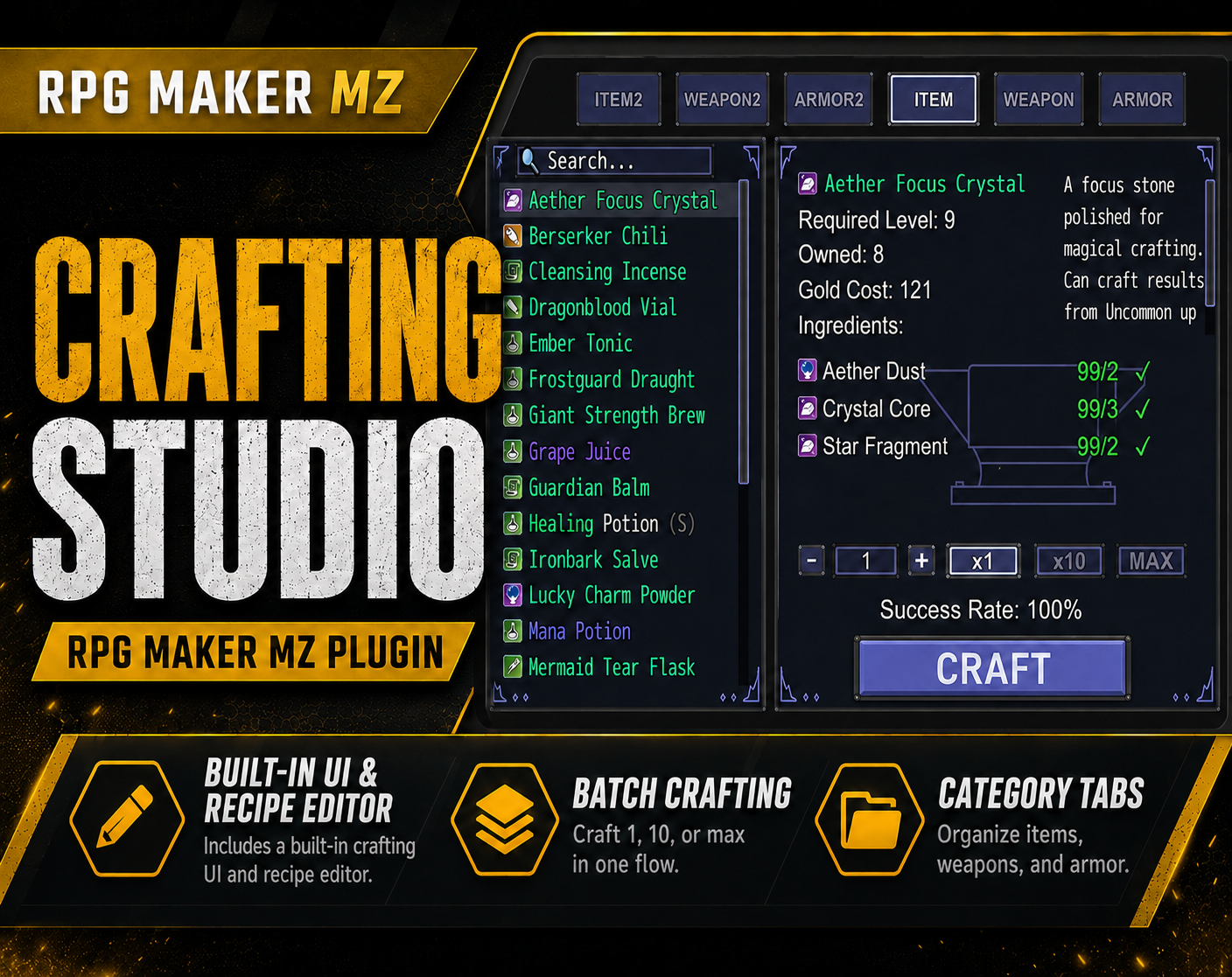
- CT Crafting Studio — visual crafting system and recipe editor
- CT NotetagGuardian — notetag validation and warning helper
CT DevModeManager on itch.io: https://cynthiatool.itch.io/ct-devmodemanager-in-game-developer-dashboard-for-rpg-maker-mz
Join the CT Update List for RPG Maker MZ plugin releases, bug fixes, tips, and bundle discounts:
https://cynthiatools-8yhtgy.subscribepage.io/
Built with AI assistance. Shaped, tested, and supported by a real maker.
 Utility