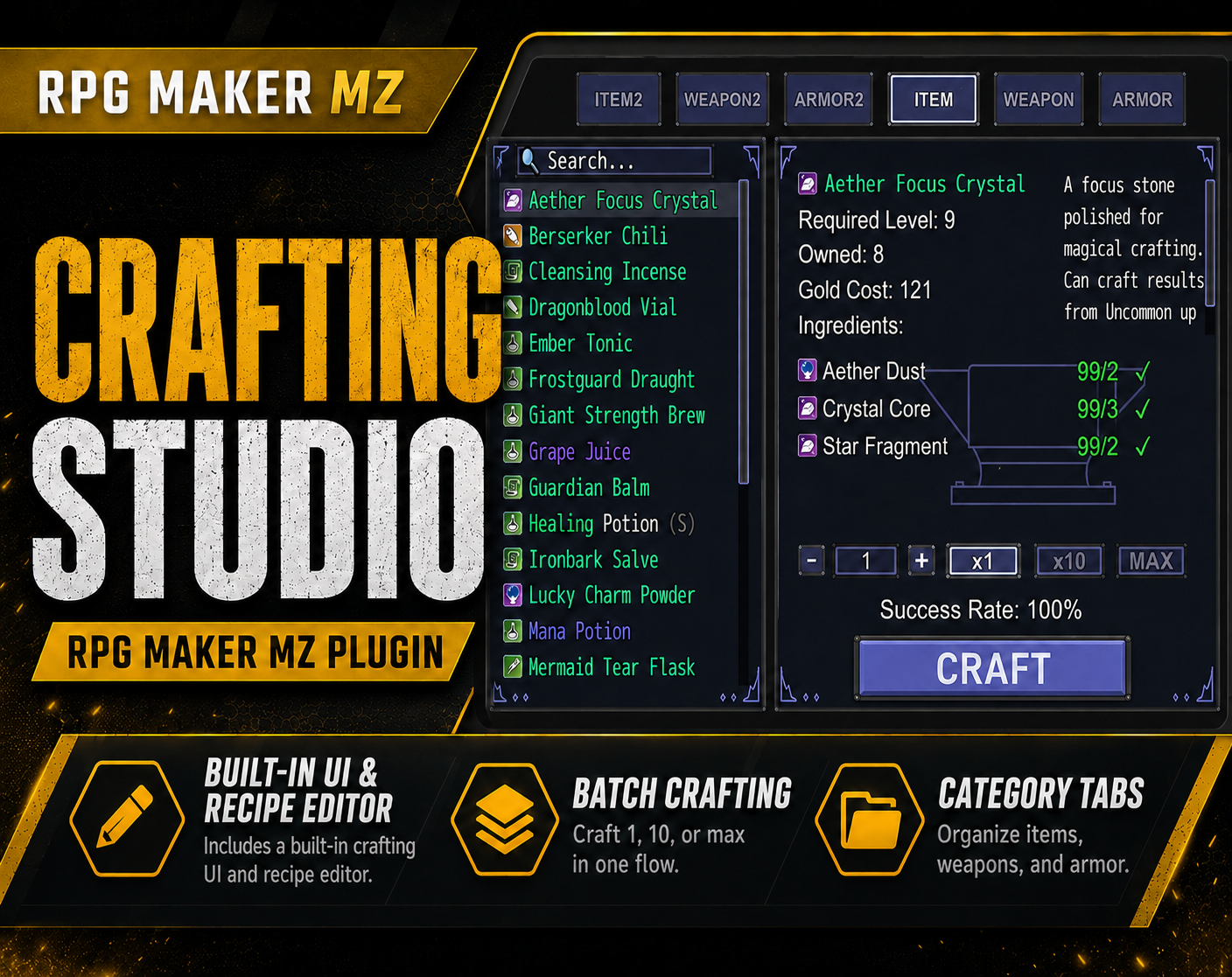
CT Crafting Studio is a visual crafting system and recipe editor for RPG Maker MZ. It is designed for developers who want to build item crafting, cooking, alchemy, blacksmithing, farming, survival, and other resource-based crafting systems with a dedicated developer workflow.
Create and organize recipes, define ingredient and material requirements, set gold costs, configure item, weapon, and armor results, and present everything through a player-facing crafting scene.
Visual Crafting & Recipe Editor
CT Crafting Studio includes DMM-powered developer tools for creating and maintaining crafting content.
The visual workflow helps you manage:
- Crafting recipes
- Ingredient and material requirements
- Gold costs
- Crafting results
- Recipe organization
- Interface configuration
This is useful for larger crafting systems where managing everything manually becomes difficult.
Player-Facing Crafting Scene
Players can browse recipes, review required materials, see crafting details, and craft through the in-game interface.
The supplied product information also includes:
- Crafting success result handling
- Configurable crafting sounds
- Plugin Command support for opening the crafting scene
Item, Weapon & Armor Results
Recipes can be configured to produce:
This makes CT Crafting Studio suitable for many different crafting systems rather than only one recipe type.
Ingredient & Material Requirements
Each recipe can use required materials and ingredients.
This supports gameplay loops such as:
- Gathering materials
- Crafting equipment
- Cooking food
- Brewing alchemy items
- Forging weapons
- Building survival resources
Gold Costs
Recipes can also require gold, allowing crafting to combine material requirements with a currency cost.
Included Crafting UI Themes
CT Crafting Studio includes multiple ready-made crafting UI themes.
The supplied product information specifically notes that Theme 4 is the Cooking Theme UI, making it suitable for kitchens, restaurants, farming games, and food-crafting systems.
Custom PNG UI Assets
You can replace the crafting interface PNG assets with your own artwork.
This allows the same crafting system to fit different visual settings, including:
- Fantasy forges
- Alchemy tables
- Cooking menus
- Farming workshops
- Survival crafting
- Sci-fi terminals
- Custom themed interfaces
UI Position Editor
The supplied screenshots show a UI Position Editor for repositioning and customizing crafting interface elements.
This helps developers fine-tune where crafting UI elements appear without rebuilding the full interface from scratch.
Resolution Asset Support
The supplied product documentation includes UI assets for common RPG Maker MZ resolutions:
These assets help support projects using different game resolutions.
Crafting Button Hover Animations
The supplied product screenshots document configurable crafting button hover animations, including multiple included animation styles.
This gives the crafting interface additional visual feedback while keeping the effect selectable.
DMM Developer Workflow
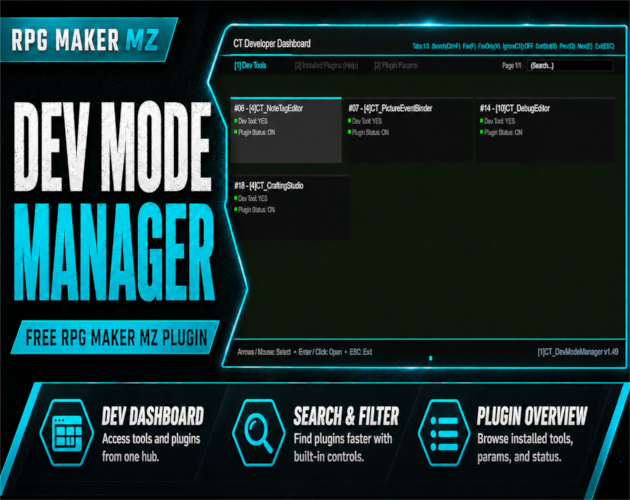
The developer editor tools require [1]CT_DevModeManager.
Recommended plugin order:
- `[1]CT_DevModeManager`
- `[4]CT_CraftingStudio`
This dependency applies to the developer editor workflow.
Best For
CT Crafting Studio is useful for:
- RPG crafting systems
- Cooking systems
- Alchemy systems
- Blacksmith systems
- Farming games
- Survival games
- Item crafting
- Resource-based gameplay
- Upgrade systems
- Custom crafting menu designs
- RPG Maker MZ projects that need a visual recipe-management workflow
Basic Workflow
- Install CTDevModeManager before CTCraftingStudio when using the developer editor tools.
- Create and organize recipes in the crafting editor.
- Configure ingredient or material requirements.
- Set optional gold costs.
- Choose item, weapon, or armor crafting results.
- Select an included UI theme or replace the PNG UI assets with your own artwork.
- Adjust interface positioning if needed.
- Configure crafting sounds and hover animation style.
- Use the Plugin Command to open the crafting scene in-game.
- Test recipes, requirements, results, and interface behavior in RPG Maker MZ.
Quick Answer
If you are searching for an RPG Maker MZ crafting plugin, visual recipe editor, cooking system, alchemy system, or blacksmith crafting system, CT Crafting Studio combines recipe editing, material requirements, gold costs, crafting results, themed UI, custom PNG assets, and DMM developer tools in one workflow.
Related Cynthia Tools
- CT DevModeManager — required for the developer editor tools
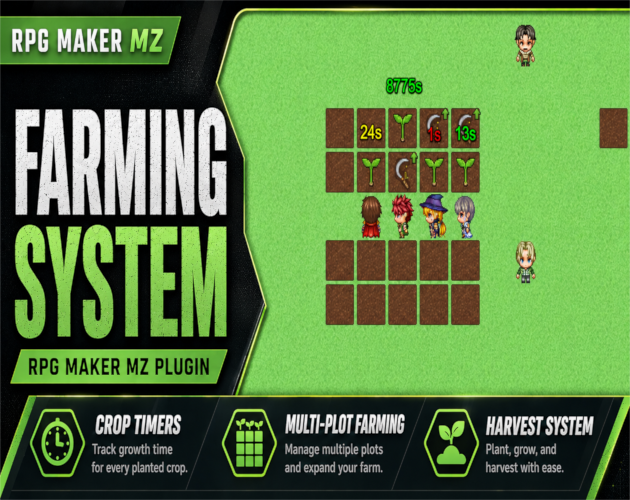
- CT Farming System — planting, crop growth, watering, and harvesting
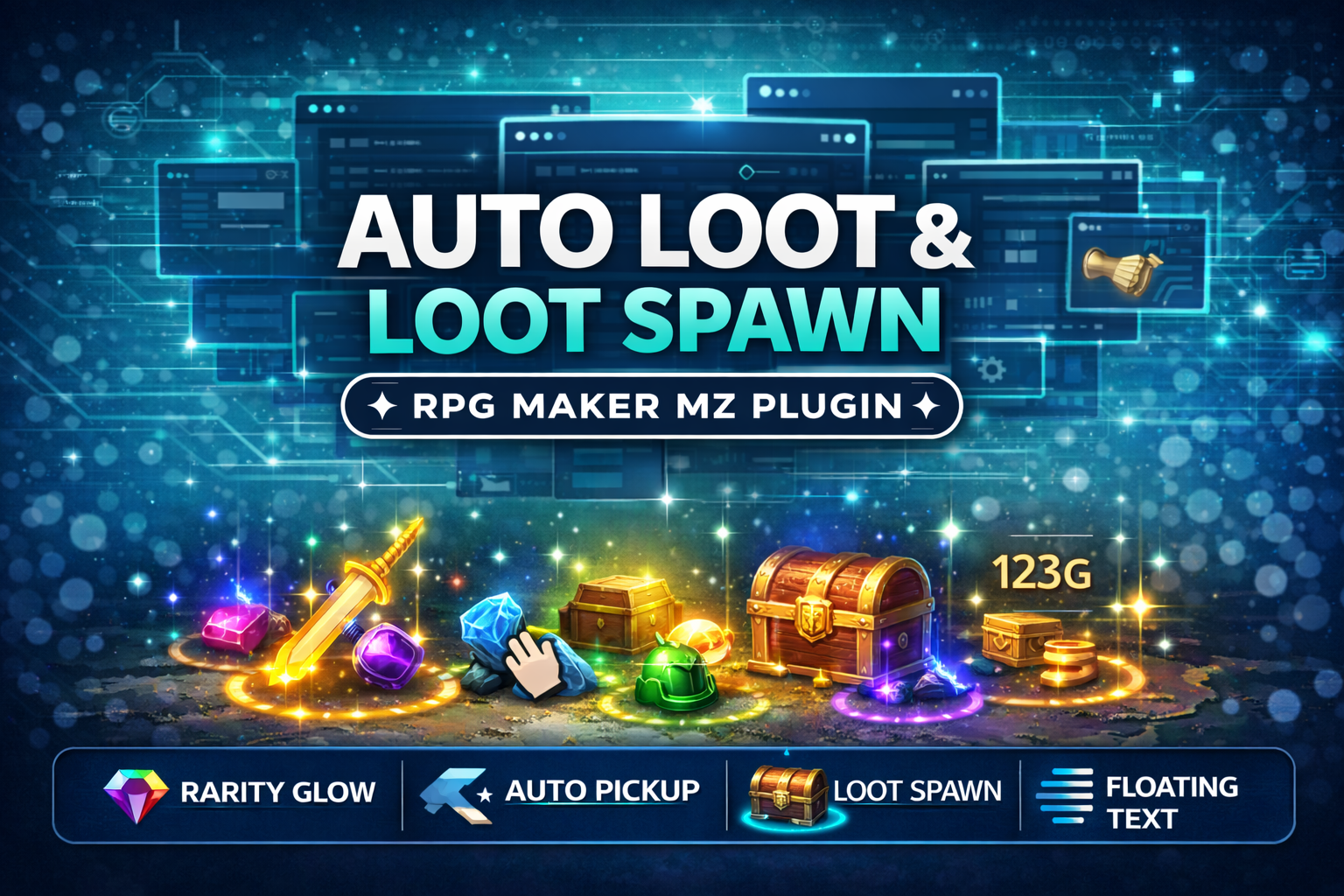
- CT AutoLoot & LootSpawn System — map loot, rarity glow, and automatic pickup
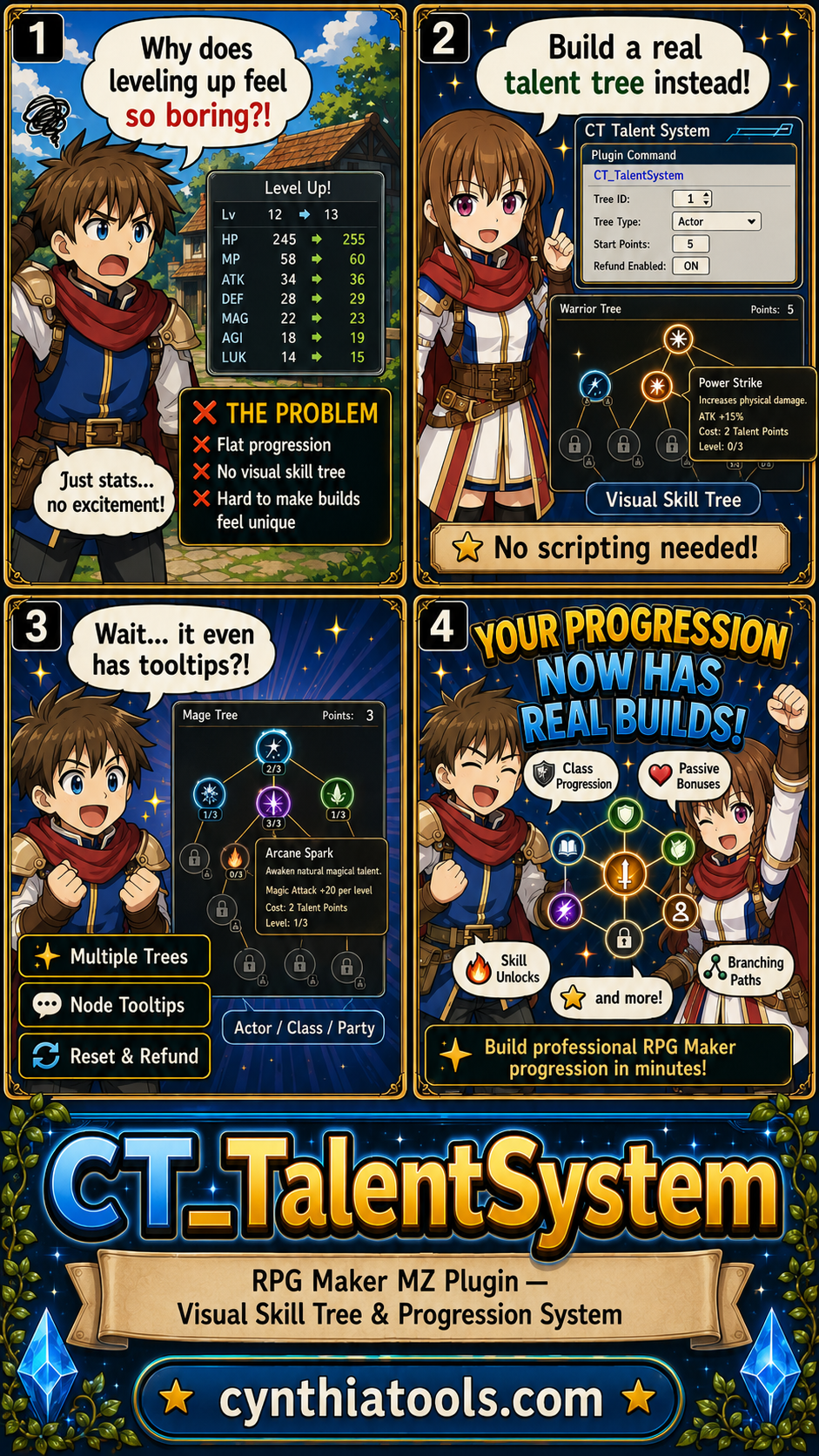
- CT Talent System — visual talent trees and character progression
CT Crafting Studio on Cynthia Tools: https://cynthiatools.com/plugins/ct-crafting-studio
CT Crafting Studio on itch.io: https://cynthiatool.itch.io/ct-crafting-studio
 Utility