CT Farming System is an RPG Maker MZ farming plugin for adding crop planting, growth timers, optional watering, live crop status, multiple independent farm plots, and harvesting without scripting.
It is designed for cozy farming games, town-life RPGs, survival systems, crafting loops, resource-management gameplay, farming mini-games, and other RPG Maker MZ projects that need a repeatable seed-to-harvest gameplay loop.
Complete Farming Loop for RPG Maker MZ
CT Farming System handles the main stages of a farming system:
- Interact with a farming plot
- Choose a crop
- Consume the required seeds
- Start the crop timer
- Water the crop if that crop requires it
- Track growth through the timer or crop-status display
- Wait until the crop is ready
- Harvest the configured item reward
The system is built around normal RPG Maker MZ event pages and self switches, so you can create farm plots without complex scripting.
Up to 20 Crop Recipes Per Farming Event
Each farming event can offer up to 20 crop recipes.
Each crop can have its own:
- Crop name
- Seed item
- Required seed amount
- No-seed message
- Grow time
- Harvest item
- Harvest amount
- Optional watering requirement
- Time until watering is needed
- Final grow time after watering
- Timer and crop-name text color
- Text outline color
- Outline thickness
- Timer height offset
This lets different crops have different growth speeds, seed costs, watering behavior, rewards, and presentation.
Optional Watering Per Crop
Watering can be enabled or disabled separately for each crop.
For a crop that requires watering:
- Plant the crop
- Wait until the watering stage
- Interact with the crop
- Water it
- Wait through the final growth stage
- Harvest the crop
Different crops can use different watering timings, so a fast crop and a slow crop do not need to follow the same schedule.
Real-World Time or Active-Play Growth
Choose how crop timers progress.
Real-World Time
Crops continue progressing while the game is closed.
This is useful for persistent farming systems where players can return later and find crops further along.
Active-Play Only
Crops progress only while the game is running.
This is useful when you want farming progression tied directly to playtime.
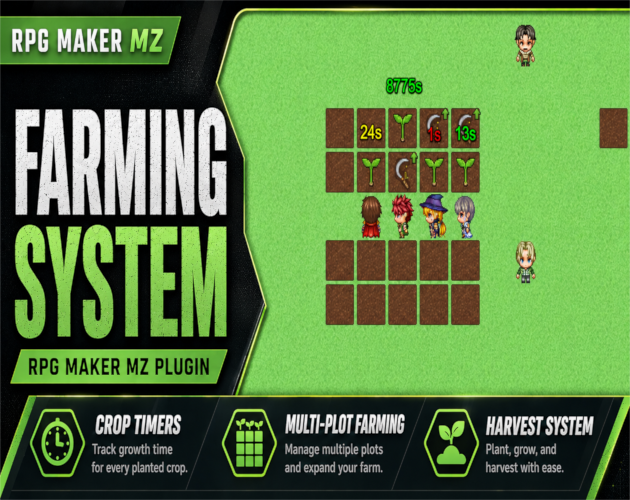
Floating Crop Growth Timers
Growing crops can display animated countdown timers above their map events.
Long durations are automatically formatted into readable values such as:
- `45s`
- `12m 34s`
- `2h 26m`
- `1d 20h`
The floating timer can also be hidden without disabling crop growth or the crop-status system.
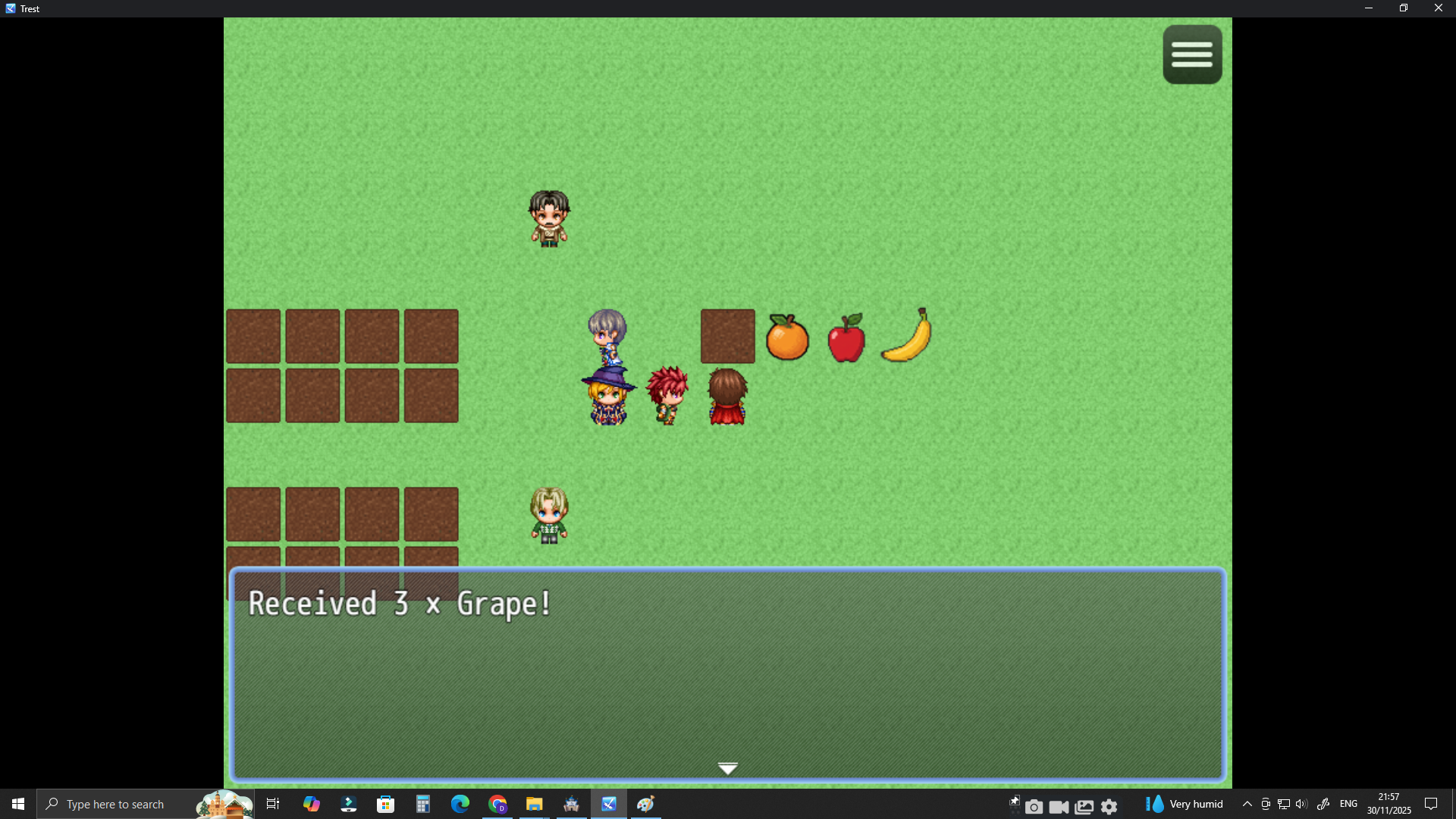
Live Crop Status Window
Players can inspect a planted crop and view live crop information.
The supplied product information includes:
- Crop details
- Remaining timing
- Seed information
- Watering requirements
This gives the player more information than a simple planted/not-planted state.
Three Planting Menu Styles
CT Farming System includes three planting interfaces.
Default Window
A classic RPG Maker-style choice interface.
Modern Circular
A responsive radial crop-selection menu.
Modern Card
A crop-card grid designed to show crop information clearly.
The modern menu styles support features such as:
- Responsive layouts
- Paging
- Crop icons
- Hover details
- Unavailable-crop dimming
- Glow effects
- Clearer interaction feedback
Crop Text Styling
Customize crop names and timer displays with:
- Text color
- Outline color
- Outline thickness
- Optional gradient text effect
These styles can be used across floating timers, planting menus, and crop-status displays.
Multi-Farm and Multi-Plot Support
Use as many farming plots as your game needs.
Each farming event stores its own:
- Current crop
- Growth timer
- Watering state
- Harvest data
- Styling
This means several farm plots can run independently at the same time.
Good For
CT Farming System is useful for:
- Cozy farming games
- Farming RPGs
- Town-life and life-sim RPGs
- Survival games
- Resource-management systems
- Crafting-focused games
- Farming mini-games
- Projects with multiple independent farm plots
- RPG Maker MZ developers who want farming gameplay without scripting
Basic Setup
- Add CT Farming System to your RPG Maker MZ project and enable it.
- Create a farming event using the documented event-page and self-switch workflow.
- Configure the crop recipes available on that farming event.
- Set each crop's seed requirement, grow time, reward, watering behavior, and display options.
- Choose the planting menu style.
- Decide whether crop growth uses real-world time or active-play time.
- Test planting, watering, status display, timer progression, and harvesting.
- Repeat the farming-event setup for additional independent plots.
Included in the Package
The supplied product page lists:
- CT Farming System plugin
- Full documentation
- Troubleshooting guide
- Terms of use
- Number placement guide
- Changelog
- Demo project
- Crop sprite sheet / included assets where applicable
Quick Answer
If you are searching for an RPG Maker MZ farming plugin, crop system, planting and harvesting system, or watering plugin, CT Farming System adds configurable seed requirements, crop timers, optional watering, multiple planting menus, live crop status, multi-plot farming, and harvest rewards without scripting.
Related Cynthia Tools
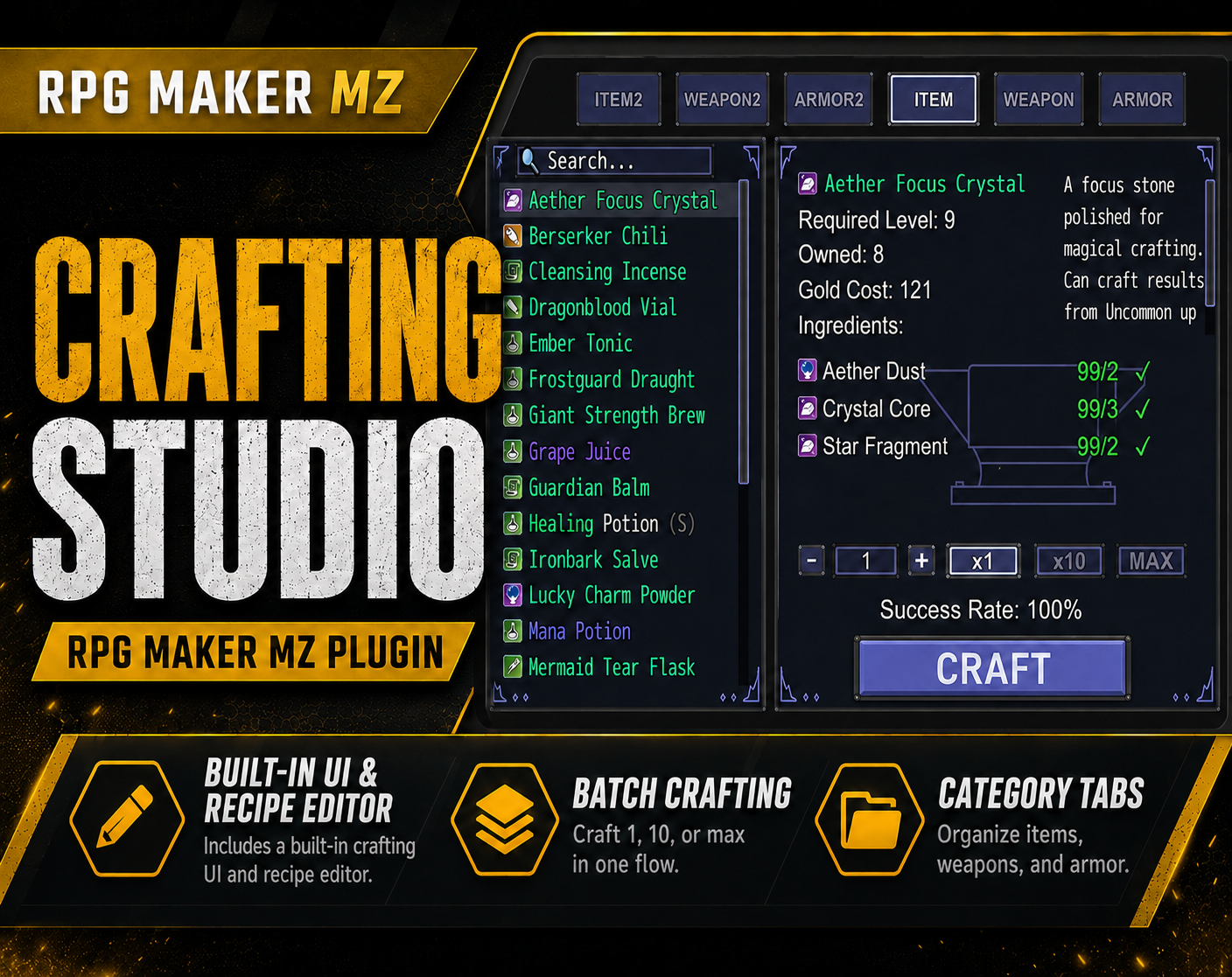
- CT Crafting Studio — visual crafting system and recipe editor
- CT_AutoLoot & LootSpawn System — rarity glow and automatic pickup
- CT EventTooltip — mouse-hover tooltips for map events
- CT Picture Event Binder — clickable picture buttons and event triggers
CT Farming System on itch.io: https://cynthiatool.itch.io/cynthia-tools-farming-systemrpgmaker-mz-plugin
Join the CT Update List for RPG Maker MZ plugin releases, bug fixes, tips, and bundle discounts:
https://cynthiatools-8yhtgy.subscribepage.io/
Terms of Use:
https://itch.io/blog/1488103/terms-of-use-license
Built with AI assistance. Shaped, tested, and supported by a real maker.
 Tools
Tools