# CT Picture Event Binder – Clickable Picture Buttons for RPG Maker MZ
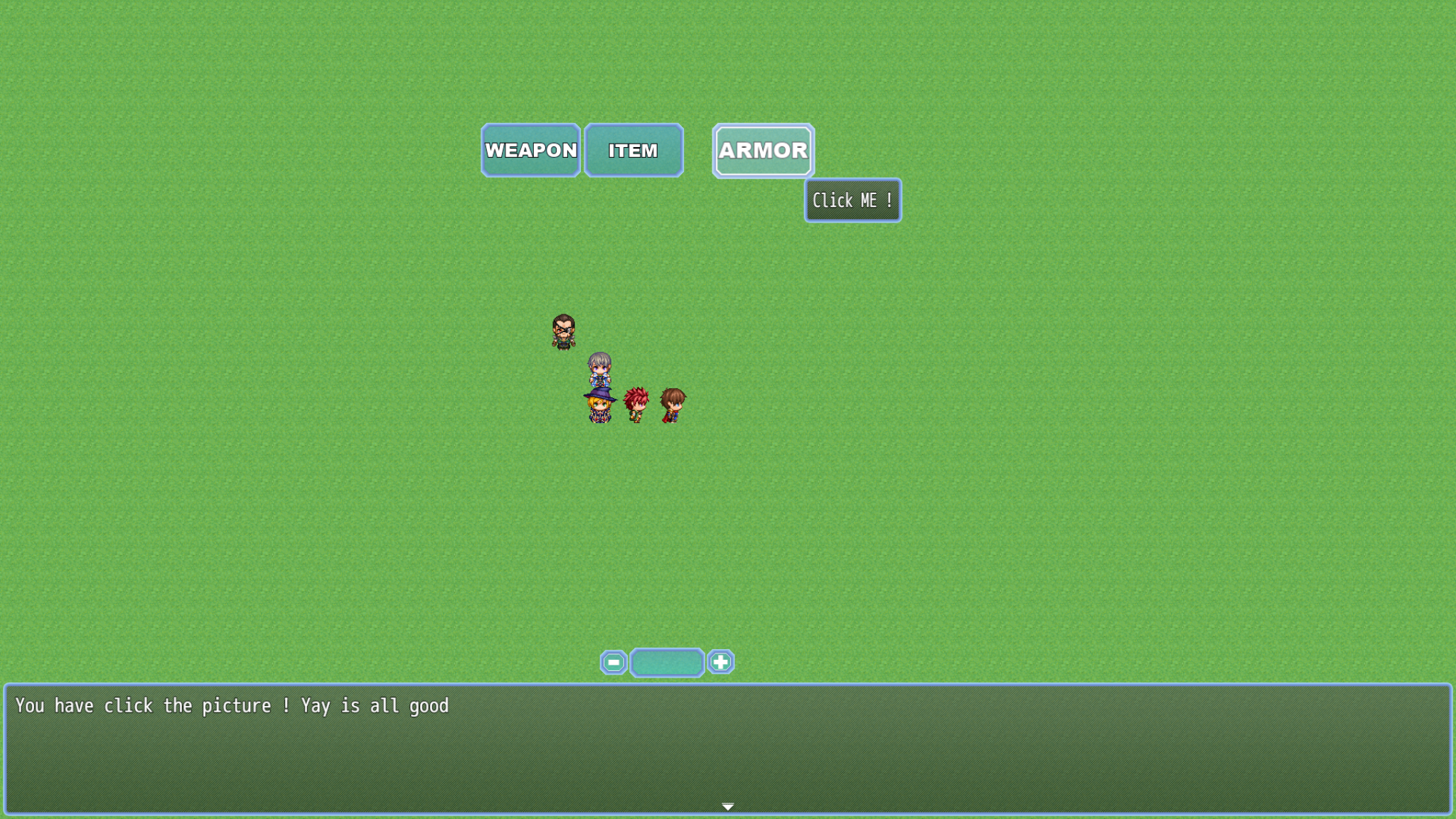
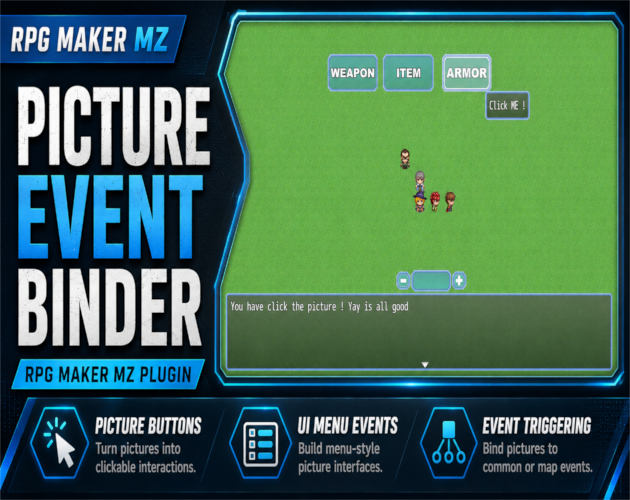
CT Picture Event Binder is an RPG Maker MZ UI plugin that turns Show Picture images into clickable buttons and event triggers.
Bind pictures to Common Events, Map Events, or Troop Event Pages and add hover/press feedback, tooltips, enable/disable states, and button sounds without JavaScript for normal setup.
Picture Buttons for Event-Based UI
Use RPG Maker MZ's normal Show Picture command, then bind the picture with a Plugin Command. This makes it useful for custom menus, HUDs, settings panels, crafting screens, battle interfaces, debug tools, and other picture-based UI.
Supported Event Bindings
Common Events
Use picture buttons for reusable UI actions, system buttons, toggles, menus, and developer tools.
Map Events
Trigger an existing Map Event command list, using its active page or a specific page.
Troop Event Pages
Trigger Troop Event Pages during battle for custom battle UI, boss mechanics, raid-style controls, and other event-driven interactions.
Hover, Press & Tooltip Feedback
Picture buttons can use configurable hover and press visual feedback. Tooltips can follow the mouse and use configurable offsets, font size, and maximum width.
Enable / Disable States
Picture buttons can be disabled at runtime. Disabled buttons cannot be clicked, can appear darker, and can optionally use a disabled sound.
Button Sounds
Optional hover, click, and disabled sounds support volume, pitch, and pan settings.
Prevent Map Click-Through
Clicking a picture button does not make the player walk on the map underneath the UI.
PEB Editor – Visual Picture Placement
Version 1.3 introduced the Picture Placement Editor (PEB Editor). Show the UI pictures in-game, open the editor, drag the pictures into position, fine-tune them, and save the layout.
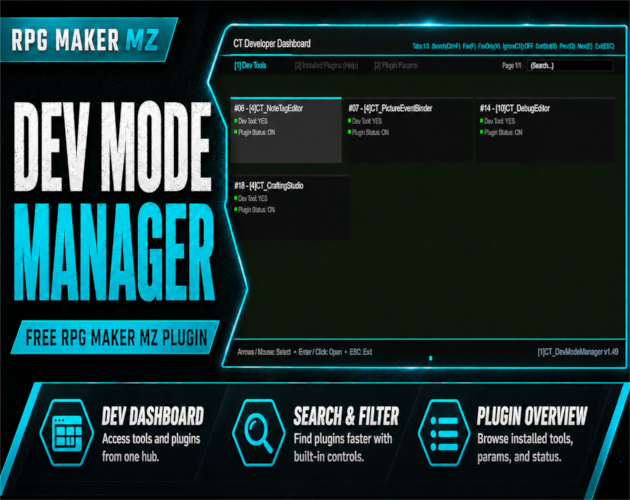
The PEB Editor is opened through CT DevModeManager. Normal picture-event binding still uses Show Picture and Plugin Commands.
Plugin Commands
The supplied product information includes:
- Bind Common Event
- Bind Map Event
- Bind Troop Event Page
- Set Tooltip
- Set Enabled
- Clear Binding
Basic Workflow
- Show the picture you want to use as a button.
- Bind it to a Common Event, Map Event, or Troop Event Page.
- Configure tooltip text, hover/press effects, states, and sounds as needed.
- Open the PEB Editor through CT DevModeManager for visual placement.
- Drag, position, and save the picture layout.
- Test clicking, event triggering, disabled states, and map click-through prevention.
Quick Answer
If you need an RPG Maker MZ clickable picture plugin, picture button plugin, or custom UI event trigger, CT Picture Event Binder turns Show Picture images into interactive buttons connected to Common Events, Map Events, and Troop Event Pages.
CT Picture Event Binder on Cynthia Tools: https://cynthiatools.com/plugins/cynthia-tools-picture-event-binderrpg-maker-mz-plugin
CT Picture Event Binder on itch.io: https://cynthiatool.itch.io/cynthia-tools-picture-event-binderrpg-maker-mz-plugin
Built with AI assistance. Shaped, tested, and supported by a real maker.
 Utility