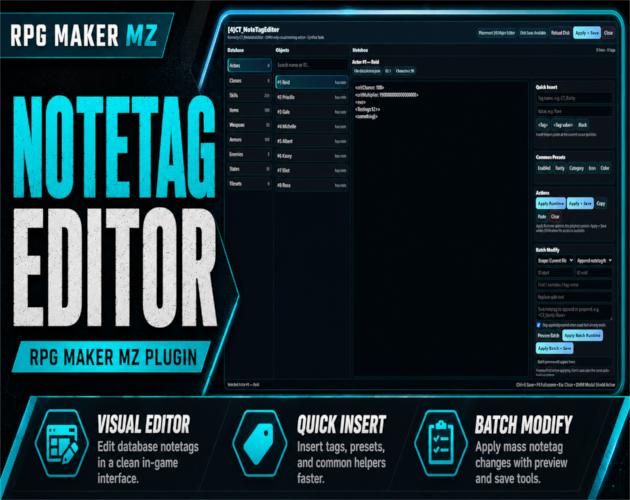
CT_NoteTagEditor is a free visual notetag editor for RPG Maker MZ that runs inside CT_DevModeManager (DMM). It gives developers a software-style workspace for browsing database objects, editing notebox content, applying changes during playtest, and batch-modifying notetags without repeatedly working through long raw noteboxes in the RPG Maker database editor.
It is built specifically for development and playtesting workflows. CTNoteTagEditor does not add a player-facing menu and requires **[1]CTDevModeManager**.
Visual Notetag Editing for RPG Maker MZ
CT_NoteTagEditor provides a dedicated editing workspace for RPG Maker MZ database notes.
Use it to:
- Browse supported database objects
- Search for the entry you need
- Edit notebox content visually
- Insert common notetag structures more quickly
- Apply changes to the running playtest
- Save permanent JSON changes when local file access is available
- Batch-modify many database entries at once
This is especially useful in projects that rely heavily on plugin notetags.
Supported RPG Maker MZ Database Types
CT_NoteTagEditor supports:
- Actors
- Classes
- Skills
- Items
- Weapons
- Armors
- Enemies
- States
- Tilesets
Searchable Database Object Browser
Instead of manually jumping between database tabs and object IDs, the editor includes a searchable object browser for the supported database types.
This helps when a project contains many actors, skills, items, enemies, states, or other entries with plugin metadata stored in their noteboxes.
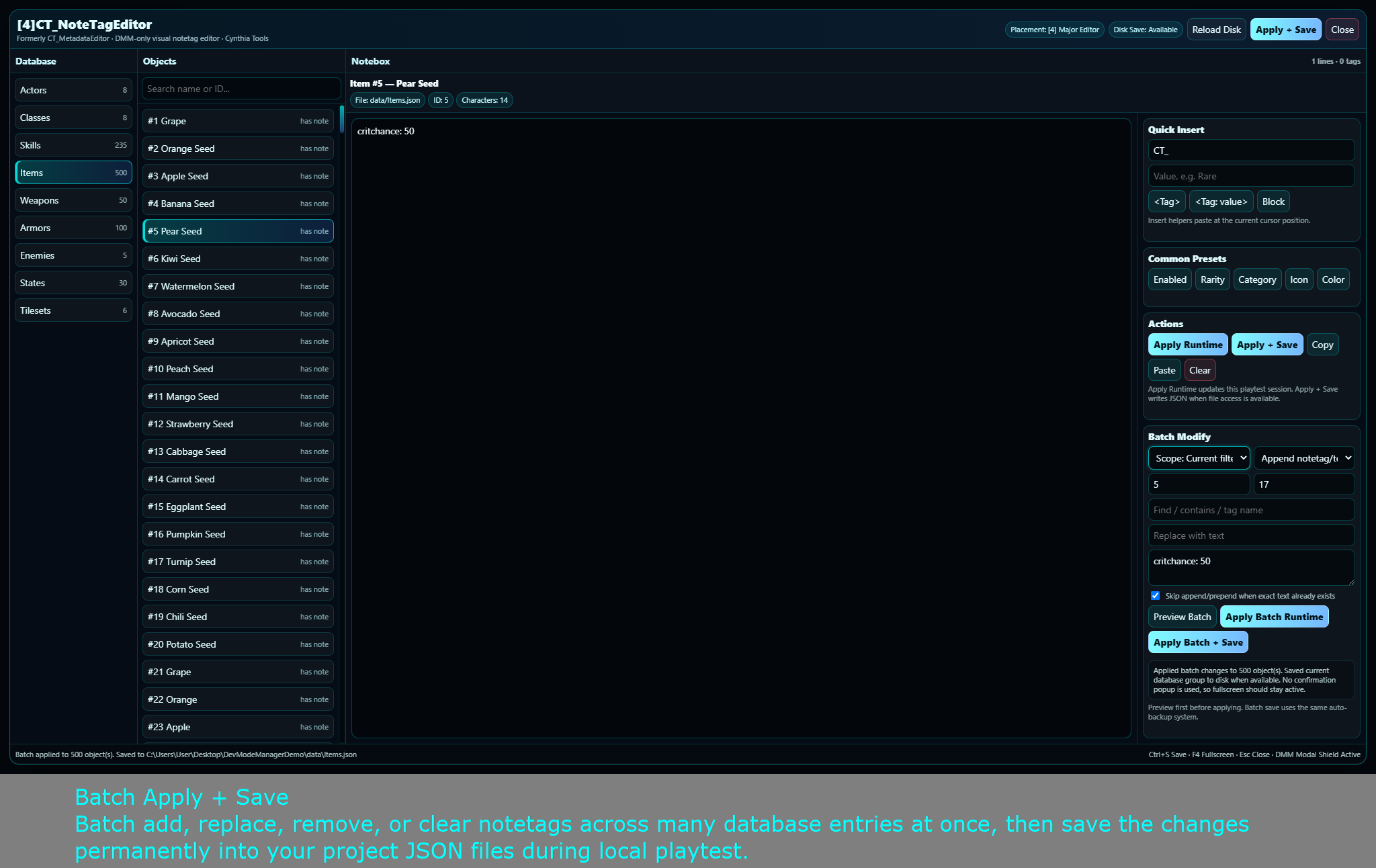
Batch Modify Tools
The batch system is designed for large projects where the same notetag change needs to be applied across many database objects.
Supported batch operations include:
- Append notetags
- Prepend notetags
- Replace exact text
- Remove exact text
- Remove tags by name
- Clear noteboxes
- Filtered object operations
- ID-range operations
- Runtime preview before save
This can reduce repetitive editing when maintaining large notetag-heavy RPG Maker MZ databases.
Runtime Apply During Playtest
CT_NoteTagEditor can apply note changes to the running game during playtest.
This lets you test notetag edits without immediately writing them permanently to the project files.
Use the runtime workflow to preview changes first, then save permanently when you are satisfied.
Permanent JSON Save + Automatic Backups
The editor also supports permanent JSON disk saving into RPG Maker MZ `data/*.json` files.
Before a permanent save, the tool includes an automatic backup system.
Permanent disk saving requires a local NW.js / playtest environment with file access. It is not a general browser-based save system.
Because this tool can modify project database files, keep normal project backups as part of your development workflow.
Quick Insert Helpers
Quick insert helpers make it easier to add recurring notetag structures without repeatedly typing everything from scratch.
This is useful when working with plugins that depend on many repeated note tags across database objects.
Responsive Editor Workspace
CT_NoteTagEditor is designed to support multiple RPG Maker MZ development resolutions:
- 1920×1080
- 1280×720
- 816×624 — default RPG Maker MZ resolution
The interface uses responsive layouts rather than blurry transform scaling, helping text and controls remain sharp across supported workspace sizes.
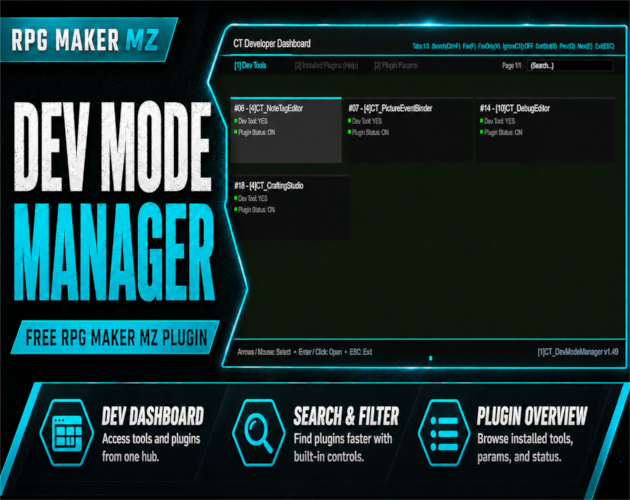
CT_DevModeManager Integration
CT_NoteTagEditor is intentionally a DMM-only developer tool.
It integrates through the official CT_DevModeManager public API and does not replace or modify DMM internals.
Required Dependency
Install and enable:
[1]CT_DevModeManager
Then place:
[4]CT_NoteTagEditor
below it in Plugin Manager.
Recommended load order:
- `[1]CT_DevModeManager`
- `[4]CT_NoteTagEditor`
Open the editor from:
Dev Dashboard → Dev Tools → [4] NoteTag Editor
CT_DevModeManager:
https://cynthiatools.com/plugins/ct-devmodemanager-in-game-developer-dashboard-for-rpg-maker-mz
Other Development Features
CT_NoteTagEditor also includes:
- DMM modal shield support
- Fullscreen toggle support with F4
- Runtime-safe editing workflow
- CT_MetadataEditor compatibility alias
Best For
CT_NoteTagEditor is useful for:
- RPG Maker MZ projects with many plugin notetags
- Developers who regularly edit Actor, Skill, Item, Enemy, State, or other database notes
- Large projects that need batch notetag changes
- Plugin developers testing metadata-driven systems
- Developers who want runtime preview before permanently saving database changes
- CT_DevModeManager users who want a dedicated visual notetag workspace
Basic Setup
- Install and enable [1]CT_DevModeManager.
- Install [4]CT_NoteTagEditor below DevModeManager.
- Start a local RPG Maker MZ playtest.
- Open the CT Developer Dashboard.
- Go to Dev Tools → [4] NoteTag Editor.
- Choose a supported database type and object.
- Edit or batch-modify the notetags.
- Apply changes at runtime to test them.
- Use permanent save when you want to write the changes to the project JSON files.
Compatibility and Requirements
- RPG Maker MZ
- Requires CT_DevModeManager
- Designed for local development/playtest use
- Permanent JSON disk saving requires local NW.js file access
- Supports 1920×1080, 1280×720, and 816×624 workspace profiles
License
The supplied product terms allow personal and commercial RPG Maker MZ project use.
You may use and modify CT_NoteTagEditor for your own projects and include it inside a completed game project.
You may not redistribute, resell, reupload, publicly share, or distribute modified versions of the plugin as a separate product.
Related Cynthia Tools
- CT DevModeManager — required in-game developer dashboard and Dev Tools hub
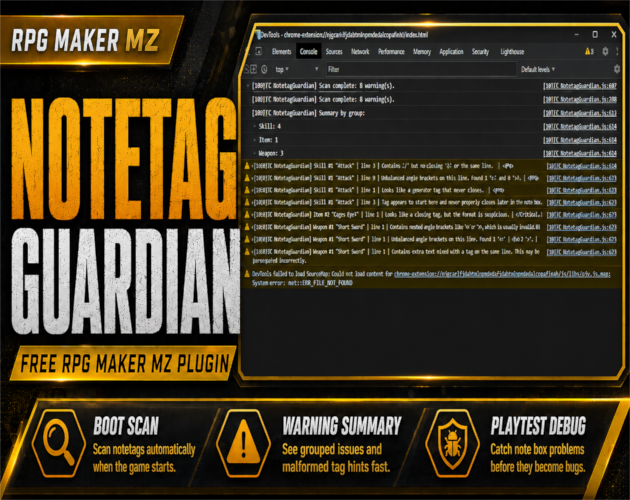
- CT NotetagGuardian — notetag validation and warning helper
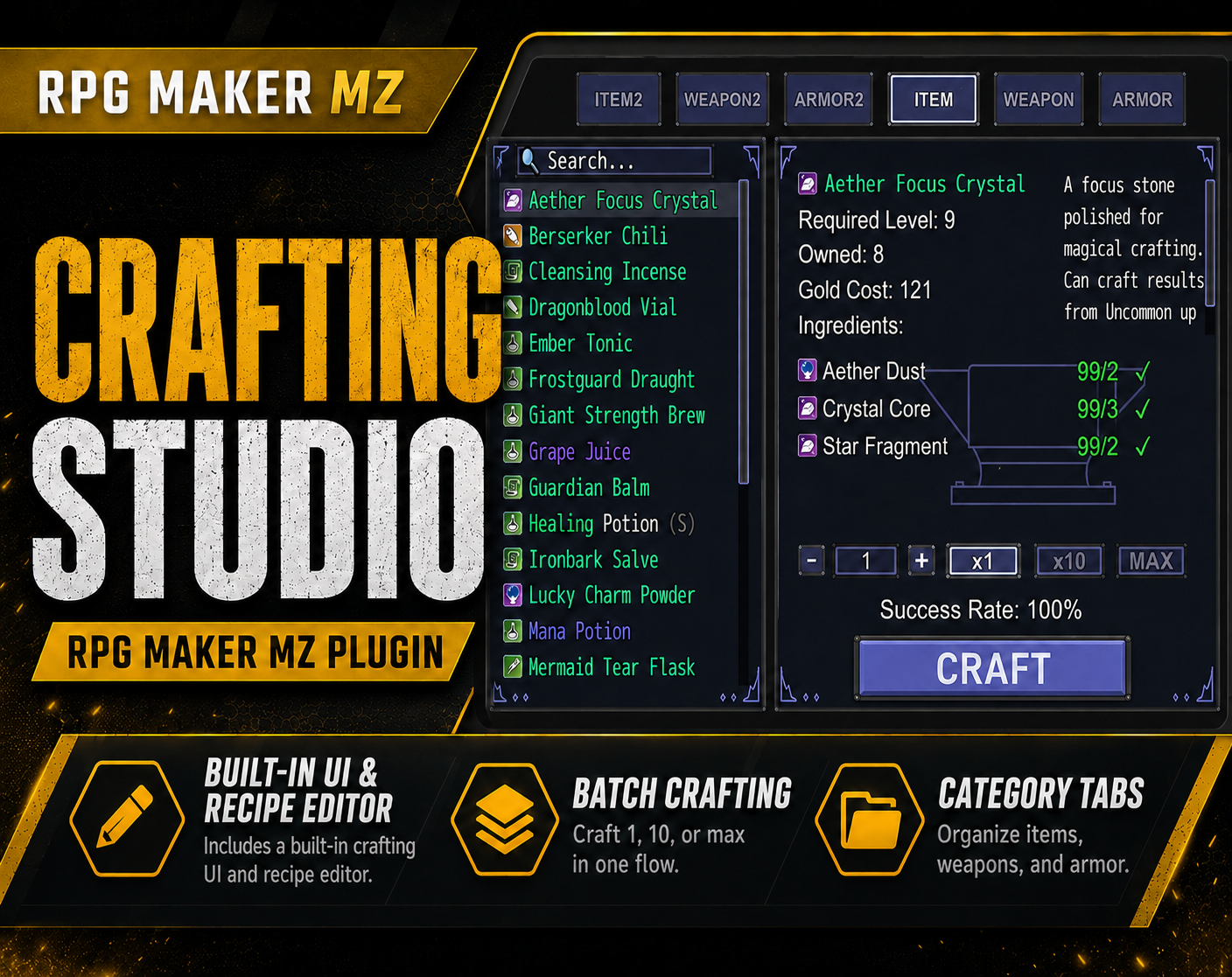
- CT Crafting Studio — visual crafting system and recipe editor
- CT Picture Event Binder — clickable picture UI and event-trigger system
CT_NoteTagEditor on itch.io: https://cynthiatool.itch.io/4ct-notetageditor-visual-notetag-editor-for-rpg-maker-mz
Join the CT Update List for RPG Maker MZ plugin releases, bug fixes, tips, and bundle discounts:
https://cynthiatools-8yhtgy.subscribepage.io/
Terms of Use:
https://itch.io/blog/1488103/terms-of-use-license
Built with AI assistance. Shaped, tested, and supported by a real maker.
 Utility