CT_NotetagGuardian is a free RPG Maker MZ notetag validator and warning helper that scans database notes during playtest and reports suspicious formatting mistakes before they turn into harder-to-find plugin bugs.
It is designed for plugin-heavy RPG Maker MZ projects, large databases, and developers who rely on notetag-driven systems and want a faster way to spot broken or malformed note lines.
Catch Suspicious Notetag Formatting During Playtest
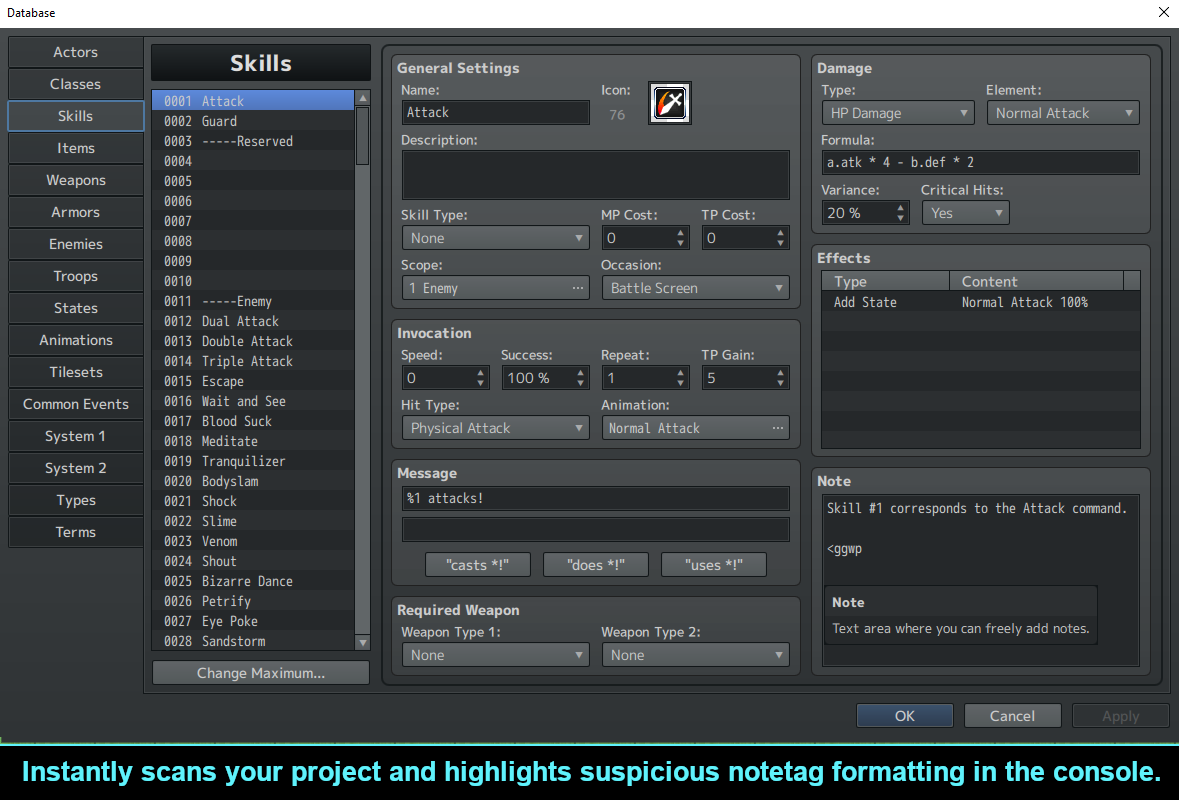
As a project grows, notetags become easier to break.
Common mistakes include:
- Missing closing `>`
- Missing opening `<`
- Unbalanced angle brackets
- Nested brackets such as `<<` or `>>`
- Empty tags such as `<>`
- Suspicious closing-tag formatting
- Broken opening-tag lines
- Mixed text and tag formatting that looks malformed
- Fullwidth bracket mistakes such as `< >`
CT_NotetagGuardian scans for these kinds of suspicious patterns and warns you during development.
Automatic Playtest Scanning
The plugin can automatically scan your project notes when a playtest starts.
Instead of manually checking every Actor, Skill, Item, Weapon, Armor, Enemy, State, map, or event note field, CT_NotetagGuardian can surface suspicious entries for you.
This makes it useful as a quick sanity check after:
- Installing a new notetag-driven plugin
- Copying notetags between database entries
- Refactoring an older project
- Migrating plugin setups
- Cleaning up a large RPG Maker MZ database
Console Warning Output
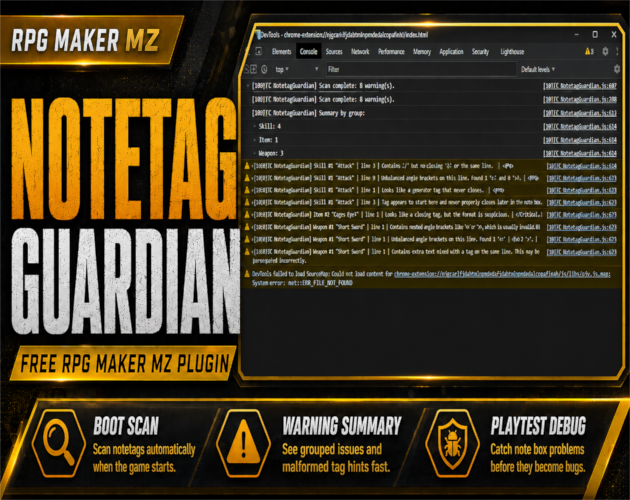
When suspicious note formatting is found, CT_NotetagGuardian reports warnings through the developer console with line details.
This helps you identify where the suspicious note exists so you can inspect the source instead of searching the entire project manually.
In-Game Summary Popup
The plugin can also show a quick in-game summary during playtest.
This gives you immediate feedback that warning-worthy note issues were detected without requiring you to constantly watch the developer console.
Full Warning Report
For a more complete inspection, CT_NotetagGuardian includes a full warning report scene.
Use it to review detected issues in one place while debugging a project.
Deep Map and Event Note Scanning
CT_NotetagGuardian is not limited to the main RPG Maker MZ database.
The supplied product information also includes deep map and event note scanning, helping catch suspicious notetag formatting in projects that store metadata outside standard database entries.
Ignored Tags
Some plugins intentionally use unusual custom tag formats.
To reduce false positives, add tag names to the Ignored Tags plugin parameter.
This lets CT_NotetagGuardian stay useful in real plugin-heavy projects without repeatedly warning about known intentional formats.
Plugin Commands
CT_NotetagGuardian includes:
- Rescan Notes — run the scan again
- Show Last Summary — display the most recent scan summary
- Open Full Report — open the detailed warning report
These commands make it easier to recheck a project after editing notetags during development.
What CT_NotetagGuardian Is Designed to Do
CT_NotetagGuardian does not try to understand the exact meaning of every custom notetag from every RPG Maker MZ plugin.
Its job is narrower and more practical:
find suspicious formatting that looks broken or malformed.
That makes it a useful debugging companion rather than a replacement for plugin-specific documentation or validation.
Best For
CT_NotetagGuardian is especially useful for:
- Plugin-heavy RPG Maker MZ projects
- Large databases with many notetags
- Plugin developers
- Advanced RPG Maker MZ users
- Projects with copied or legacy note data
- Developers debugging note-related problems
- Projects that depend heavily on custom metadata
Basic Workflow
- Install and enable CT_NotetagGuardian in RPG Maker MZ.
- Start a playtest.
- Let the automatic scan check your project notes.
- Review the in-game summary and developer-console warnings.
- Open the full report when you need a detailed list.
- Fix suspicious note formatting in the relevant database, map, or event entry.
- Use Rescan Notes to check the project again.
- Add known intentional custom tags to Ignored Tags when needed.
Related Cynthia Tools
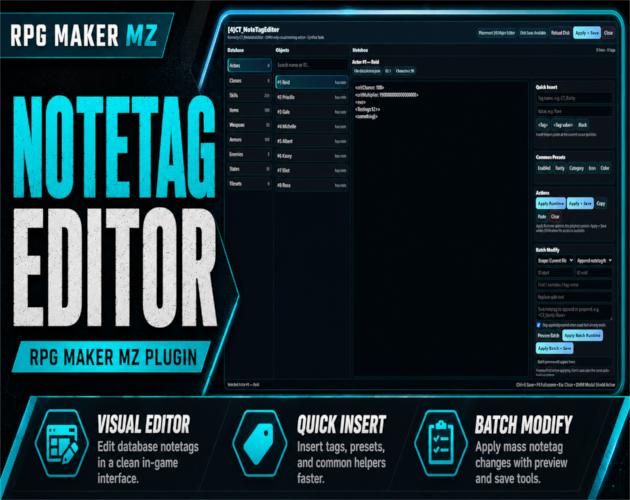
- CT_NoteTagEditor — visual notetag editor for RPG Maker MZ
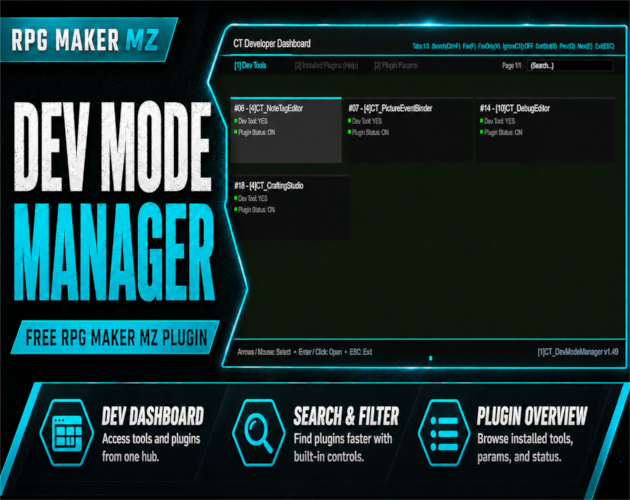
- CT DevModeManager — in-game developer dashboard and Dev Tools hub
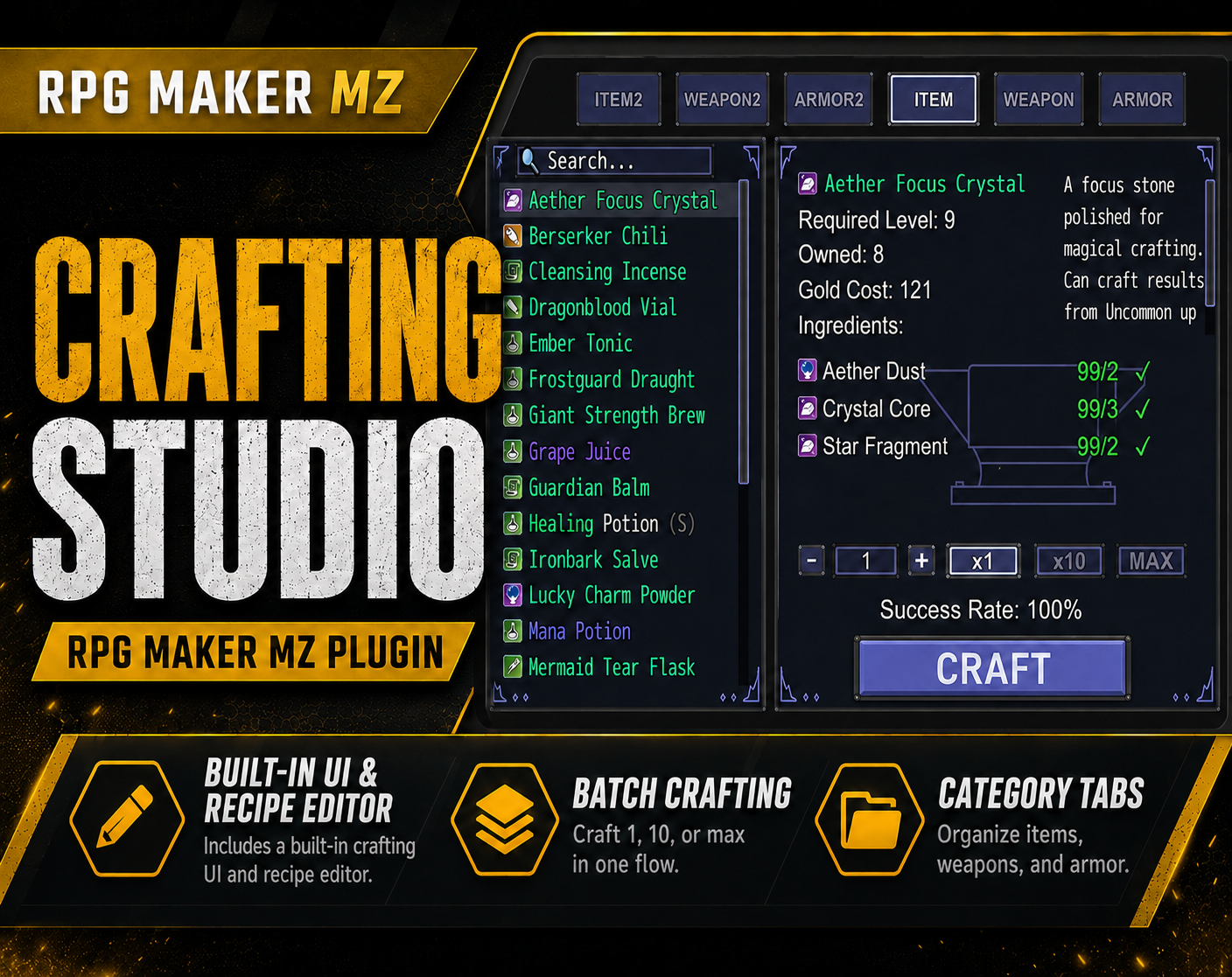
- CT Crafting Studio — visual crafting system and recipe editor
- CT Picture Event Binder — picture-based UI and event binding system
CT_NotetagGuardian on itch.io: https://cynthiatool.itch.io/ct-notetagguardian-free-rpg-maker-mz-notetag-scanner
Join the CT Update List for RPG Maker MZ plugin releases, bug fixes, tips, and bundle discounts:
https://cynthiatools-8yhtgy.subscribepage.io/
Terms of Use:
https://itch.io/blog/1488103/terms-of-use-license
Built with AI assistance. Shaped, tested, and supported by a real maker.
 Utility