comic · 2026-11-09
CT AutoLoot Webcomic: RPG Maker MZ Auto Pickup & Rarity Glow
See CT AutoLoot in a four-panel RPG Maker MZ webcomic: spawn item, weapon, and armor drops; add five rarity glows; and customize auto pickup, sound, and despawn timing.
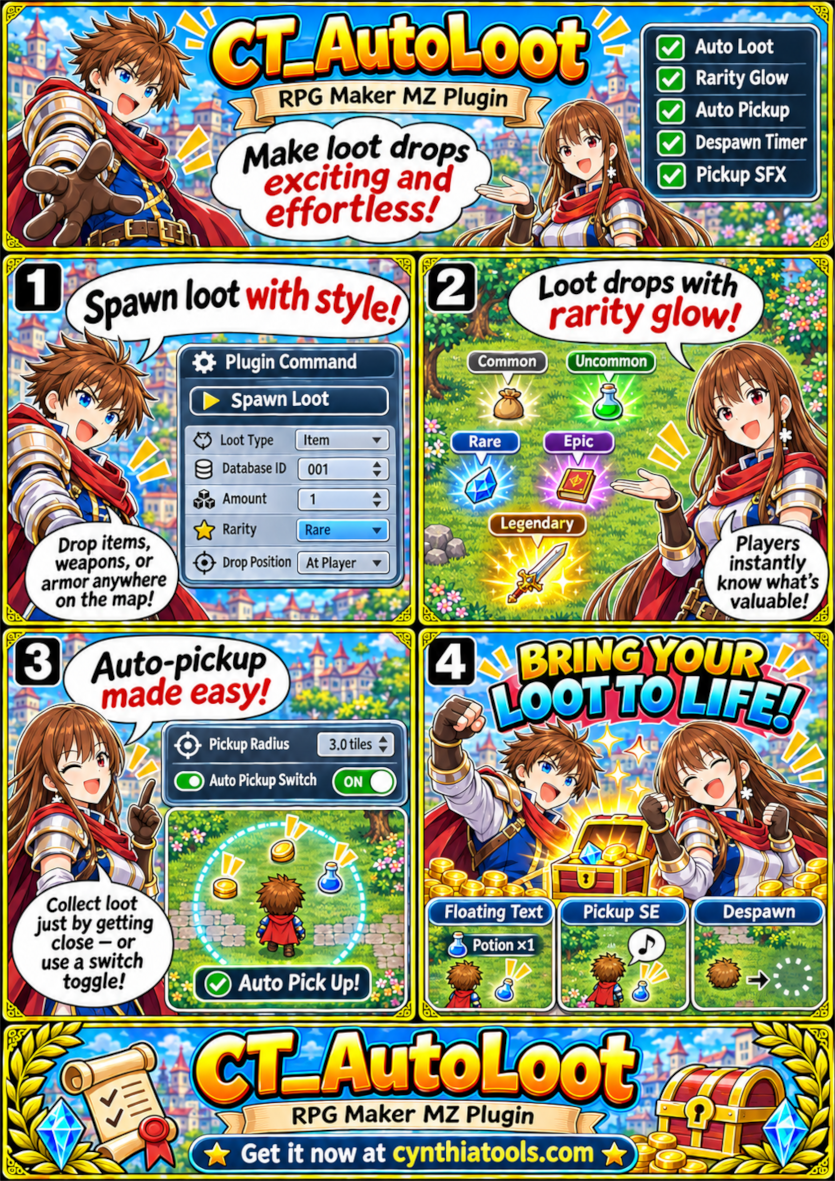
CT AutoLoot Webcomic: RPG Maker MZ Auto Pickup and Rarity Glow
CT AutoLoot is an RPG Maker MZ plugin for placing collectible item, weapon, and armor drops on a game map. This four-panel webcomic shows how its loot-spawning commands, rarity glow effects, and adjustable proximity pickup can make treasure easier to spot and collect. It is a visual introduction for RPG Maker MZ developers building loot-focused adventures.
Panel 1 — Spawn loot where you need it
Use the Spawn Loot plugin command to place a database item, weapon, or armor at the player’s position or chosen map coordinates. Select its database ID, quantity, and rarity. You can call this command from RPG Maker MZ events, such as a treasure-chest interaction or a scripted reward.
Panel 2 — Show five glowing loot rarities
Each drop displays its item icon with a color-coded glow:
- Common: white
- Uncommon: green
- Rare: blue
- Epic: purple
- Legendary: orange
The rarity also determines the color of the floating pickup text, helping distinguish ordinary drops from special rewards.
Panel 3 — Collect nearby loot automatically
When proximity pickup is active, CT AutoLoot collects a drop as the player moves within the configurable pickup radius. A designated RPG Maker switch can enable or suspend this automatic collection behavior. The pickup distance is adjustable through a plugin command.
Panel 4 — Customize the pickup experience
Set a pickup sound effect, including its volume and pitch. When an item is collected, the plugin adds it to the party inventory and displays floating item text. You can also set a despawn timer for uncollected drops; setting the timer to zero keeps drops from expiring automatically.
Quick start in RPG Maker MZ
- Add and enable the CT_AutoLoot plugin in your RPG Maker MZ project.
- In an event, use the Spawn Loot command and choose the loot type, database ID, amount, rarity, and position.
- Use Set Pickup Radius, Set Pickup SE, Set Despawn Time, or Set Auto Pickup Switch commands if you want to change the defaults.
- Playtest the map to check drop visibility, pickup distance, sound, and timing.
Frequently asked questions
Can CT AutoLoot spawn weapons and armor as well as items? Yes. The Spawn Loot command accepts item, weapon, and armor database entries.
Does the plugin support different loot rarity colors? Yes. It offers Common, Uncommon, Rare, Epic, and Legendary color effects.
Can I change the automatic pickup range? Yes. Use the Set Pickup Radius command to choose the proximity distance.
Can loot disappear after a time limit? Yes. The despawn timer is configurable; zero disables timed despawning.
Get the CT AutoLoot plugin
This page showcases the plugin through a webcomic. For the plugin listing and product details, visit:
https://cynthiatools.com/plugins/ct-autoloot-lootspawn-system-rarity-glow-auto-pickup-rpg-maker-mz-plugin
Created by Cynthia Tools — https://cynthiatools.com
Explore the tools
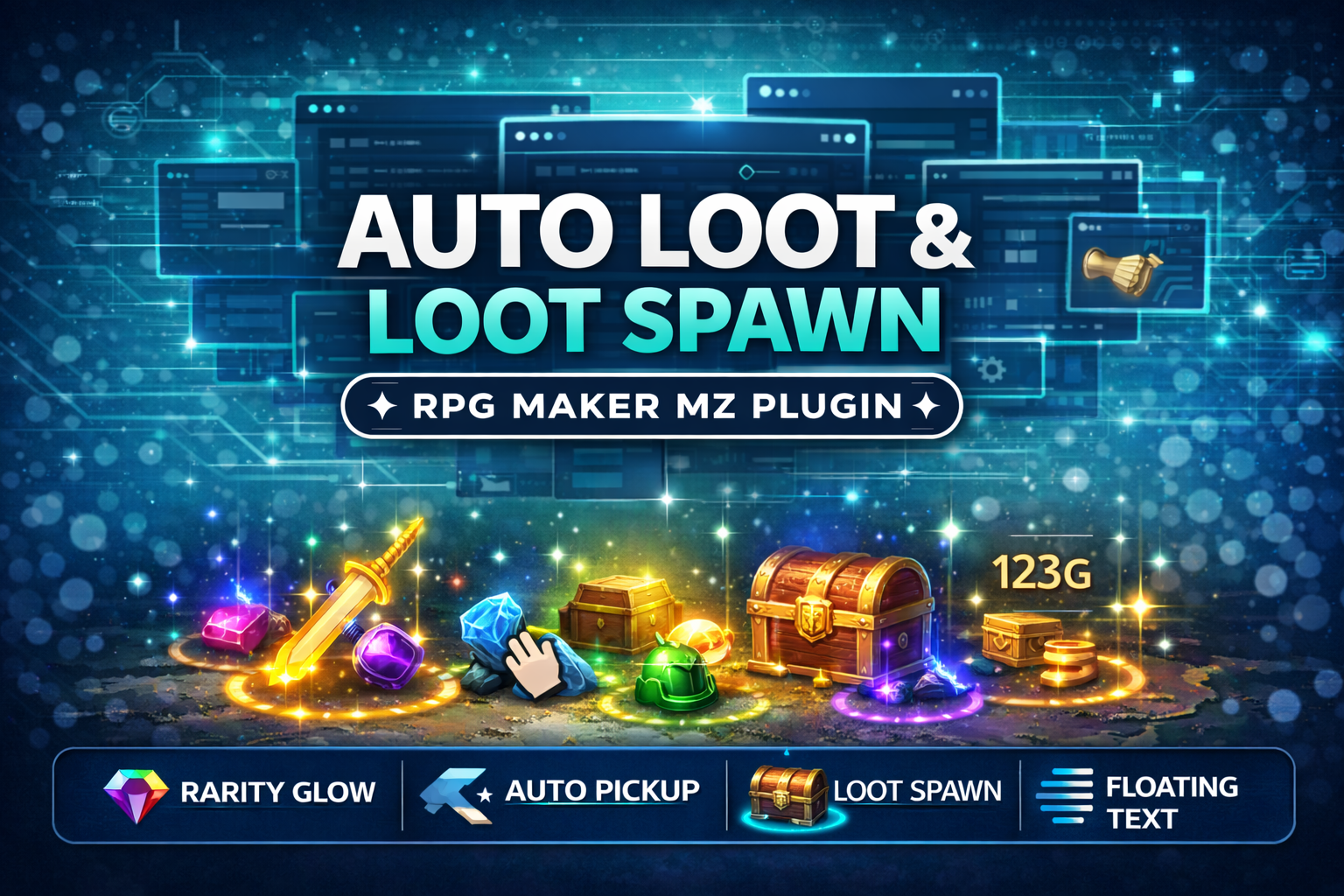 Utility
RPG Maker MZ only. The supplied product page states that CT_AutoLoot is plugin-command driven, requires no scripting, a…
CT_AutoLoot & LootSpawn System – Rarity Glow + Auto Pickup for RPG Maker MZ
CT_AutoLoot is an RPG Maker MZ loot system plugin that spawns Items, Weapons, and Armors on the map with five rarity tiers, colored glow, floating text, adjustable-radius auto pickup, custom pickup sounds, and despawn timers.
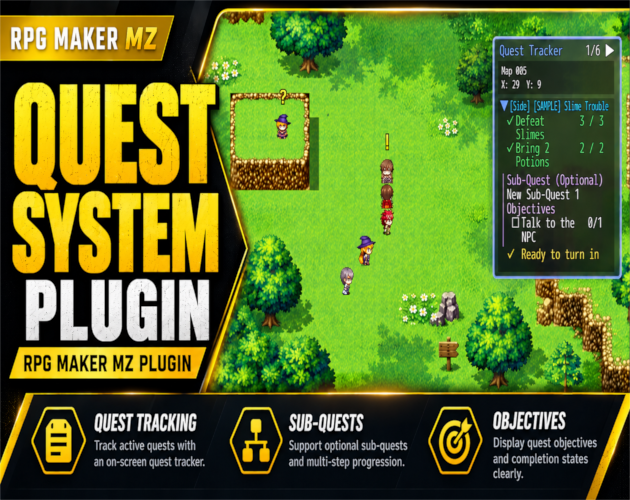
RPG Maker MZ. Built-in full-screen quest editor opens with F7 during a playtest. Integrates through RPG Maker MZ events…
RPG Maker MZ Quest System Plugin – CT Visual Quest Editor
Create main quests, side quests and up to 5 sub-quests in RPG Maker MZ with a visual editor, NPC quest givers, journal, tracker and rewards.