blog · 2026-11-22
5 Free RPG Maker MZ Plugins Every Developer Should Have
Discover 5 free RPG Maker MZ plugins from Cynthia Tools for diagonal movement, battle positioning, jumping, options menus and notetag editing.
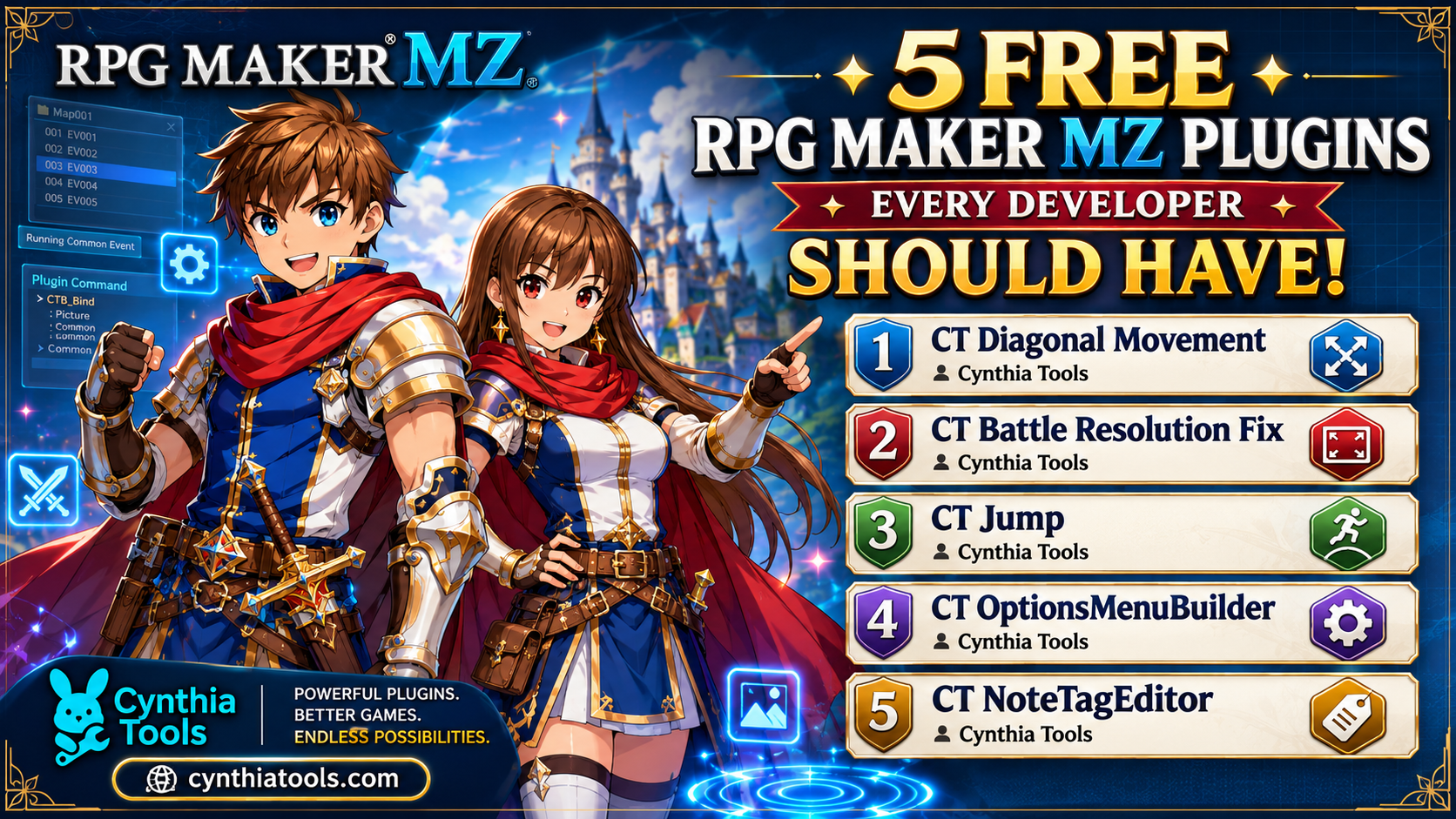
Five free RPG Maker MZ plugins from Cynthia Tools help developers add diagonal movement, adjust battle actor positions at different resolutions, introduce jumping, customize the options menu, and edit notetags more easily. This guide explains what each plugin does and links to its individual page so you can choose the tools that fit your game.
The 5 free RPG Maker MZ plugins at a glance
| Plugin | What it helps you do |
| --- | --- |
| CT Diagonal Movement | Add eight-direction movement on maps |
| CT Battle Resolution Fix | Adjust battle actor positioning for supported resolutions |
| CT Jump | Add jumping to character movement |
| CT OptionsMenuBuilder | Customize the game's options menu |
| CT NoteTagEditor | Manage and edit RPG Maker MZ notetags |
1. CT Diagonal Movement — 8-direction movement
Want your characters to move diagonally rather than only up, down, left and right? CT Diagonal Movement adds eight-direction movement to RPG Maker MZ. It is a useful starting point for exploration-focused projects or games that benefit from more flexible navigation.
Plugin page: https://cynthiatools.com/plugins/free-rpg-maker-mz-plugin-ct-diagonal-movement
2. CT Battle Resolution Fix — actor positioning
Changing the battle resolution can leave actor positions out of place. CT Battle Resolution Fix provides resolution-based X and Y offsets so developers can adjust actor placement after the engine's normal positioning. The supplied plugin supports the 1920×1080, 1280×720 and 816×624 profiles for front-view battles; it is not a general-purpose battle system replacement.
Plugin page: https://cynthiatools.com/plugins/ct-battle-resolution-fix
3. CT Jump — jumping movement
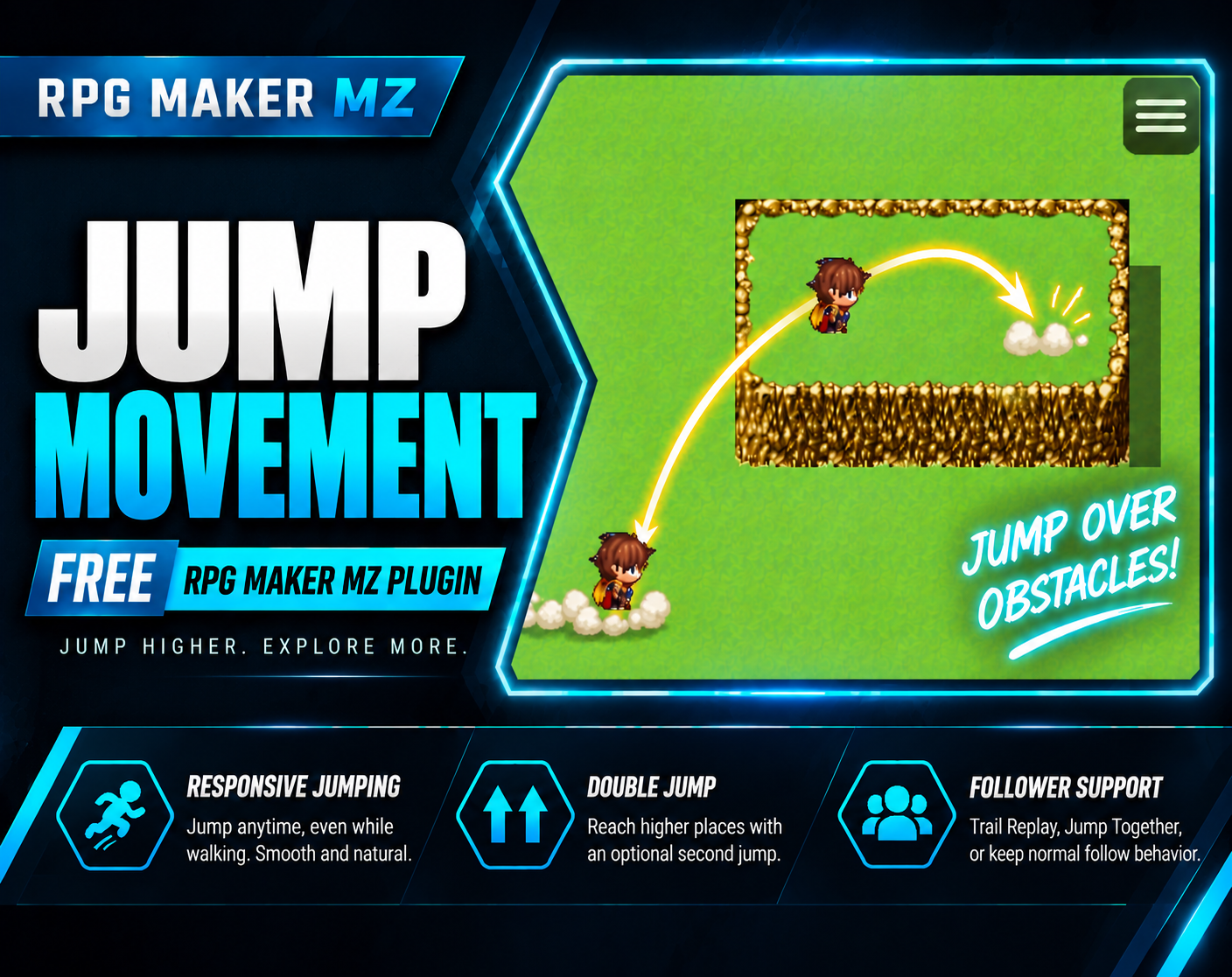
CT Jump adds jumping to RPG Maker MZ character movement, giving developers another option for map traversal and movement-based interactions. The linked Jump Movement plugin page also describes double-jump and diagonal-jump features; check that page for setup details.
Plugin page: https://cynthiatools.com/plugins/rpg-maker-mz-plugin-ct-jump-movement-jump-double-jump-diagonal-jump
4. CT OptionsMenuBuilder — customize game options
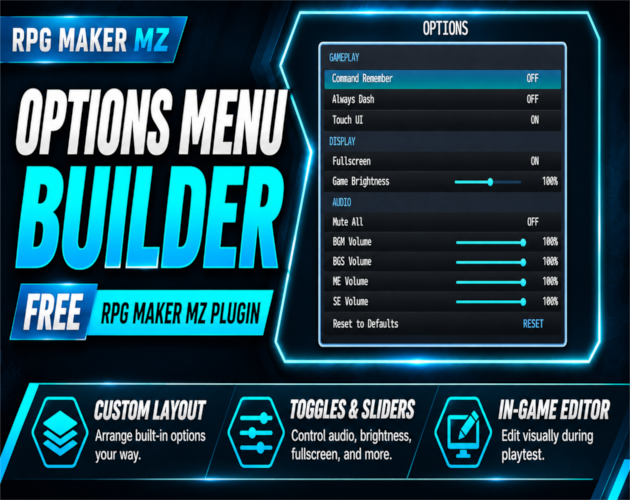
The default options screen does not always match a game's needs. CT OptionsMenuBuilder helps developers customize the RPG Maker MZ options menu using a visual editor, making it easier to present the settings players need.
Plugin page: https://cynthiatools.com/plugins/free-rpg-maker-mz-plugin-ct-options-menu-builder
5. CT NoteTagEditor — visual notetag editing
RPG Maker MZ notetags can be awkward to manage as a project grows. CT NoteTagEditor provides a visual notetag-editing tool to help organize and update this data without relying only on manual text editing.
Plugin page: https://cynthiatools.com/plugins/4ct-notetageditor-visual-notetag-editor-for-rpg-maker-mz
Which free plugin should you start with?
If you want more flexible map navigation, start with CT Diagonal Movement. If you are adjusting a front-view battle layout for a different resolution, look at CT Battle Resolution Fix. Choose CT Jump for movement options, CT OptionsMenuBuilder for settings-screen customization, or CT NoteTagEditor if managing notetags is slowing down your workflow.
Download the plugins
All five plugins in this selection are free. Open the individual pages above for details and downloads, or browse the full Cynthia Tools RPG Maker MZ plugin collection:
https://cynthiatools.com/plugins
Before installing, check the instructions and compatibility notes on each plugin's page, especially when combining multiple plugins in one project.
Frequently asked questions
Are these RPG Maker MZ plugins free?
Yes. The five plugins featured in this article are listed as free Cynthia Tools plugins.
Can I use these plugins with RPG Maker MV?
This article covers RPG Maker MZ. Check each product page for its supported engine and requirements rather than assuming MV compatibility.
Which plugin helps with battle resolution changes?
CT Battle Resolution Fix provides adjustable actor-position offsets for three supported resolution profiles in front-view battles.
Where can I find more RPG Maker MZ plugins?
Browse the Cynthia Tools plugin catalog at https://cynthiatools.com/plugins.
*Published by Cynthia Tools — Powerful Plugins. Better Games. Endless Possibilities.*
Explore the tools
 Engine fixes
RPG Maker MZ. The supplied product information documents resolution-specific positioning for 1920×1080, 1280×720, and 8…
Free RPG Maker MZ Plugin: CT Battle Resolution Fix – Custom Resolution Battler Positioning
Fix side-view battler positions after changing RPG Maker MZ resolution with separate X/Y offsets for 1920×1080, 1280×720, and 816×624 layouts.
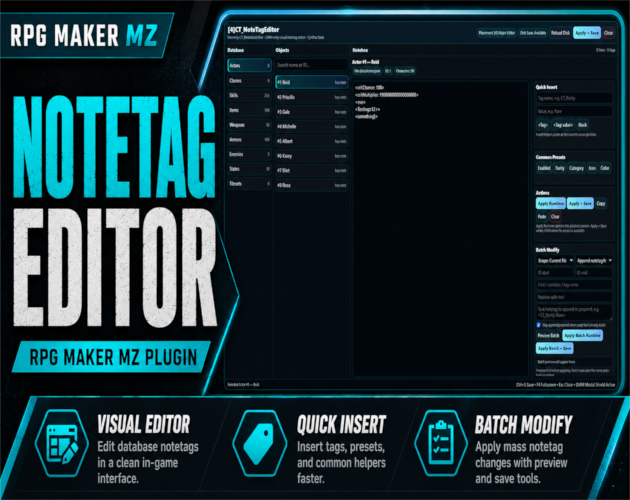 Utility
RPG Maker MZ. CT_NoteTagEditor requires [1]CT_DevModeManager and is designed to run through the DMM developer dashboard…
Free RPG Maker MZ Plugin: CT_NoteTagEditor – Visual Notetag Editor
A free CT_DevModeManager-powered visual notetag editor for RPG Maker MZ with searchable database browsing, batch modify tools, runtime apply, permanent JSON saving, automatic backups, and responsive development workspaces.
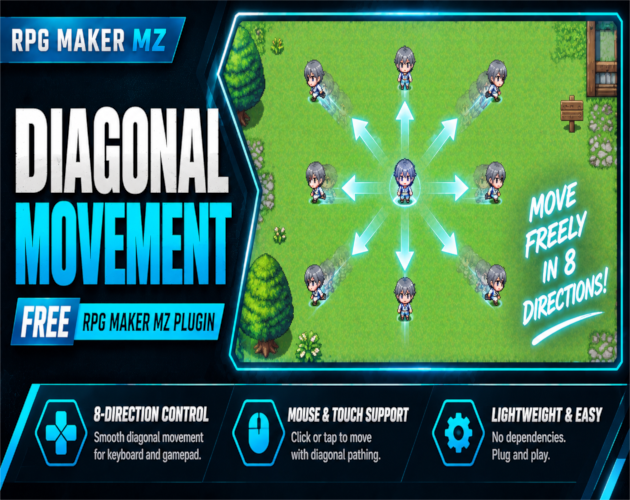 Utility
RPG Maker MZ. The supplied product information states that CT Diagonal Movement uses RPG Maker MZ's native movement and…
Free RPG Maker MZ Plugin: CT Diagonal Movement – 8-Direction Movement
Add free 8-direction movement to RPG Maker MZ with diagonal keyboard, gamepad, mouse, and touch controls, plus optional speed normalization and corner-cut prevention.
 Utility
RPG Maker MZ. Designed for map movement and supports keyboard plus mouse/touch movement. No external graphics are requi…
Free RPG Maker MZ Plugin: CT Jump Movement – Jump, Double Jump & Diagonal Jump
Free RPG Maker MZ jump plugin with double jump, diagonal jumping, obstacle traversal, follower support and impact effects.
Designed for RPG Maker MZ. The visual editor opens with F10 during desktop playtest. Saving configuration changes to th…
Free RPG Maker MZ Plugin: CT Options Menu Builder – Visual Editor
Free RPG Maker MZ Options Menu plugin with F10 visual editor, draggable settings, display toggles and audio sliders.