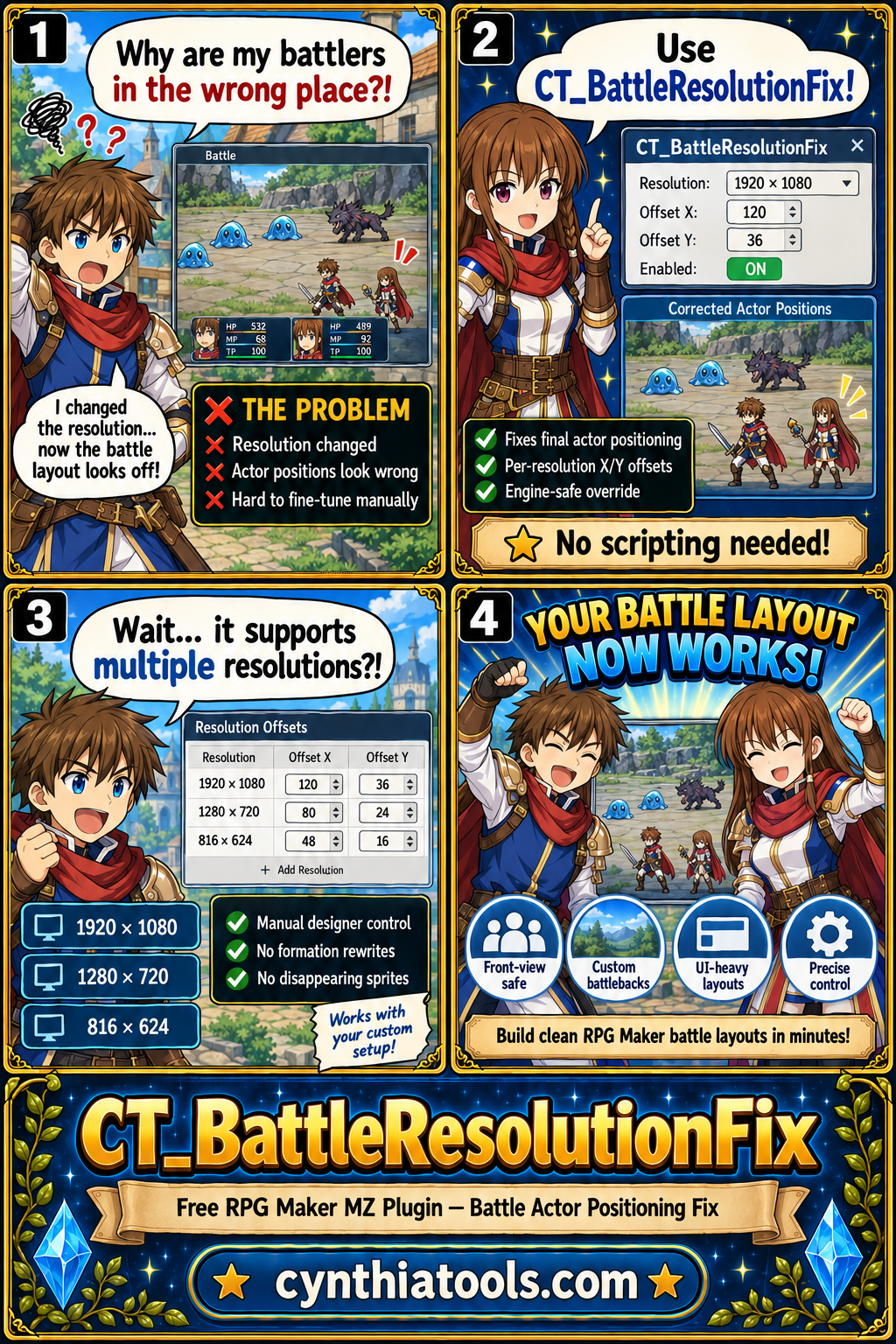
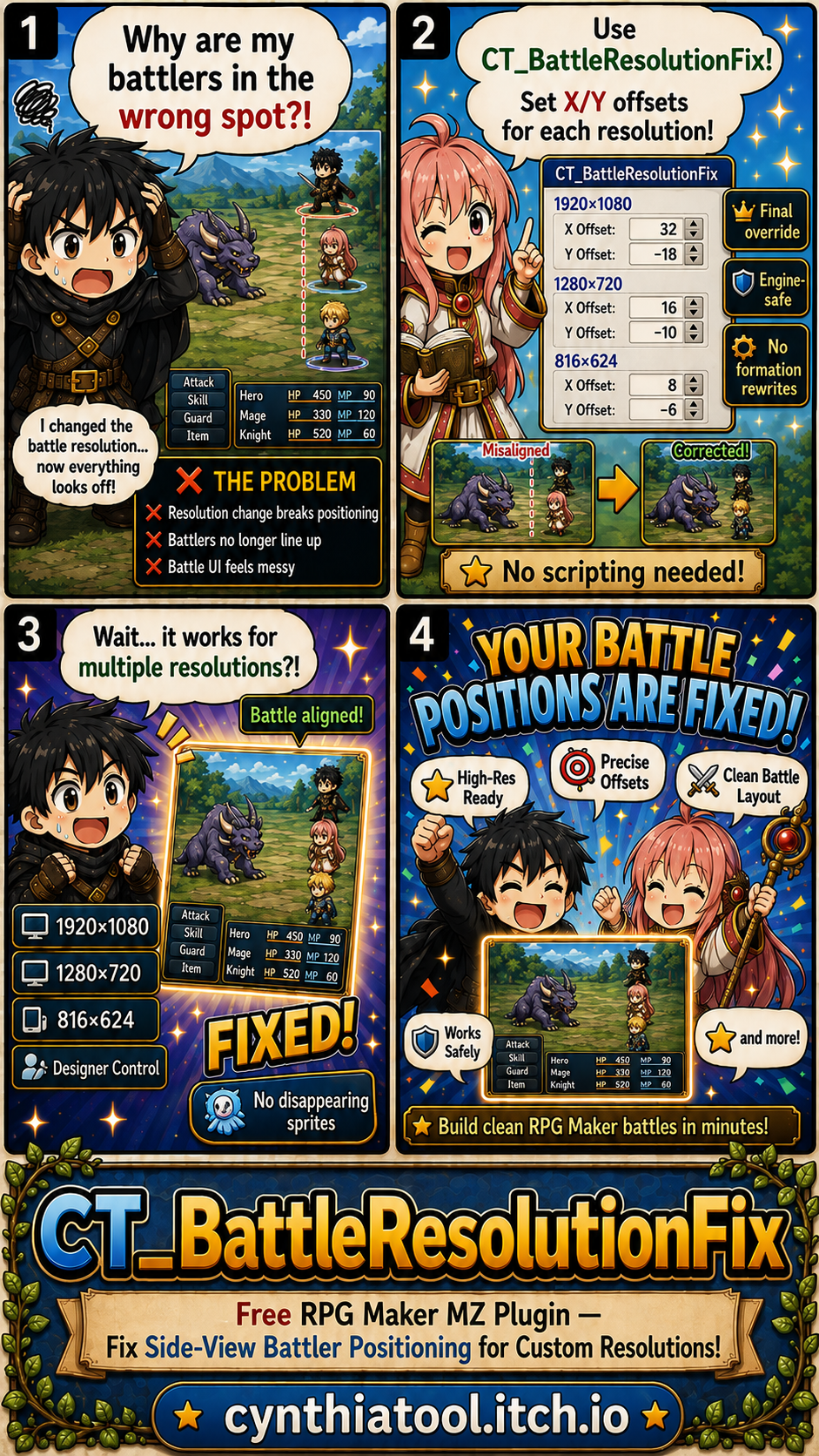
CT Battle Resolution Fix is a free RPG Maker MZ custom-resolution battler positioning plugin for projects where side-view battle sprites no longer line up correctly after changing the game resolution.
Instead of rebuilding formations or forcing automatic scaling, the plugin lets you apply final X and Y position offsets for supported resolutions so battlers can be aligned with your battleback, UI, and custom battle layout.
Fix Battler Positioning After Changing Resolution
RPG Maker MZ's standard game size is 816×624. When a project moves to a larger resolution, side-view actor placement may no longer match the intended battle layout.
CT Battle Resolution Fix gives you direct manual control over the final battler position.
Use it to:
- Move battlers horizontally
- Move battlers vertically
- Correct positioning at larger resolutions
- Match battlers to custom battlebacks
- Fine-tune UI-heavy battle layouts
- Keep existing formations without rewriting them
Supported Resolution Profiles
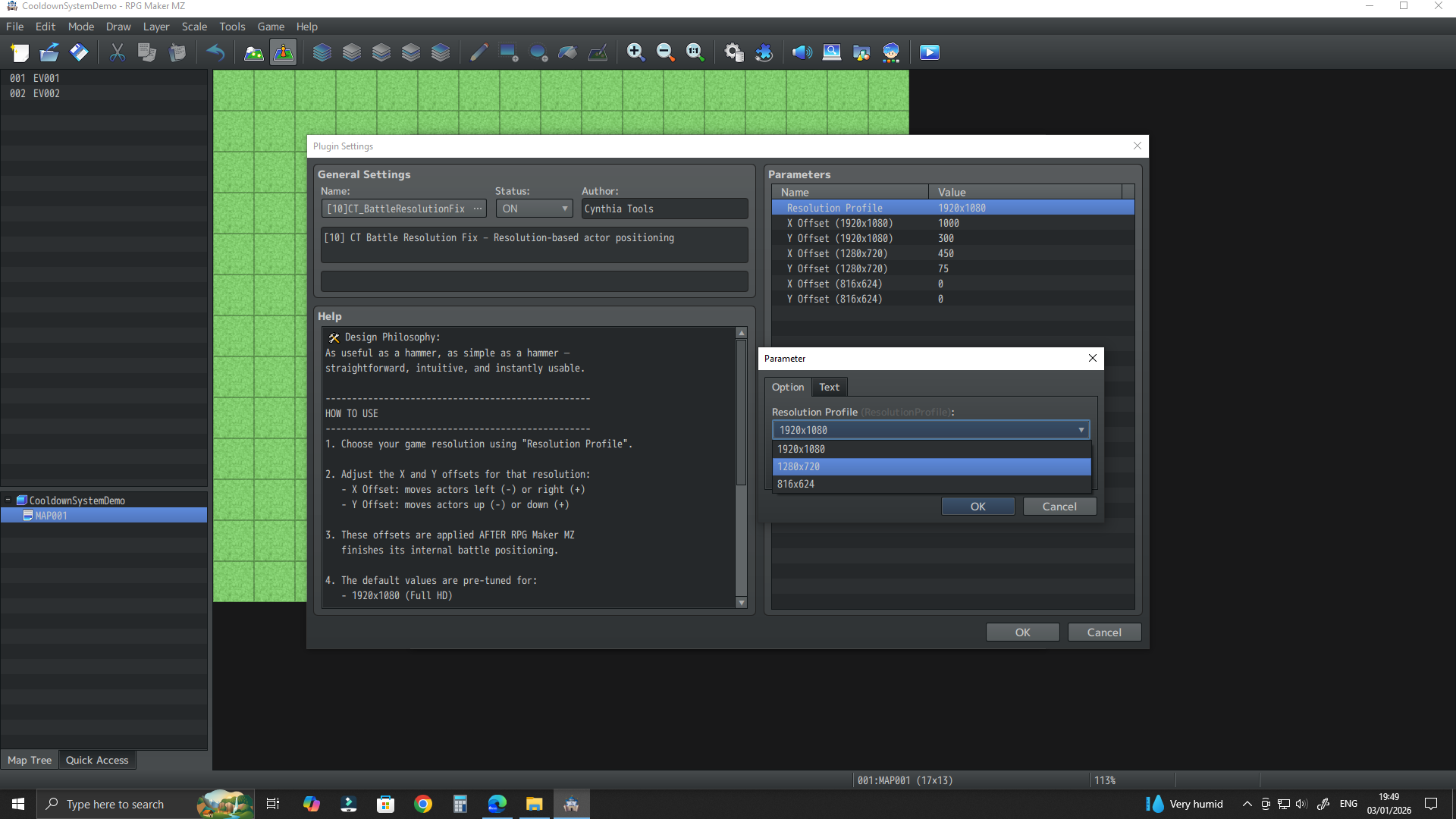
The supplied product information includes dedicated positioning profiles for:
Each supported resolution can use its own X and Y offset values.
This means a project can keep different positioning adjustments for Full HD, 720p, and the default RPG Maker MZ resolution.
Resolution-Specific X/Y Offsets
Configure the horizontal and vertical adjustment for each supported resolution.
Typical workflow:
- Run a battle at the target resolution.
- Check where the side-view battlers appear.
- Adjust the X offset to move them left or right.
- Adjust the Y offset to move them up or down.
- Repeat until the battlers match the intended battleback and interface layout.
The plugin applies the configured adjustment to the final battler position.
Manual Control Instead of Formation Replacement
CT Battle Resolution Fix is intentionally focused.
It does not require you to replace your entire battle formation system just to correct custom-resolution positioning.
That makes it useful for projects where the existing formation is already correct and only needs a final positional adjustment after changing screen size.
Useful for Custom Battlebacks
A larger game resolution often comes with:
- Custom battlebacks
- Wider battle scenes
- Repositioned battle UI
- Different visual spacing
- Full HD or 720p layouts
Resolution-specific offsets make it easier to line side-view actors up with these custom designs.
Best For
CT Battle Resolution Fix is useful for:
- RPG Maker MZ projects using 1920×1080
- RPG Maker MZ projects using 1280×720
- Projects that still support 816×624
- Side-view battles with misplaced actor sprites
- Custom battlebacks
- UI-heavy battle scenes
- Developers who want precise manual battler positioning
- Projects that do not need a complete formation-system rewrite
Basic Setup
- Install CT Battle Resolution Fix in the RPG Maker MZ project.
- Enable it in Plugin Manager.
- Choose the settings for the resolution used by the game.
- Enter the required X and Y positioning offsets.
- Start a battle test.
- Adjust the offsets until battlers match the intended layout.
- Repeat for other supported resolutions if the project uses more than one profile.
Quick Answer
If you are looking for an RPG Maker MZ resolution fix, side-view battler positioning plugin, or a way to correct actor positions after changing the game to 1920×1080 or 1280×720, CT Battle Resolution Fix provides resolution-specific X/Y offsets without requiring a full formation rewrite.
Related Cynthia Tools
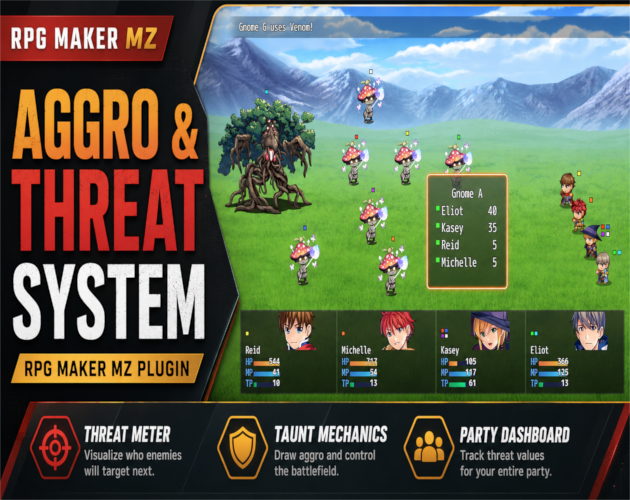
- CT Aggro & Threat System — tank, taunt, threat, and enemy targeting control
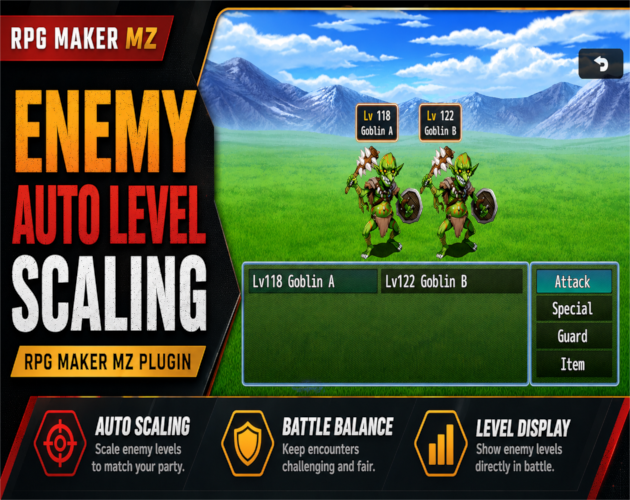
- CT Enemy Auto Level Scaling — dynamic enemy levels and stats
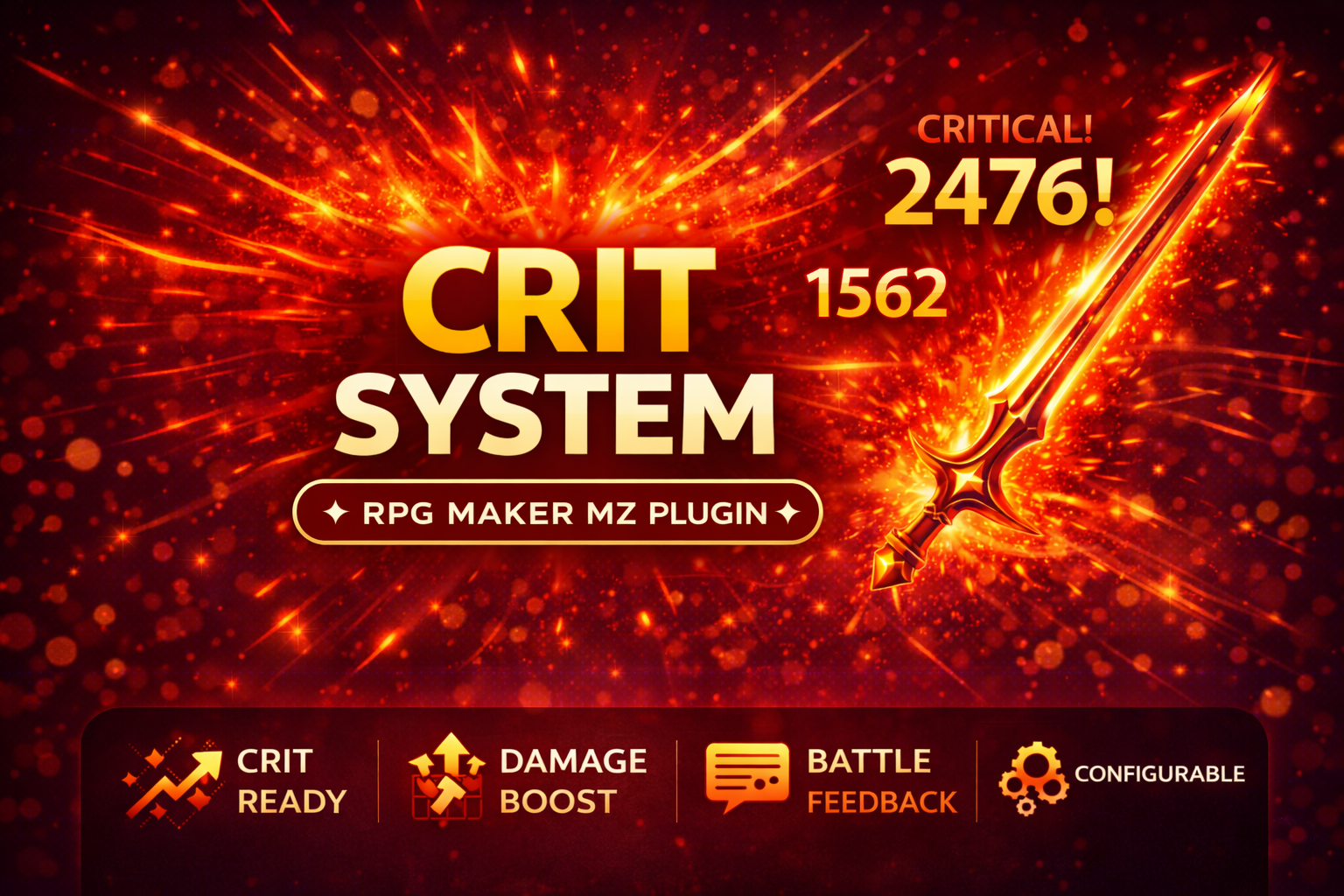
- CT Crit System — critical-hit chance, damage, resistance, and battle feedback
- CT Number UI Plus — large-number formatting and UI utilities
CT Battle Resolution Fix on itch.io: https://cynthiatool.itch.io/ct-battle-resolution-fix-side-view-actor-positioning-mz
Built with AI assistance. Shaped, tested, and supported by a real maker.