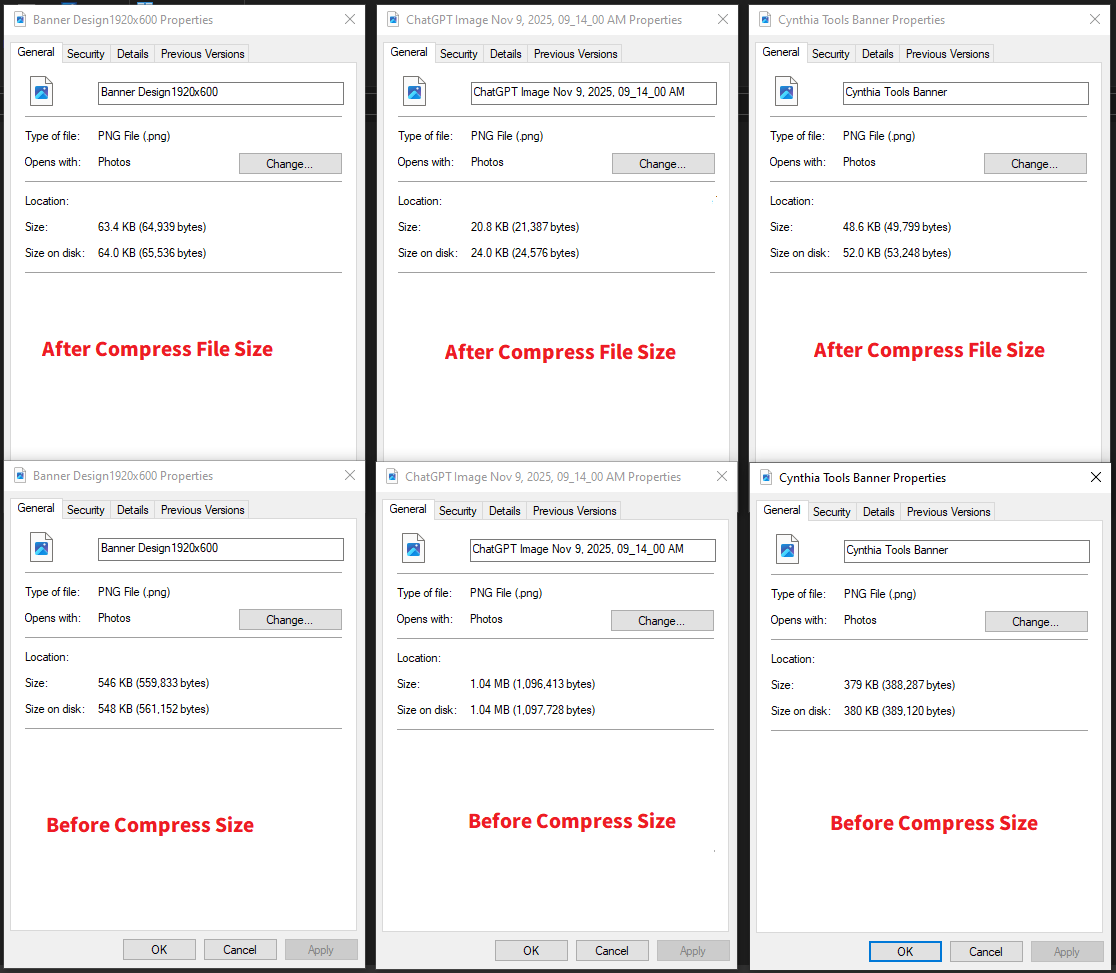
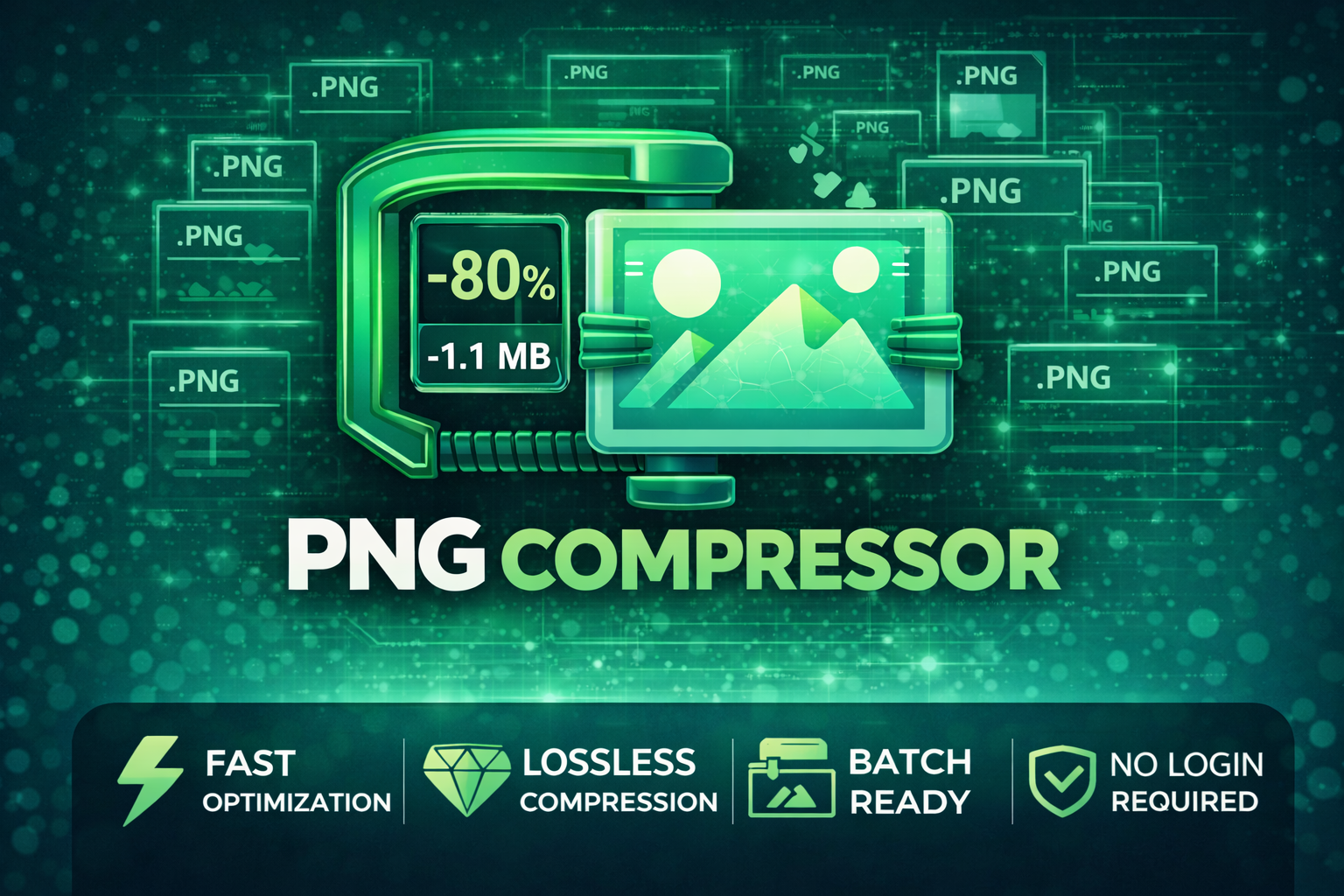
Cynthia Tools PNG Compressor is a free Windows PNG compression tool for game developers, RPG Maker MZ creators, web developers, artists, and content creators who want smaller PNG files without opening a large image editor. It works offline, supports batch compression, and gives you several quality/compression modes so you can choose between identical-quality lossless output and stronger file-size reduction.
Use it to optimize PNG assets for RPG Maker MZ games, indie game projects, websites, UI graphics, thumbnails, digital stores, and other image-heavy workflows.
Compress PNG Files Quickly on Windows
The workflow is deliberately simple:
- Select one or more PNG files.
- Choose an output folder, or use the default `./output/` folder.
- Pick a compression mode.
- Click Compress.
- Collect the optimized PNG files from the output folder.
No internet connection is required.
Compression Modes
Choose the mode that fits the image and the amount of compression you want:
- Lossless Mode — identical visual quality with a smaller size where possible
- High Quality (256 colors) — the recommended balance for most users
- Balanced (128 colors) — stronger reduction with some smoothing
- High Compression (64 colors) — maximum size reduction, with possible gradient/color-detail loss
This makes the tool useful for both quality-sensitive artwork and assets where smaller file size matters more.
Core Features
- Compress PNG images on Windows
- Batch-compress multiple PNG files
- Lossless and reduced-color compression modes
- Optional custom output folder
- Default `./output/` folder when no destination is selected
- Offline operation
- No watermark
- No ads
- Free to use
- Simple beginner-friendly desktop interface
Useful for Game Development
Large PNG collections can increase project size and make asset folders harder to manage.
Cynthia Tools PNG Compressor is useful for reducing the size of:
- RPG Maker MZ character and UI assets
- Game menus and interface graphics
- Icons and HUD artwork
- Pixel-art PNG files
- Promotional screenshots and thumbnails
- Itch.io page images
- Website graphics
- Other PNG-based game and creator assets
The tool compresses the image files themselves; it does not modify your RPG Maker MZ project data or game logic.
Good for Websites and Content Creation Too
The compressor is also useful outside game development.
Smaller PNG files can help with:
- Website image optimization
- Faster image uploads
- Smaller thumbnail files
- Reduced storage use
- Lighter project folders
- Preparing images for digital storefronts and creator pages
How to Use
1. Start the Program
Double-click:
Click This To Run.exe
2. Import PNG Images
Click Select PNG(s) and choose one or multiple PNG files.
3. Choose an Output Folder
Click Select Output Folder if you want to choose where the compressed files are saved.
If you skip this step, the tool saves output to:
`./output/`
4. Choose a Compression Mode
Select:
- Lossless
- High Quality (256 colors)
- Balanced (128 colors)
- High Compression (64 colors)
For most users, High Quality (256 colors) is the recommended balance according to the supplied guide.
5. Compress
Click Compress.
A completion message appears when the process is finished.
6. View the Results
Open the selected output folder, or check `./output/` if no custom folder was chosen.
Which Mode Should I Use?
- Use Lossless when preserving the original image quality exactly is the priority.
- Use High Quality (256 colors) for a strong general-purpose balance.
- Use Balanced (128 colors) when you want more reduction and can accept some smoothing.
- Use High Compression (64 colors) when file size matters most and some gradient/color-detail reduction is acceptable.
For important production assets, compare the compressed image with the original before replacing your source files.
Who Is This Tool For?
Cynthia Tools PNG Compressor is useful for:
- RPG Maker MZ creators
- Indie game developers
- Itch.io creators
- Web developers
- UI/UX designers
- Digital artists
- YouTubers and streamers
- Content creators
- Anyone who needs smaller PNG files on Windows
Free Cynthia Tools Utility
The supplied product information describes PNG Compressor as a free Cynthia Tools utility with:
- No internet requirement
- No watermark
- No ads
- Free updates
Official copies are distributed through Cynthia Tools channels.
Related Cynthia Tools
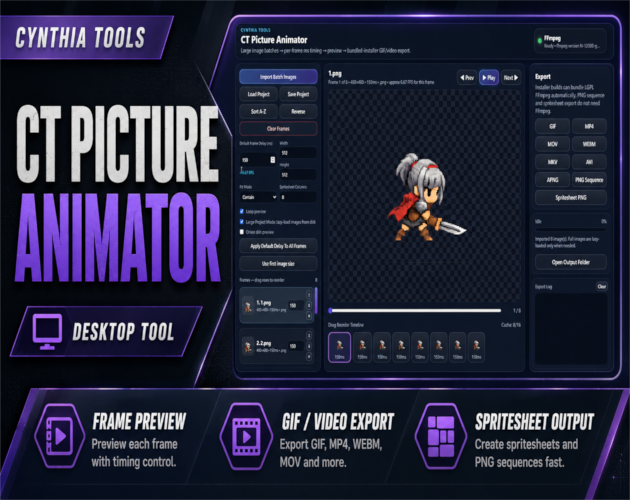
- CT Picture Animator — create GIFs, videos, PNG sequences, and spritesheets from image frames
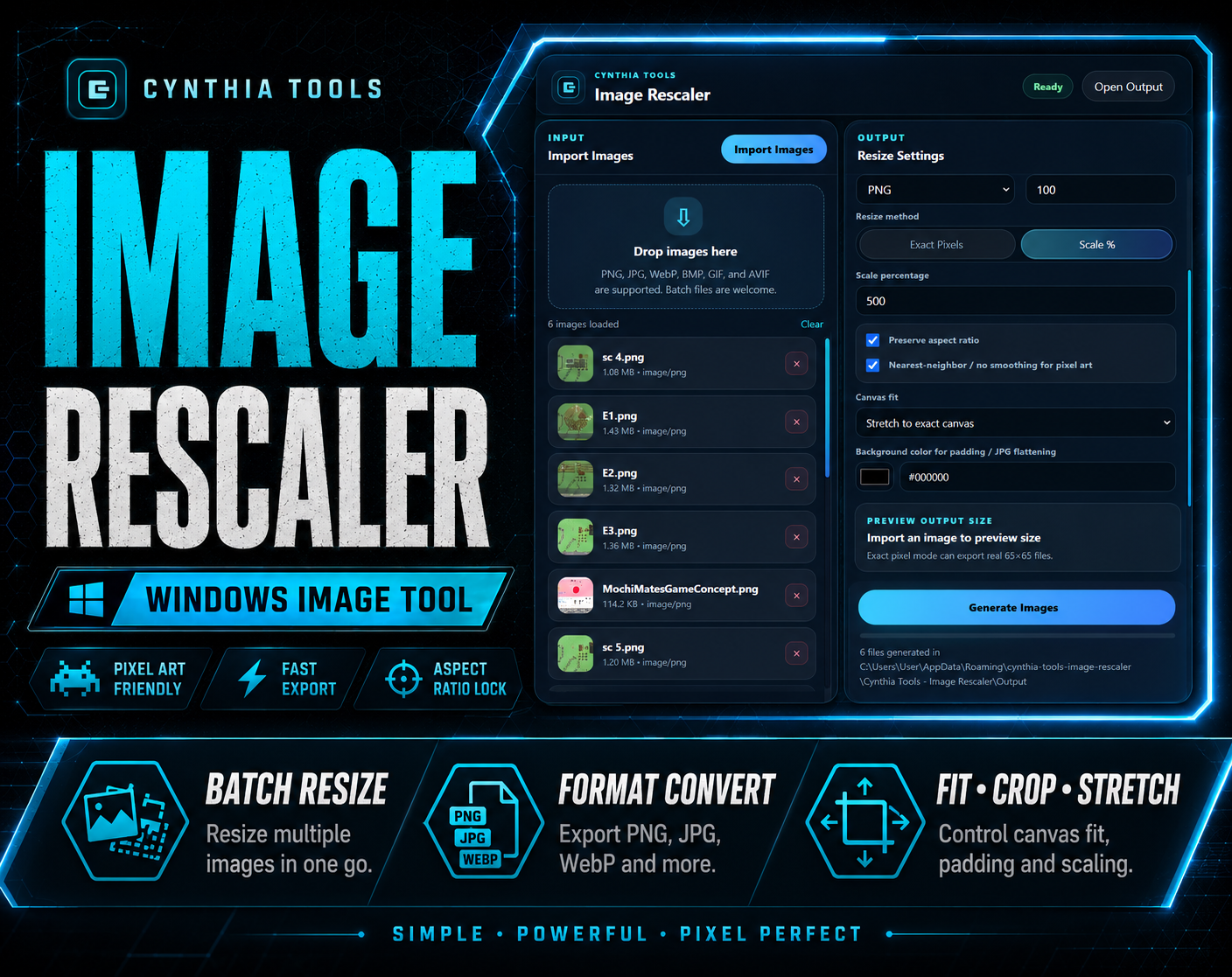
- CT Image Rescaler — batch resize and convert images for Windows
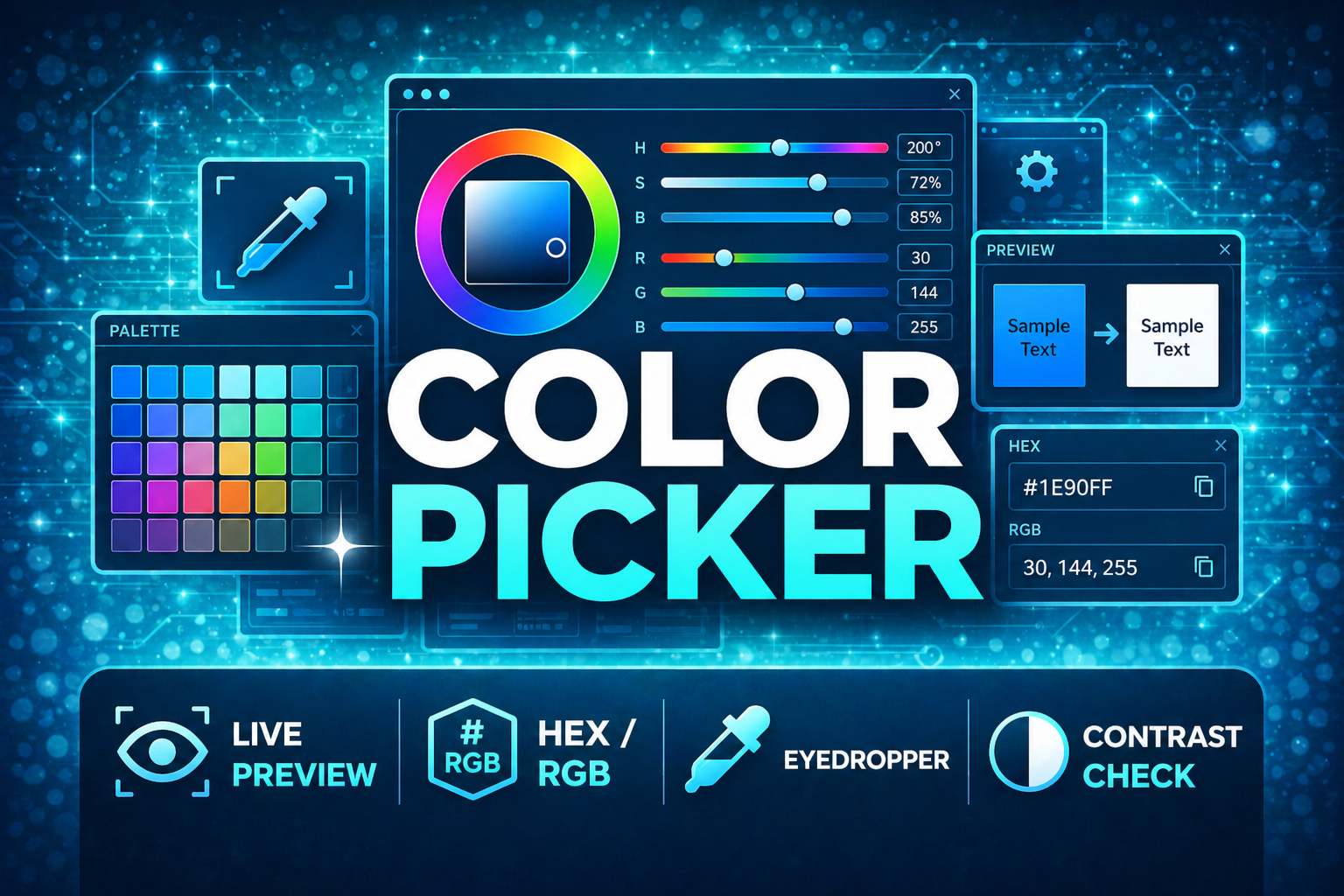
- CT ColorPicker — desktop color picker, palette, and contrast tool for game developers
PNG Compressor on itch.io: https://cynthiatool.itch.io/cynthia-tools-png-compressor
Join the CT Update List for RPG Maker MZ plugin releases, bug fixes, tips, and bundle discounts:
https://cynthiatools-8yhtgy.subscribepage.io/
Terms of Use:
https://itch.io/blog/1488103/terms-of-use-license
 Tools
Tools