CT Image Rescaler
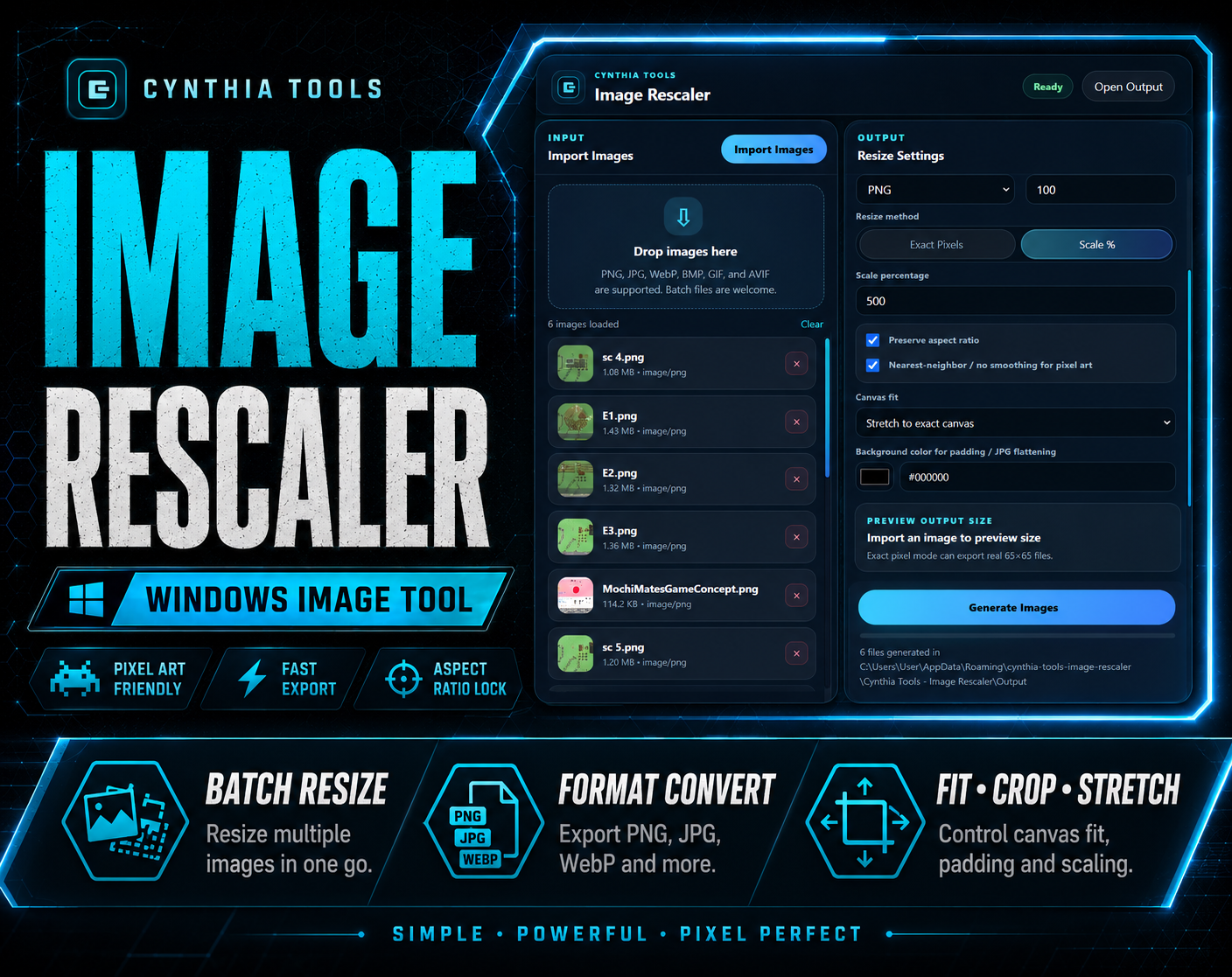
CT Image Rescaler is a Windows batch image resizer and converter for creators, game developers, RPG Maker users, and anyone who needs to resize or convert many images without opening a full editor for every file.
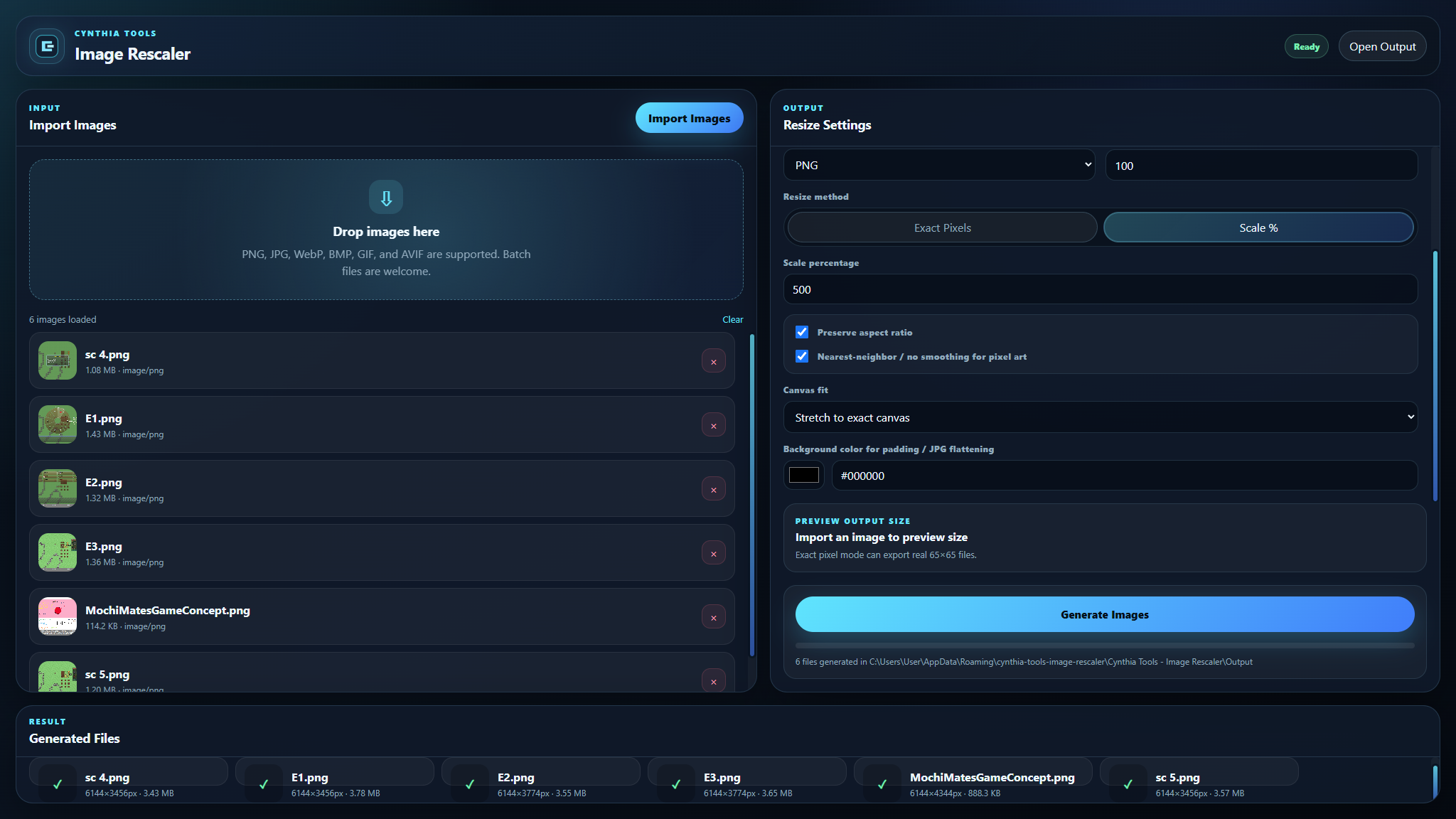
Import or drag in multiple images, choose exact dimensions or percentage scaling, preserve aspect ratio when needed, select how each image should fit the target size, choose the output format and quality, then export the batch together.
Batch Resize Multiple Images
Process several images in one workflow instead of resizing each file manually.
CT Image Rescaler supports:
- Exact width and height values
- Percentage scaling
- Aspect-ratio preservation
- Batch generation
- Custom export folders
Resize Modes
Stretch
Forces the image into the selected dimensions.
Fit / Contain
Keeps the full image visible while preserving its proportions. If the source and target shapes differ, empty space can use the selected padding background color.
Crop / Cover
Fills the entire target area while preserving proportions. Some edge cropping may occur so the target area is completely filled.
Percentage Scaling
Resize images by percentage when you do not need a fixed output size.
Exact-Pixel Resize
Set exact output dimensions when your project needs a specific width and height.
The supplied product screenshots show exact-pixel controls together with output-folder, format, quality, and batch-generation settings.
Output Formats
CT Image Rescaler supports common export workflows including:
PNG and WebP are suitable for transparent game and UI assets.
JPG does not support transparency, so transparent or padded areas require a visible background color.
JPG and WebP Quality Control
Choose the desired JPG or WebP quality when exporting. The supplied product information states that the default quality is set to 100 for maximum output quality.
Padding Background Color
When using Fit / Contain, choose the padding background color used around images that do not match the target aspect ratio.
Drag-and-Drop Import
Import images through drag and drop or use the normal import controls.
Pixel-Art Smoothing Options
The supplied screenshot information includes pixel-art smoothing controls during percentage scaling.
Useful for Game Development
CT Image Rescaler can help prepare:
- RPG Maker graphics
- UI elements
- Sprites
- Character portraits
- Game screenshots
- Promotional graphics
- Steam images
- YouTube thumbnails
- Website assets
- Social media graphics
- Product photos
- Wallpapers
Simple Workflow
- Import or drag in one or more images.
- Choose exact pixel dimensions or a scale percentage.
- Enable aspect-ratio preservation when needed.
- Choose Stretch, Fit / Contain, or Crop / Cover.
- Select PNG, JPG, or WebP output.
- Set quality and padding options when relevant.
- Choose the export folder.
- Generate the batch.
- Review the exported files in the results panel.
No Browser Upload Required
CT Image Rescaler is a Windows desktop application.
The supplied product information specifically states:
- No Node.js
- No command line
- No account
- No browser upload workflow
Quick Answer
If you are searching for a Windows batch image resizer, batch image converter, RPG Maker asset resizer, or a tool to resize multiple images by percentage or exact pixels, CT Image Rescaler provides batch resizing, conversion, aspect-ratio control, crop/contain/stretch modes, padding, PNG/JPG/WebP export, and quality settings in one desktop workflow.
Related Cynthia Tools
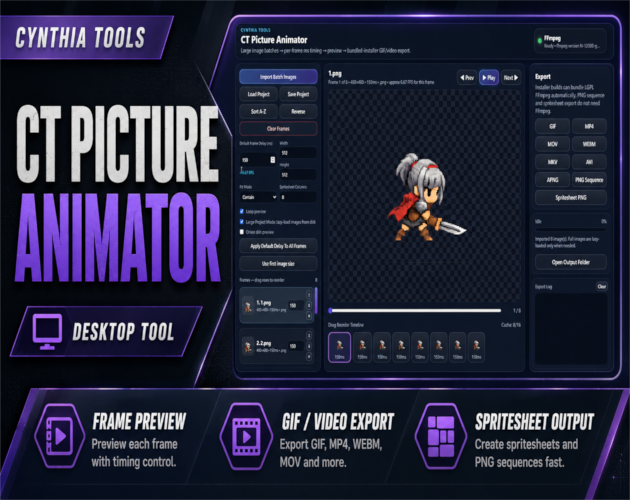
- CT Picture Animator — create GIFs, videos, PNG sequences, and spritesheets from image frames
- Cynthia Tools PNG Compressor — compress PNG images offline on Windows
- CT ColorPicker — desktop color picker and palette tool
- CT Crafting Studio — visual crafting system and recipe editor for RPG Maker MZ
CT Image Rescaler on Cynthia Tools: https://cynthiatools.com/tools/ct-image-rescaler
CT Image Rescaler on itch.io: https://cynthiatool.itch.io/ct-image-rescaler
Built with AI assistance. Shaped, tested, and supported by a real maker.
 Tools
Tools