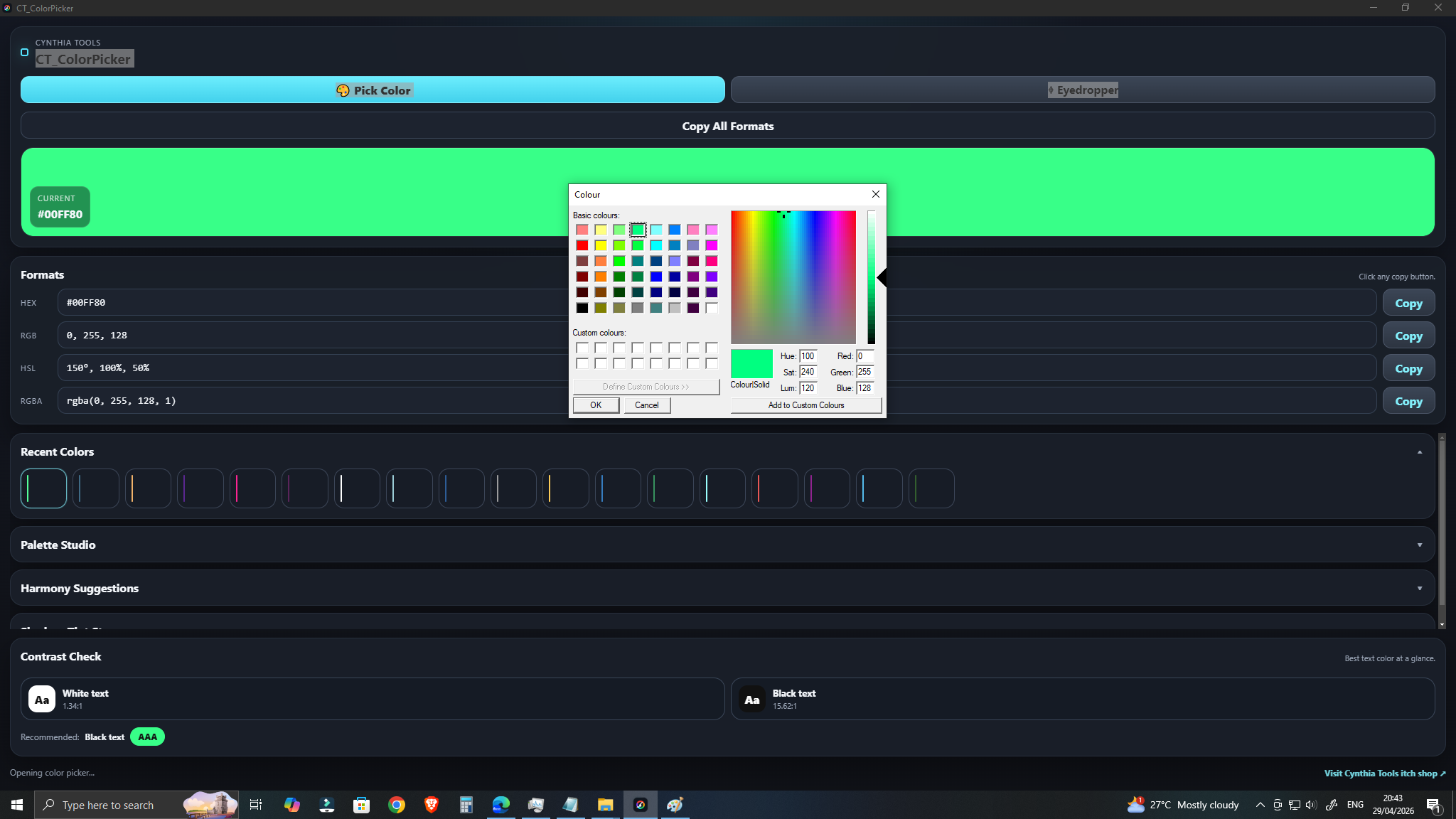
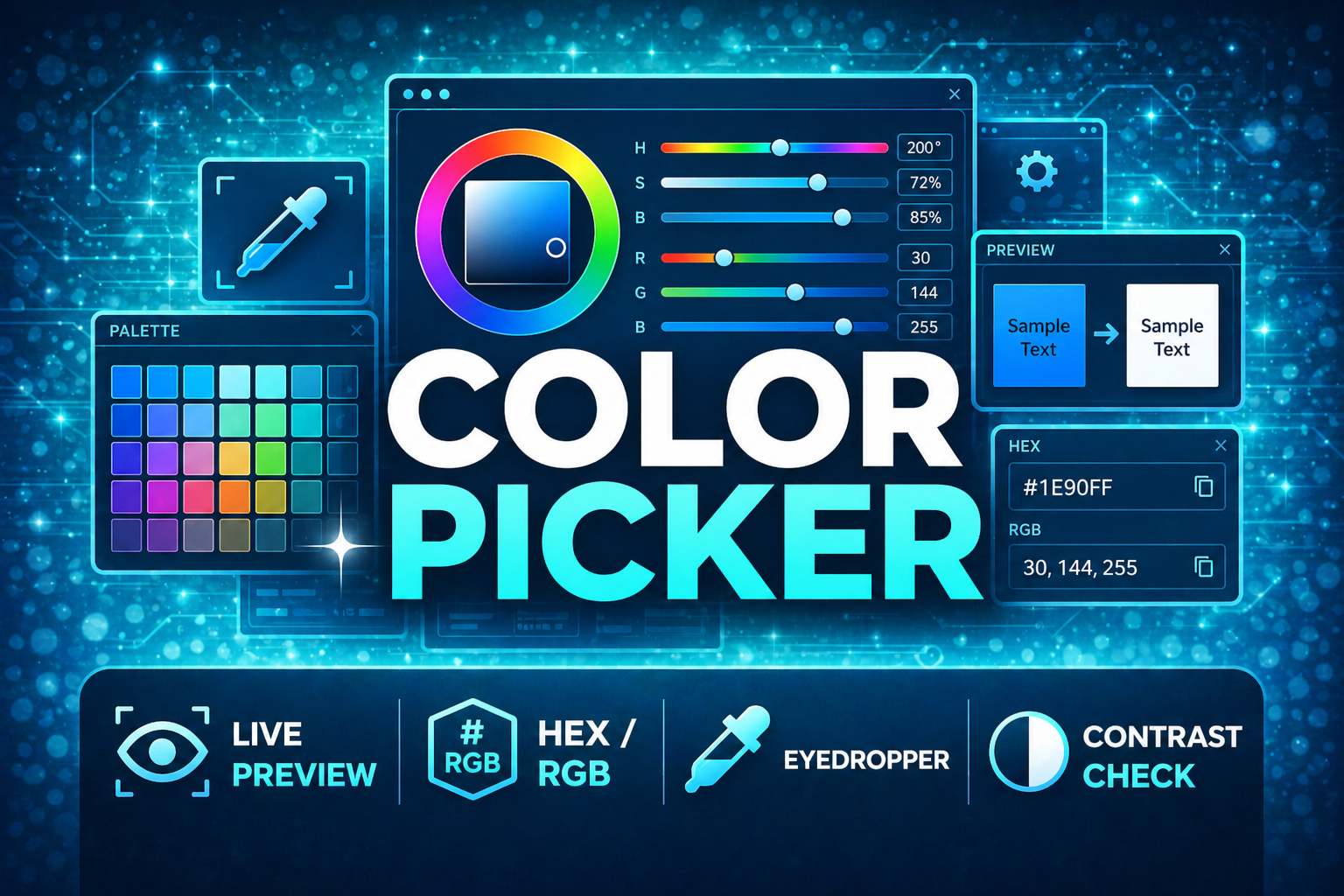
CT_ColorPicker is a lightweight Windows desktop color picker and palette tool for game developers, UI designers, pixel artists, RPG Maker creators, and other creators who need to pick, compare, save, and reuse colors quickly.
Instead of opening a large design suite just to grab a HEX value, test a text/background combination, or save a few palette ideas, CT_ColorPicker keeps the workflow focused: choose a color, preview it, copy the value you need, save useful colors, and get back to creating.
Pick, Preview, and Copy Colors Quickly
Use CT_ColorPicker as a fast desktop color helper while building game UI, RPG Maker plugins and themes, pixel art, websites, or other visual projects.
You can:
- Pick and preview colors
- Copy common color formats for development and design
- Save favorite colors
- Review recent colors
- Reuse colors without reopening a heavy editor
Build Small Color Palettes
Save colors into small reusable palettes when you are planning:
- Game UI themes
- RPG interfaces
- Pixel-art color sets
- Buttons, panels, text, and backgrounds
- Website or desktop UI colors
This makes it easier to keep related colors together while you experiment with a visual style.
Generate Shades, Tints, and Color Harmonies
CT_ColorPicker can generate shade and tint steps from a selected color and provide harmony suggestions.
Use these tools when you need related colors for:
- Hover and pressed states
- Darker or lighter UI panels
- Borders and highlights
- Pixel-art shading
- Secondary and accent colors
- Consistent color variations across a project
Check Text and Background Contrast
Use the built-in contrast tools to test readability between text and background colors.
CT_ColorPicker provides:
- Contrast readability checking
- AA / AAA contrast recommendations
This is useful when choosing colors for menus, HUDs, buttons, dialogue interfaces, websites, and other places where text needs to remain readable.
Useful for Game Development
CT_ColorPicker is designed as a practical companion tool for workflows such as:
- Game UI color planning
- RPG Maker plugin and theme work
- Pixel-art color testing
- Web and desktop UI color picking
- Quick palette storage
- Testing readable text/background combinations
- Copying HEX and other color values without opening a large editor
It is a standalone Windows desktop app, so it can stay open beside your game engine, code editor, image editor, or RPG Maker project.
Workflow
- Open CT_ColorPicker.
- Choose and preview a color.
- Copy the color value you need.
- Save useful colors to Favorites or review Recent Colors.
- Build a small palette to keep related colors together.
- Generate shades, tints, or harmony suggestions when you need color variations.
- Use the contrast checker to test text/background readability and review AA / AAA recommendations.
- Reuse the selected colors in your game, RPG Maker project, pixel art, website, or UI.
Desktop Convenience
CT_ColorPicker also includes practical desktop behavior for repeated use:
- Fullscreen shortcut with F11
- Maximize window support
- Remembers saved colors
- Remembers the last window size
- Clean dark fantasy-style desktop interface
The goal is to keep color work quick and direct without turning a simple color task into a giant workflow.
Current Release
CT_ColorPicker is an early release and is already usable as a standalone Windows color tool.
Possible future additions mentioned for the project include palette export/import, image palette extraction, improved palette organization, and more game-development-focused color utilities.
Related Cynthia Tools
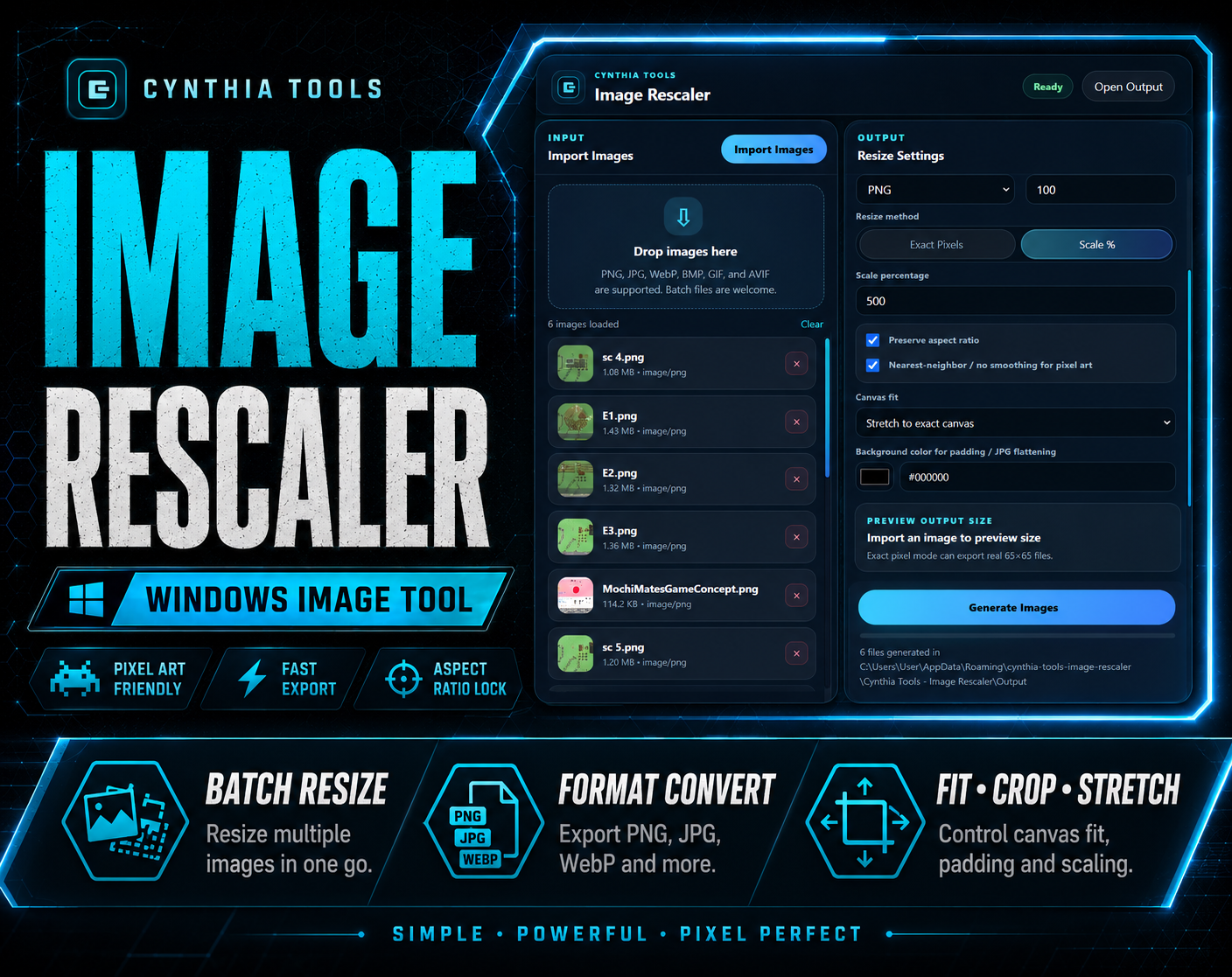
- CT Image Rescaler — batch resize and convert images for Windows
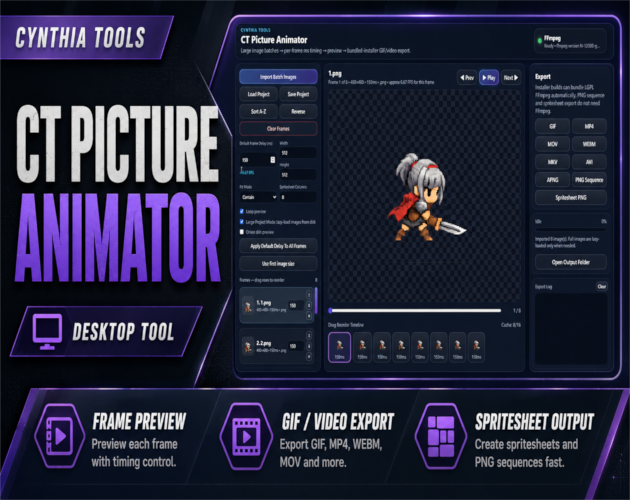
- CT Picture Animator — create GIFs, videos, PNG sequences, and spritesheets from image frames
- Cynthia Tools PNG Compressor — reduce PNG file size for game and web assets
CT_ColorPicker on itch.io: https://cynthiatool.itch.io/ct-colorpicker-fast-desktop-color-tool-for-game-devs
Join the CT Update List for RPG Maker MZ plugin releases, bug fixes, tips, and bundle discounts:
https://cynthiatools-8yhtgy.subscribepage.io/
Built with AI assistance. Shaped, tested, and supported by a real maker.
 Tools
Tools