news · 2026-08-30
Cynthia Tools Is Now Live — RPG Maker MZ Plugins, Tools & Resources
Cynthia Tools is now live with RPG Maker MZ plugins, free developer tools, tutorials, updates, and resources for game developers.
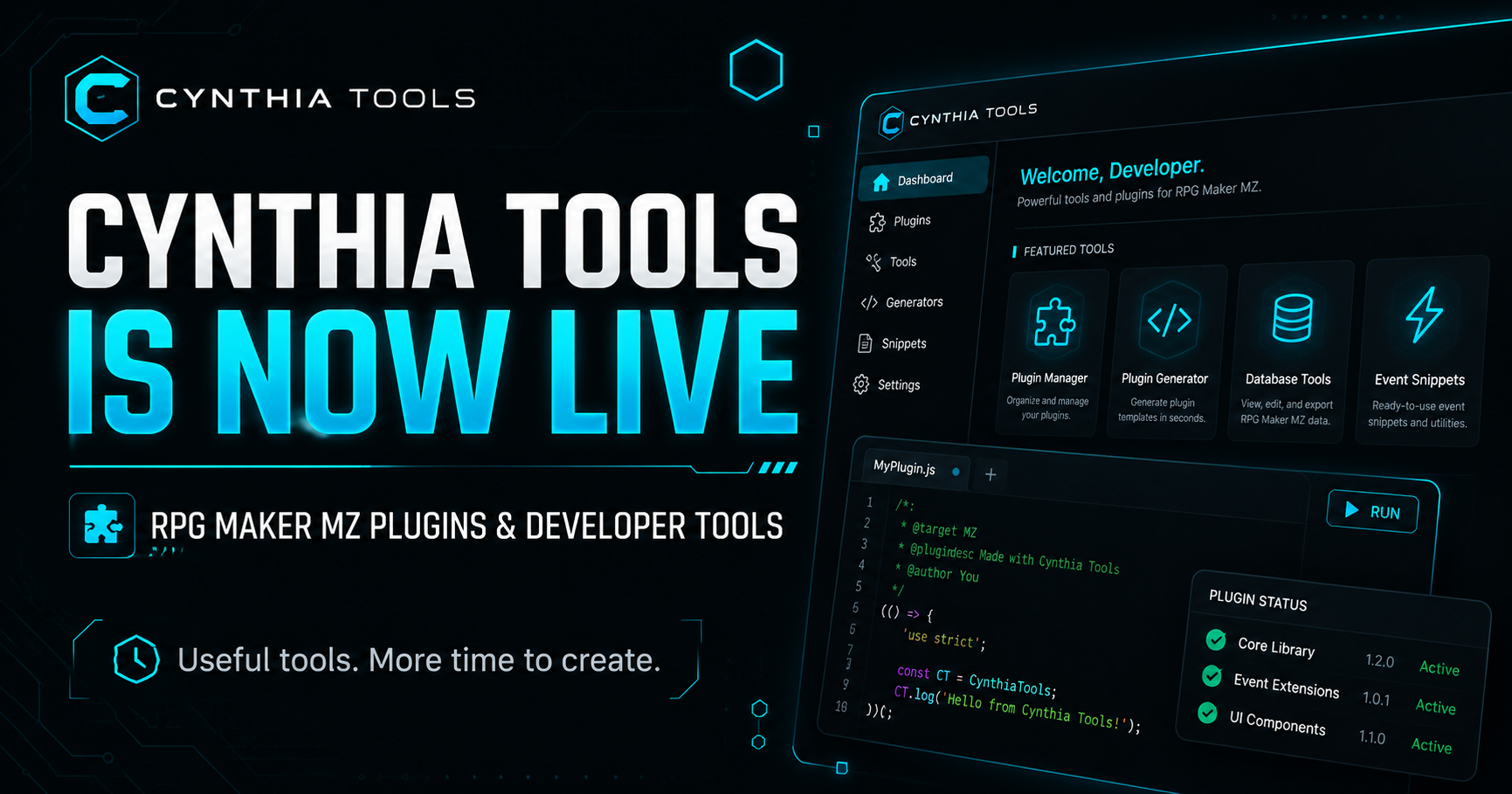
Cynthia Tools is now live at cynthiatools.com, giving RPG Maker MZ developers one place to discover plugins, free developer tools, tutorials, updates, and resources. The site is built to help developers solve common RPG Maker MZ development problems, add useful gameplay systems, and reduce repetitive work.
Until now, most Cynthia Tools releases have lived primarily on itch.io. With our own website, every plugin, tool, guide, and update can now have a permanent home that is easier to browse and discover.
What Is Cynthia Tools?
Cynthia Tools creates practical RPG Maker MZ plugins and developer tools for indie game developers.
Our goal is simple:
Make useful tools that help developers spend less time fighting the engine and more time building their game.
Some developers need more advanced gameplay systems. Others want quality-of-life improvements or a faster way to handle repetitive development tasks. Those are the kinds of problems Cynthia Tools is built to solve.
RPG Maker MZ Plugins
Our growing RPG Maker MZ plugin library covers different parts of game development, including gameplay mechanics, progression systems, battle utilities, event tools, interface improvements, and other developer-focused features.
Rather than trying to turn RPG Maker into an entirely different engine, we prefer creating plugins that extend what RPG Maker MZ already does well and give developers more options without making their projects unnecessarily complicated.
You can browse the latest releases in the Plugins section of Cynthia Tools.
Free Developer Tools
Not everything we create is paid.
Cynthia Tools also offers free utilities designed to make game development easier. These tools can help with tasks such as managing project resources, checking data, optimizing files, and reducing repetitive work during development.
As Cynthia Tools grows, we plan to continue releasing both commercial plugins and free developer tools.
Why Build Our Own Website?
itch.io remains an important part of Cynthia Tools and will continue handling many of our plugin downloads and purchases.
Our own website gives us something different: a permanent place for detailed product information, tutorials, development updates, compatibility notes, examples, and future documentation.
It also gives developers searching through Google, Bing, AI assistants, and other discovery platforms a direct way to find Cynthia Tools when they are looking for RPG Maker MZ plugins, developer tools, or solutions to specific game-development problems.
Instead of being only a storefront, cynthiatools.com can grow into a useful library of RPG Maker MZ development information.
What Will We Publish Here?
The Cynthia Tools site will not only be used for announcements. We plan to publish practical content such as:
RPG Maker MZ tutorials
Plugin guides and examples
Development tips
Plugin compatibility information
New plugin and tool releases
Updates to existing Cynthia Tools products
Free resources for RPG Maker developers
Behind-the-scenes development ideas and experiments
Some posts will be short. Others will go deeper into specific RPG Maker systems and development problems.
The rule is simple: if we publish something here, we want it to be useful.
Cynthia Tools Is Just Getting Started
The website may be new, but Cynthia Tools already has a growing collection of RPG Maker MZ plugins and developer tools available, with more planned for the future.
If you are building a game with RPG Maker MZ, explore the site and see whether one of our plugins, free tools, or guides can save you development time or help you build a system you have been looking for.
Welcome to Cynthia Tools.
Useful tools. More time to create.
Explore the tools
 Engine fixes
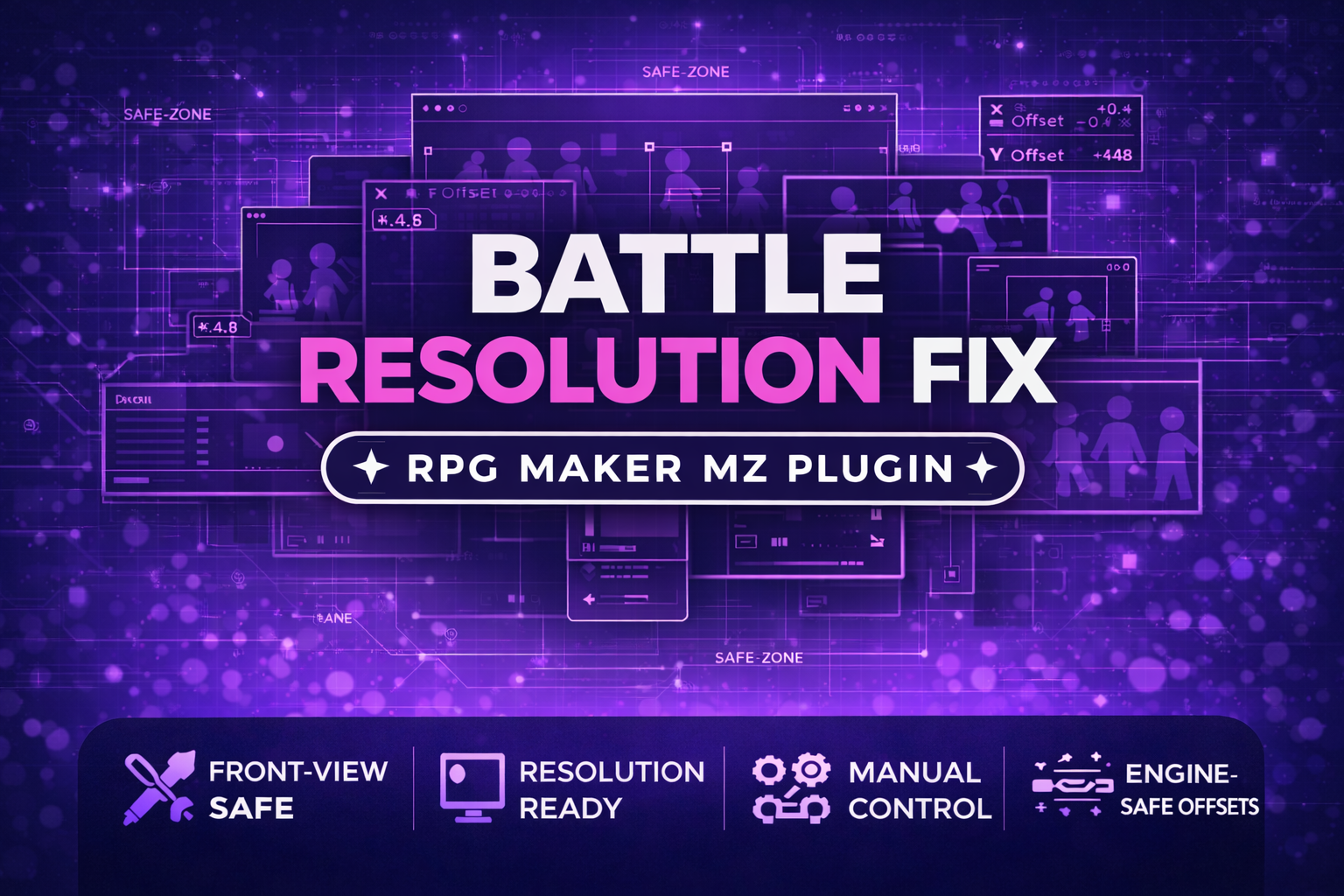
RPG Maker MZ. The supplied product information documents resolution-specific positioning for 1920×1080, 1280×720, and 8…
Free RPG Maker MZ Plugin: CT Battle Resolution Fix – Custom Resolution Battler Positioning
Fix side-view battler positions after changing RPG Maker MZ resolution with separate X/Y offsets for 1920×1080, 1280×720, and 816×624 layouts.
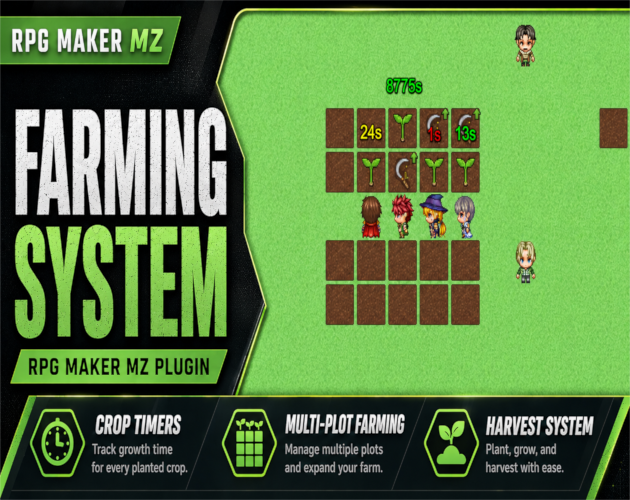
RPG Maker MZ. CT Farming System uses normal RPG Maker MZ event pages and self switches for its farming-event workflow.…
RPG Maker MZ Plugin: CT Farming System – Planting, Watering & Harvesting
Add farming to RPG Maker MZ with planting, seed requirements, crop timers, optional watering, real-time or active-play growth, live crop status, multi-plot farms, and harvesting.
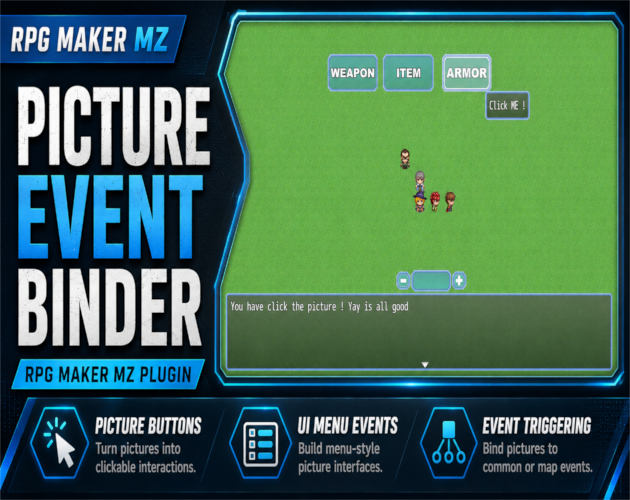
RPG Maker MZ. Normal setup uses Show Picture plus Plugin Commands and does not require JavaScript. The PEB Editor is op…
RPG Maker MZ Plugin: CT Picture Event Binder – Clickable Picture Buttons & Event Triggers
Turn RPG Maker MZ Show Picture images into clickable UI buttons for Common Events, Map Events, or Troop Event Pages with tooltips, effects, states, sounds, and visual placement.