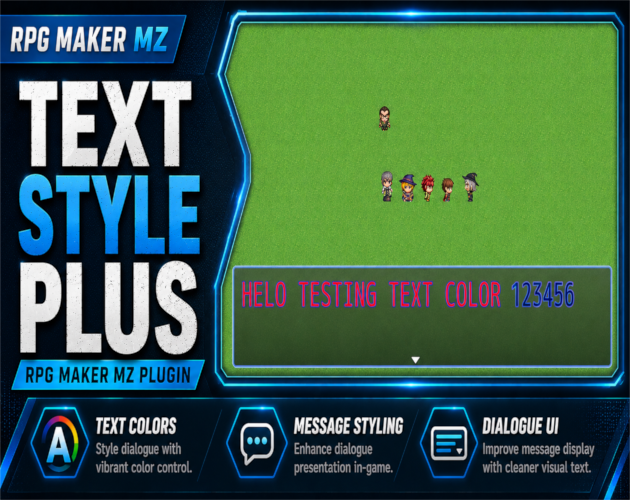
CT Text Style Plus – Text Color, Font Size & Outline Control for RPG Maker MZ
CT Text Style Plus is an RPG Maker MZ text styling plugin for changing the default appearance of window and message text without editing engine code.
Set a default text color, control font size, adjust outline color and thickness, choose where the style applies, and optionally make outline overrides affect numbers only.
Default Text Color
Choose a default text color for RPG Maker MZ windows and/or messages.
The supplied product information includes common color choices such as white, black, red, orange, yellow, green, cyan, blue, purple, pink, gold, gray, and dark gray.
Font Size Control
Use either a fixed font size or an offset from RPG Maker MZ's normal font size.
You can also configure minimum and maximum font-size clamps so text does not become too small or too large.
Text Outline Control
Override the default text outline with your own color and thickness.
This is useful for improving contrast against bright backgrounds, custom windowskins, or busy UI artwork.
Apply Scope
Choose where the plugin defaults apply:
- All windows
- Messages only
- Non-message windows only
Numbers-Only Outline
Outline overrides can optionally apply only to numbers.
This is useful for damage values, gold, counters, and other number-heavy UI text.
RPG Maker Escape Codes Still Work
CT Text Style Plus is designed so normal RPG Maker MZ message escape codes can still override the defaults.
For example:
- `\C[n]` can still change text color
- `\{` and `\}` can still change font size
This gives you a project-wide default style without removing RPG Maker's built-in formatting controls.
Beginner-Friendly Setup
No scripting is required for normal use.
Install the plugin, enable it in Plugin Manager, and configure text color, font sizing, outline settings, and apply scope through plugin parameters.
Compatibility with CT Number UI Plus
When using CT Number UI Plus, the supplied product information says to place CT Text Style Plus below CT Number UI Plus in Plugin Manager.
Basic Setup
- Install CT Text Style Plus and enable it in RPG Maker MZ.
- Choose the default text color.
- Set a fixed font size or font-size offset.
- Configure minimum and maximum font-size clamps if needed.
- Set outline color and thickness.
- Choose All Windows, Messages Only, or Non-Message Windows.
- Enable numbers-only outline behavior if desired.
- If CT Number UI Plus is installed, place CT Text Style Plus below it.
- Test messages, menus, escape codes, and numeric UI text.
Quick Answer
If you need an RPG Maker MZ text color plugin, font size plugin, or text outline plugin, CT Text Style Plus provides global styling controls while preserving RPG Maker MZ escape-code overrides.
Related Cynthia Tools
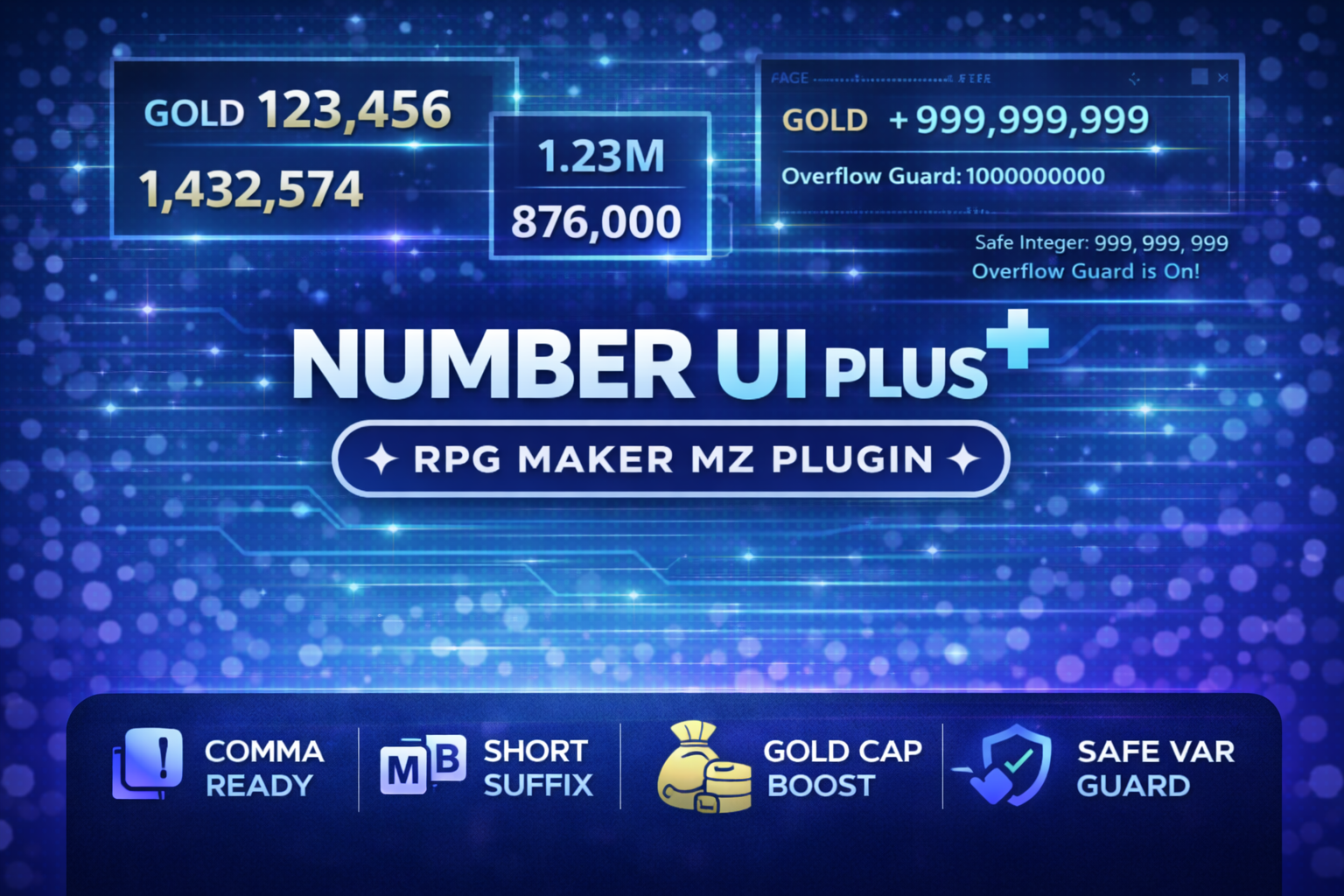
- CT Number UI Plus — number formatting and numeric UI utilities
- CT EventTooltip — mouse-hover tooltips for map events
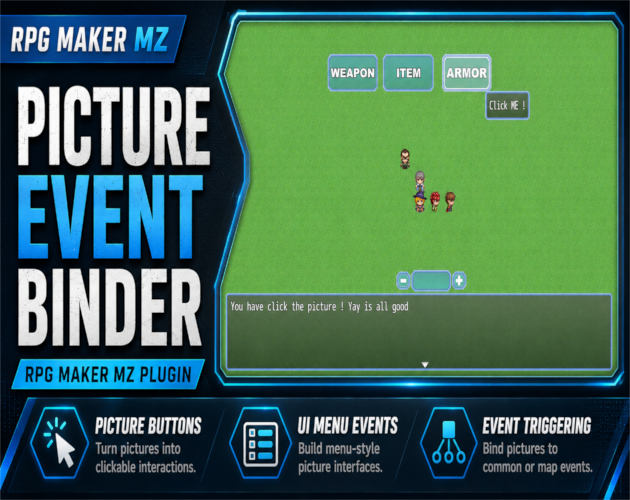
- CT Picture Event Binder — clickable picture-based UI
- CT ToastPlus — modern popup notifications
CT Text Style Plus on Cynthia Tools: https://cynthiatools.com/plugins/rpg-maker-mz-plugin-ct-text-style-plus
CT Text Style Plus on itch.io: https://cynthiatool.itch.io/rpg-maker-mz-plugin-ct-text-style-plus
Built with AI assistance. Shaped, tested, and supported by a real maker.
 Utility