CT Number UI Plus is an RPG Maker MZ number-formatting and large-value utility plugin for developers who want cleaner numbers, higher gold limits, and safer variable handling.
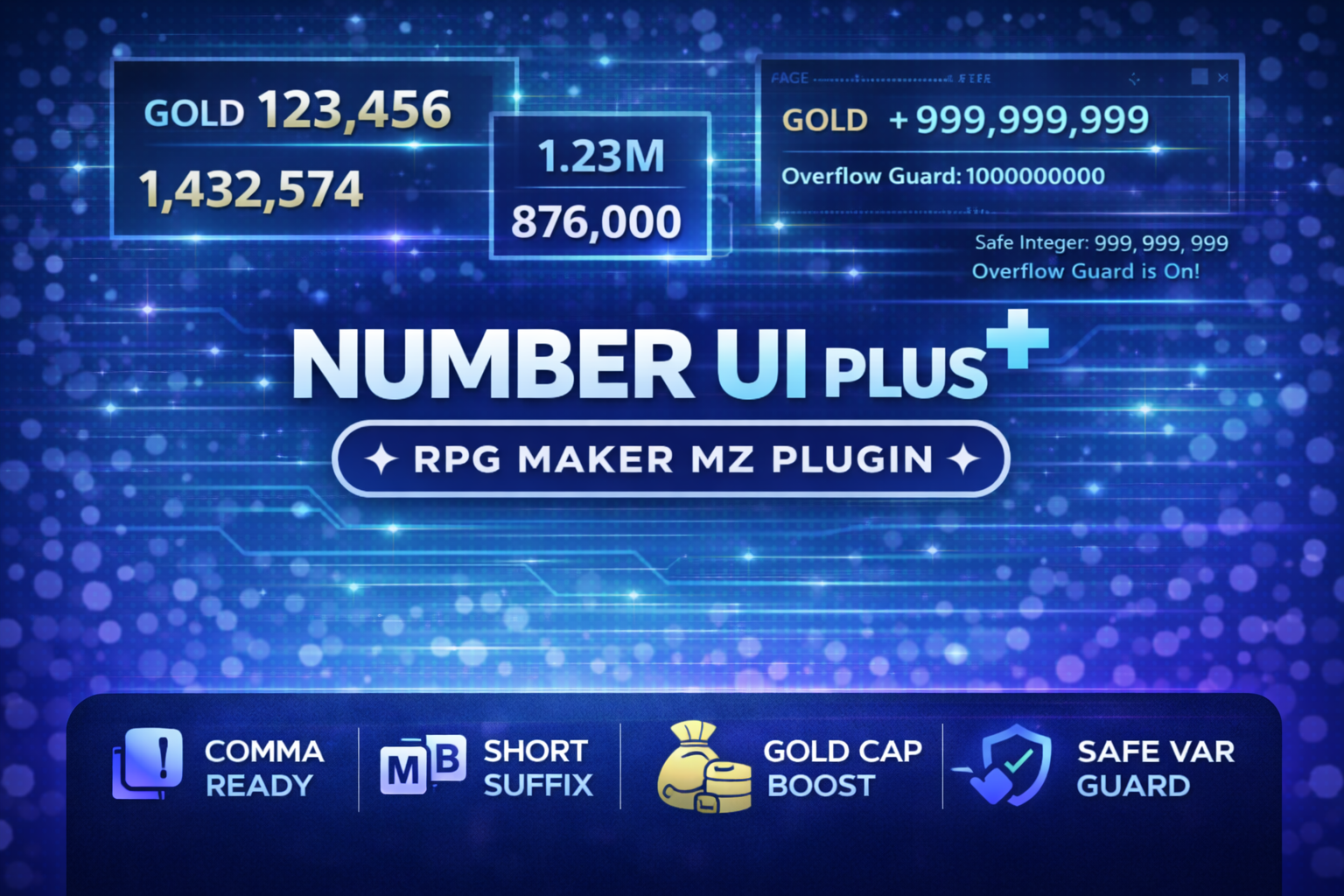
It can automatically add commas, shorten large values with K/M/B/T-style suffixes, format numbers after message escape codes, raise the default gold cap, and protect variables from exceeding JavaScript's safe integer range.
Clean Number Formatting
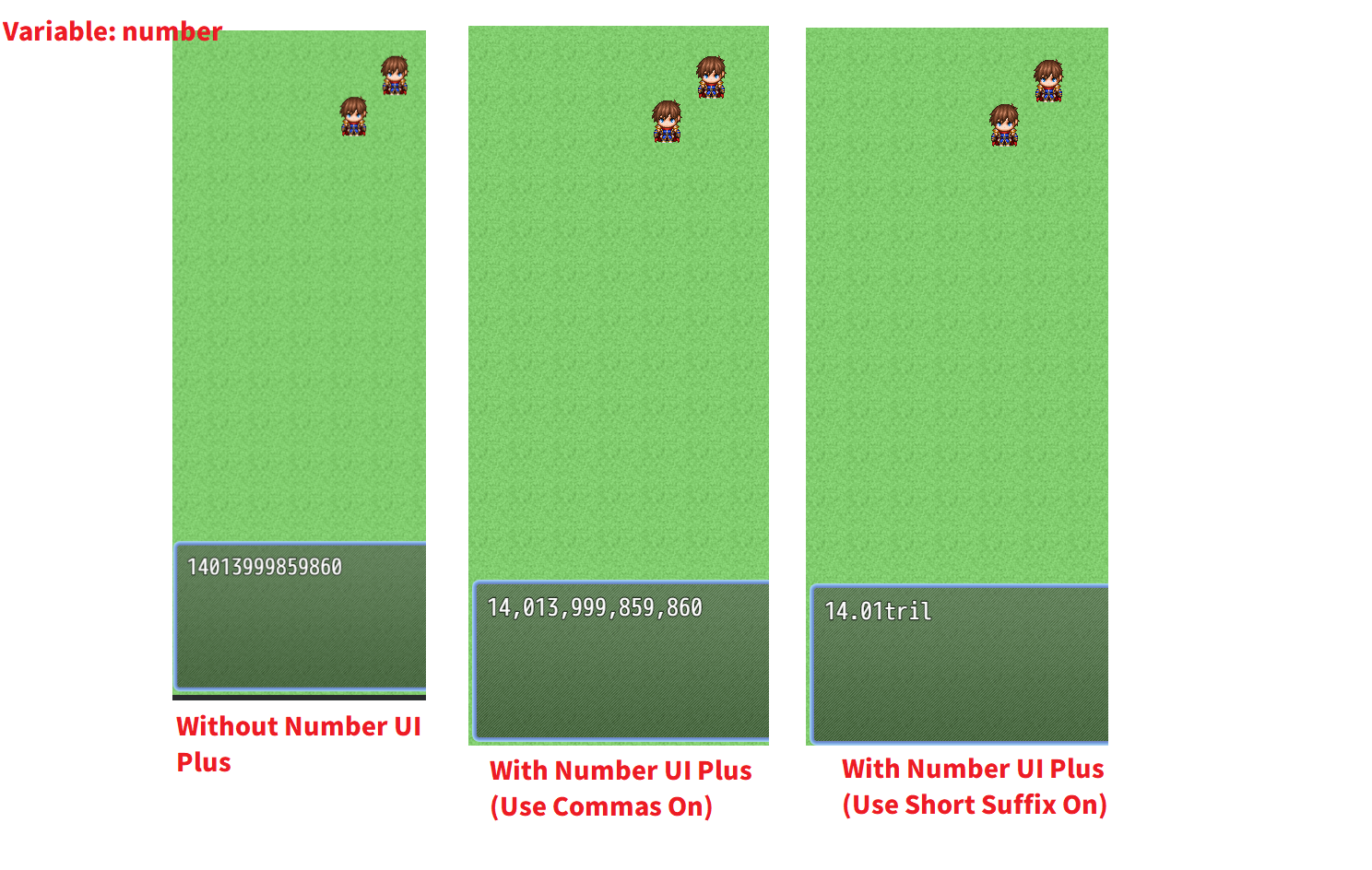
CT Number UI Plus can format large values automatically.
Examples:
- `1000000` → `1,000,000`
- `1234567` → `1.23M`
- `12345` → `12.3K`
You can use full comma-separated values or shorter suffix-based display depending on the style of your game.
Short Number Styles
The plugin supports configurable short-number formatting.
Options include:
- K
- M
- B
- T
- Higher suffixes such as QA, QI, SX, SP, OC, NO, and DC
You can also choose:
- Letter-style suffixes
- Word-style suffixes
- Space before suffix
- Decimal places
- Rounding mode
- The minimum value where shortening begins
This is useful for idle games, incremental RPGs, gacha systems, farming economies, tycoon systems, and any project with very large numbers.
Format Numbers Inside Text
CT Number UI Plus can optionally format numbers that appear inside longer strings.
Example:
`Gold: 1234567`
can become:
`Gold: 1,234,567`
You can configure the minimum digit count before a number is formatted and choose whether values with leading zeros should be ignored.
Format Message Escape-Code Values
The plugin can also format values after RPG Maker MZ escape codes are resolved.
That includes number values produced through message-system data such as variable references.
This lets you keep writing normal event commands while the plugin handles the visual formatting automatically.
Higher Gold Cap
RPG Maker MZ normally limits party gold.
CT Number UI Plus can replace the default gold cap with a custom value up to JavaScript's safe integer limit:
`9,007,199,254,740,991`
This is useful for games with large economies where the default gold cap is too small.
An optional Clamp Existing Gold On Boot setting can reduce an existing save's gold to the configured cap when the game starts.
Safe Variable Guard
Very large numbers can become unsafe in JavaScript.
CT Number UI Plus can monitor variable assignments and optionally gold operations to reduce the risk of values exceeding the safe integer range.
Available guard modes include:
- Clamp — cap the value at the safe limit
- Warn — log a warning but still allow the value
- Block — reject the unsafe change
This gives developers more control over how oversized values are handled.
Optional gainGold Protection
The variable guard can optionally also apply to `gainGold`.
This adds another layer of protection for projects with rapidly growing currency values.
Script API
CT Number UI Plus also provides a simple formatting API for plugin developers and script calls.
Examples:
`CT_NumberUIPlus.format(1234567)`
`CT_NumberUIPlus.formatText("1000")`
A backwards-compatibility alias named `CT_NumberGoldGuard` points to the same API.
Main Formatting Options
The supplied product documentation includes controls for:
- Enable / disable formatting
- Commas on / off
- Short suffixes on / off
- Shortening threshold
- Letter or word suffix styles
- Space before suffix
- Decimal places from 0–6
- Round / floor / ceil modes
- Format numbers inside longer text
- Format numbers after escape codes
- Ignore values with leading zeros
- Gold cap control
- Clamp existing gold on boot
- Variable guard mode
- Optional gainGold protection
Best For
CT Number UI Plus is useful for:
- Idle and incremental RPGs
- Gacha-style economies
- Farming and simulation games
- Tycoon systems
- RPGs with extremely large damage, currency, or variable values
- Developers who want cleaner numeric UI
- Projects that need a higher gold cap
- Developers who want protection against unsafe integer values
Basic Setup
- Install CT Number UI Plus in your RPG Maker MZ project.
- Enable it in Plugin Manager.
- Turn number formatting on.
- Choose comma formatting, short-number formatting, or both.
- Configure the shortening threshold, suffix style, decimal places, and rounding behavior.
- Enable gold-cap boosting if your project needs more than the default limit.
- Enable Safe Variable Guard if you want oversized values clamped, warned, or blocked.
- Test message text, variables, gold values, and any UI that displays large numbers.
Quick Answer
If you are searching for an RPG Maker MZ number formatting plugin, K/M/B number abbreviation plugin, higher gold cap plugin, or variable overflow guard, CT Number UI Plus combines those tools into one configurable utility.
Related Cynthia Tools
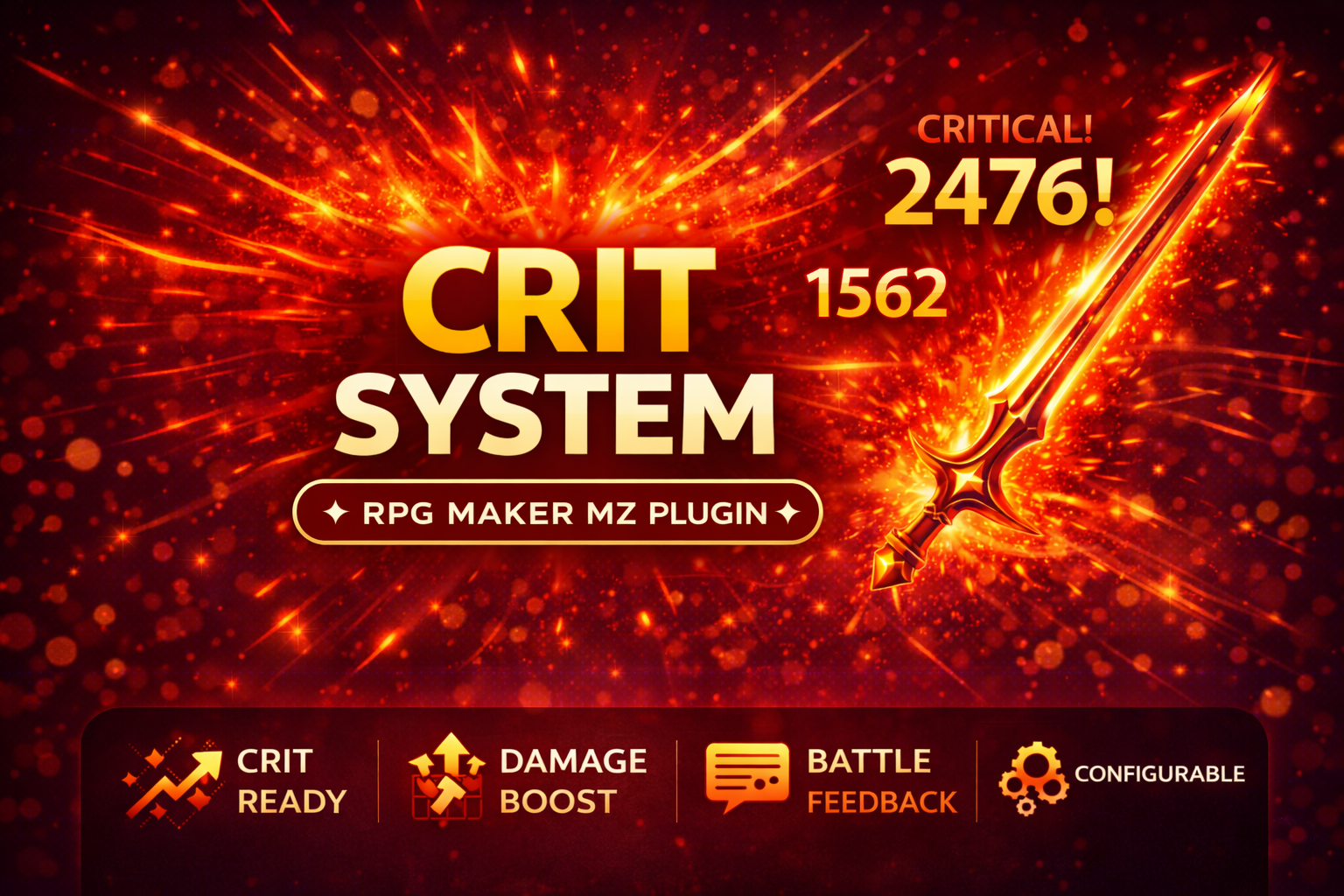
- CT Crit System — critical-hit chance, damage, resistance, and large-number battle feedback
- CT EventTooltip — mouse-hover map-event tooltips with optional number formatting
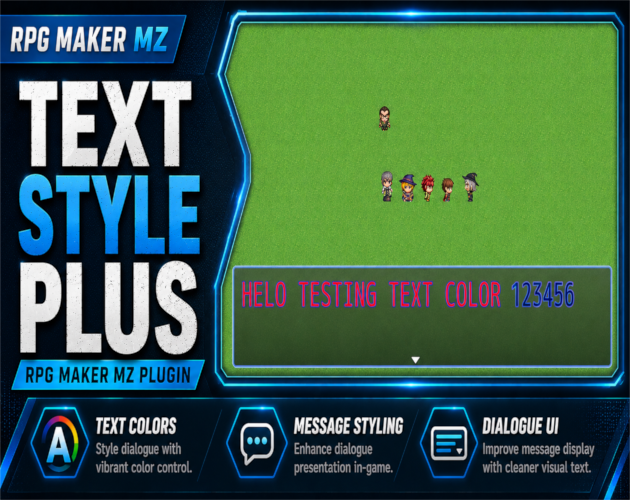
- CT Text Style Plus — text color, font size, and outline control
- CT ToastPlus — modern popup notifications
CT Number UI Plus on itch.io: https://cynthiatool.itch.io/cynthia-tools-numberuiplusrpg-maker-mz
Join the CT Update List for RPG Maker MZ plugin releases, bug fixes, tips, and bundle discounts:
https://cynthiatools-8yhtgy.subscribepage.io/
Terms of Use:
https://itch.io/blog/1488103/terms-of-use-license
Built with AI assistance. Shaped, tested, and supported by a real maker.
 Battle