news · 2026-09-12
Free RPG Maker MZ Plugin Released: CT Diagonal Movement – 8-Direction Movement
CT Diagonal Movement is a free RPG Maker MZ plugin that adds 8-direction and diagonal movement with keyboard, gamepad, mouse and touch support, plus optional speed normalization and corner-cut prevention.
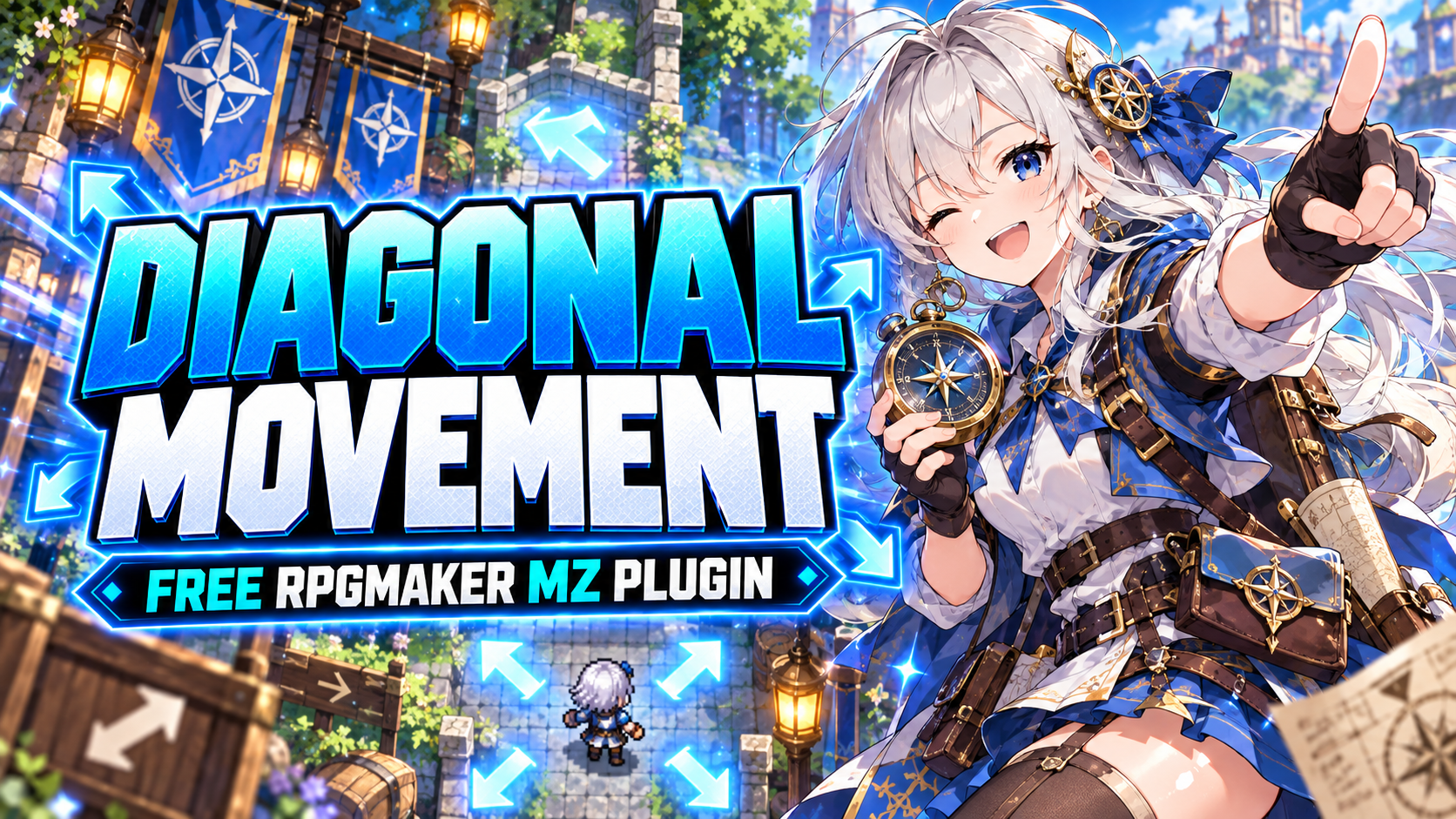
CT Diagonal Movement is now available as a free RPG Maker MZ plugin for developers who want smoother 8-direction player movement and diagonal map navigation.
RPG Maker MZ normally uses four-direction movement: up, down, left and right. CT Diagonal Movement expands this to eight directions, allowing the player to move diagonally for more natural exploration.
Hold two directional inputs together to move diagonally:
Up + Left → Move up-left
Up + Right → Move up-right
Down + Left → Move down-left
Down + Right → Move down-right
No special diagonal sprites are required. Existing RPG Maker MZ 4-direction character sprites continue to work normally.
Features
CT Diagonal Movement includes:
True 8-direction player movement
Keyboard support
Gamepad support
Mouse and touch diagonal pathfinding
Optional diagonal speed normalization
Optional corner-cut prevention
Uses RPG Maker MZ's native movement and collision systems
No special diagonal character sprites required
No plugin dependencies
Simple plug-and-play setup
Completely free
Smooth Diagonal Movement
Diagonal movement naturally covers more distance than horizontal or vertical movement.
The optional Diagonal Speed Normalization setting keeps diagonal travel speed balanced with normal movement. Developers who prefer the standard behavior can disable this option.
Optional Corner-Cut Prevention
CT Diagonal Movement also includes stricter diagonal collision checking as an optional setting.
When enabled, players cannot squeeze diagonally through blocked corners, walls, or obstacles. This can make map movement and collision feel more precise.
Mouse & Touch Support
Diagonal movement is not limited to keyboard and gamepad controls.
When players click or tap a destination, RPG Maker MZ pathfinding can also use diagonal steps whenever the route allows it, helping characters reach destinations more naturally.
Works With Normal RPG Maker MZ Character Sprites
You do not need to create separate diagonal character graphics.
CT Diagonal Movement works with standard RPG Maker MZ 4-direction character sprites, making it easy to add diagonal movement without rebuilding your existing character artwork.
Plug In and Start Moving
Setup is simple:
Install CT_DiagonalMovement.
Enable it in RPG Maker MZ's Plugin Manager.
Configure optional diagonal speed normalization or corner-cut prevention settings if desired.
Playtest your project.
No additional graphics, scripts, external libraries, or plugin dependencies are required.
CT Diagonal Movement is useful for RPGs, JRPGs, adventure games, exploration games, dungeon maps, town exploration, and other RPG Maker MZ projects where smoother directional movement improves map navigation.
Download CT Diagonal Movement for FREE
CT Diagonal Movement is completely free to download.
👉 Download on itch.io:
https://cynthiatool.itch.io/free-rpg-maker-mz-plugin-ct-diagonal-movement
More RPG Maker MZ plugins and developer tools are available from Cynthia Tools.
Move in more directions. Explore with fewer restrictions. 😎
Explore the tools
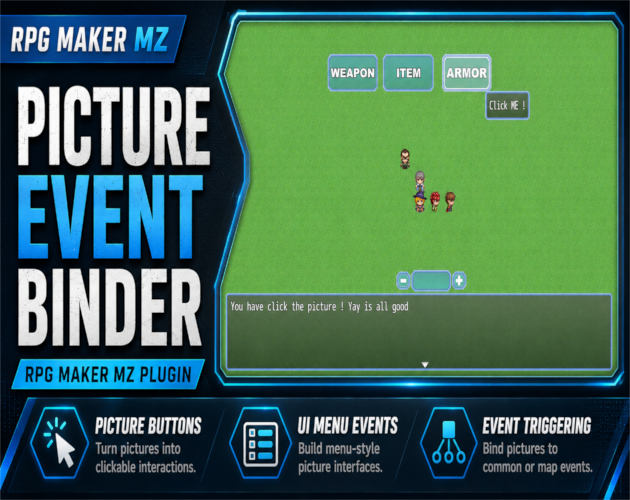
RPG Maker MZ. Normal setup uses Show Picture plus Plugin Commands and does not require JavaScript. The PEB Editor is op…
RPG Maker MZ Plugin: CT Picture Event Binder – Clickable Picture Buttons & Event Triggers
Turn RPG Maker MZ Show Picture images into clickable UI buttons for Common Events, Map Events, or Troop Event Pages with tooltips, effects, states, sounds, and visual placement.
 Utility
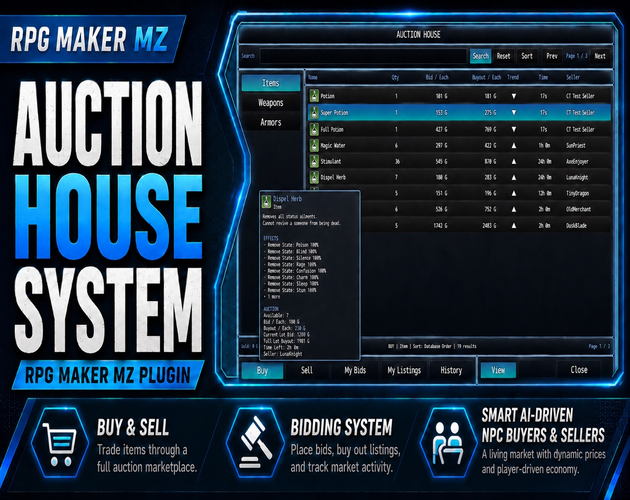
RPG Maker MZ. CT Auction House System supports RPG Maker MZ Items, Weapons, and Armors. The supplied product informatio…
CT Auction House System – Offline AI Auction House for RPG Maker MZ
Add an offline RPG Maker MZ auction house with NPC buyers and sellers, bidding, buyouts, player listings, dynamic prices, fees, timers, notifications, and elapsed-time market simulation.
 Utility
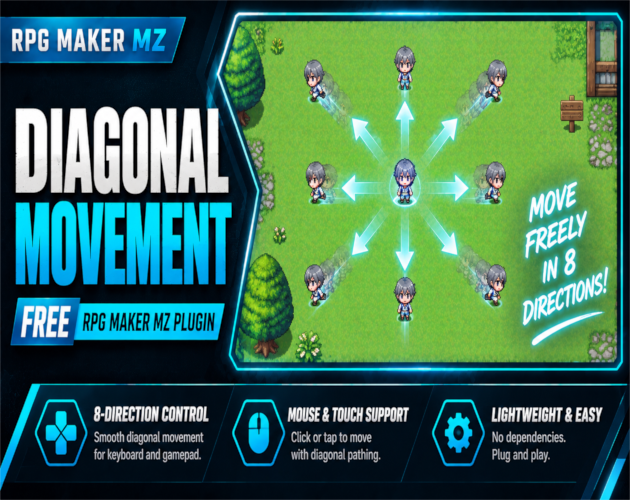
RPG Maker MZ. The supplied product information states that CT Diagonal Movement uses RPG Maker MZ's native movement and…
Free RPG Maker MZ Plugin: CT Diagonal Movement – 8-Direction Movement
Add free 8-direction movement to RPG Maker MZ with diagonal keyboard, gamepad, mouse, and touch controls, plus optional speed normalization and corner-cut prevention.